Local Operation
3-25
WARNING
1. If there is not only one MASTER, or AC sources' RANGE is not the
same, it may cause damage of AC source when run parallel mode.
2. In parallel mode, the output power has not to exceed 90% of total
power, in order to avoid damage caused by unbalance outputs of
AC sources.
3. The procedure to turn off the AC sources is very important. Power
off the MASTER and SLAVE at the same time. Or the unit may be
damaged.
3.8 Save and Recall
The AC source offers two modes for the user to save and recall output setting or system data.
They are described in 3.8.1 and 3.8.2
3.8.1 Save and Recall Output Setting
The AC source offers nine channels for the user to save a set of frequently used Vac, F, Vdc,
and to recall them for later use. For example, in the MAIN PAGE (see 3.3), keyin the output
settings as below and save the settings to memory channel 5.
Press
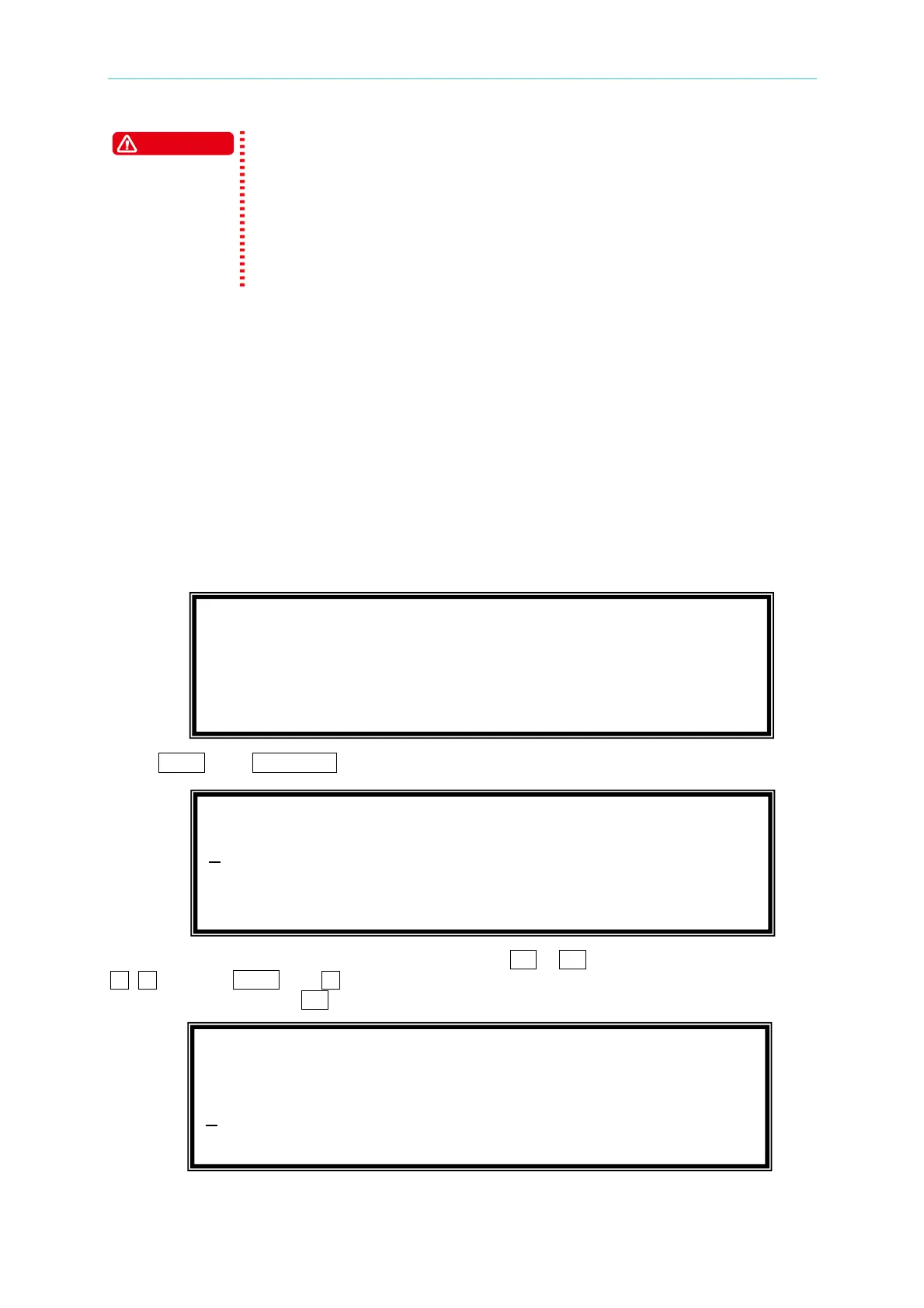
SHIFT, then PAGE/EXIT, to run the SAVE function. The display will show as below:
The cursor stays in channel 1. The user can press
1 - 9 to select channel or use
, , or press SHIFT then to change page to the destination. The cursor stays in
channel 5 after pressing 5 .
CHOICE 1 - 9, PRESS (ENTER) TO SAVE
1
. Vac = 0.0 F = 60.00 Vdc = 0.0
2. Vac = 120.0 F = 60.00 Vdc = 0.0
3. Vac = 0.0 F = 60.00 Vdc = 0.0 T
CHOICE 1 - 9 , PRESS (ENTER) TO SAVE
4. Vac = 0.0 F = 60.00 Vdc = 0.0
5
. Vac = 0.0 F = 60.00 Vdc = 0.0 S
6. Vac = 0.0 F = 60.00 Vdc = 0.0 T
Vac = 230.0 F = 50.00 Vdc = 10.0_ H
V
= 0.00 F = 0.00 I = 0.00 S
P
= 0.0 PF = 0.000 CF = 0.00 T



 To Next Page