Calibration
4-3
4.2.1 Output Voltage and Voltage Measurement
Calibration
Users can enter CALIBRATION CHOICE page after pressing password, see 4.2. Then,
press
1 , ENTER, to do the output voltage and voltage measurement calibration.
1. The AC Source should be warm up at least 7 minutes before
calibrating. Wait the component character stable then do the
calibration.
2. The calibration temp. condition should be 22 ± 5°C when delivery
the AC Source.
3. The offset variation is ±10mV@22 ± 5°C in temp. range under the
AC Source operating normally. The maximum of offset variation is
400mV@0 ~ 40°C.
In this step A of V OUT AND MEAS. ACCURACY CALI, the user should keyin the AC
source's DC output voltage measured by HP 34401A Digital Voltage Meter (DVM) in mV.
Then, monitor the reading of DVM, keyin the DC output voltage repeatedly until DC output is
less than ±10 mV.
1. The Vdc offset may be positive or negative. The positive of DVM
connect to the line of AC source output, and the negative of DVM
connect to the Neutral of AC source output. See Figure 4-1.
2.
The load must be off at all steps of V OUT AND MEAS.
ACCURACY CALI.
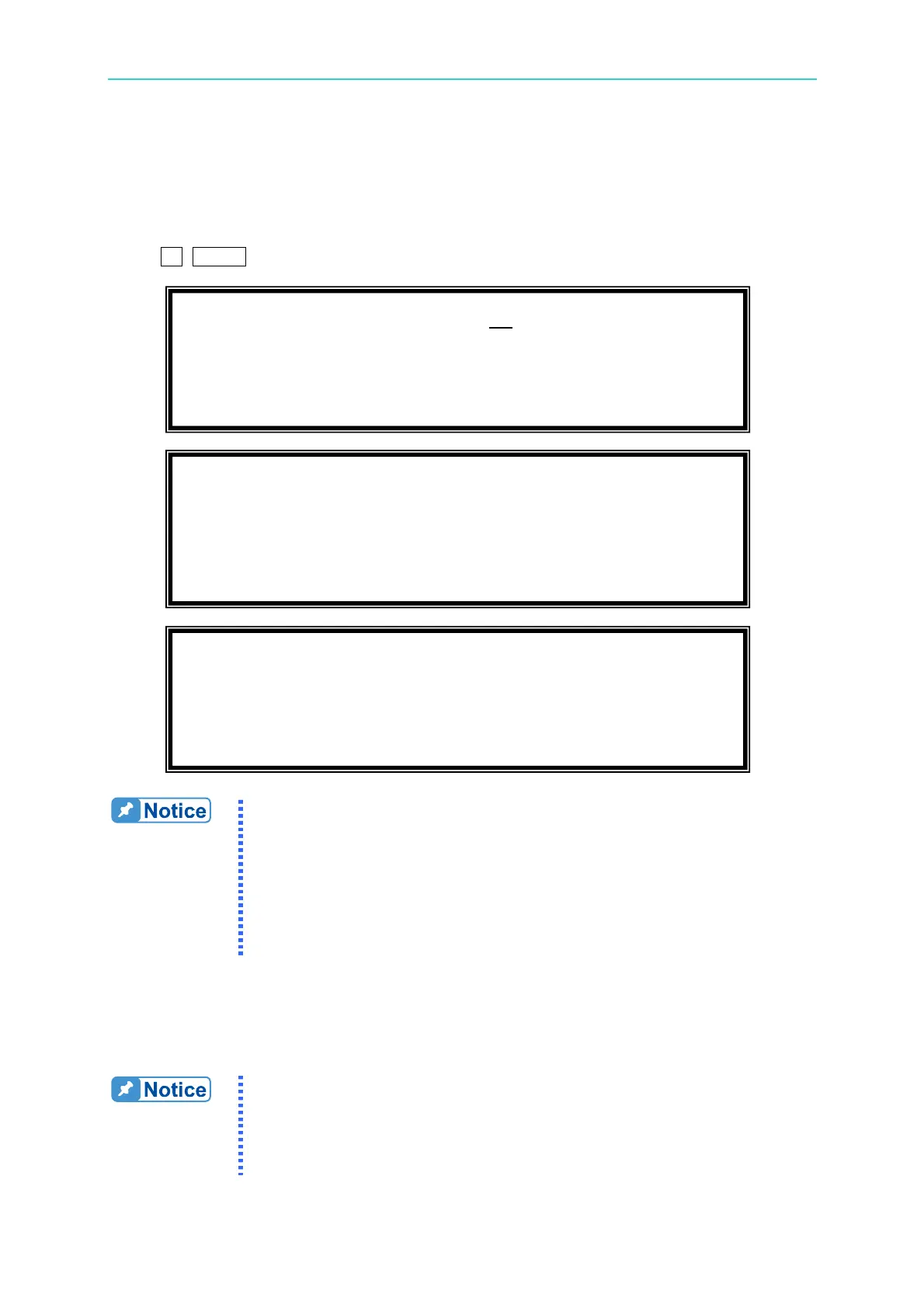
CALIBRATION CHOICE = 1
1. V OUT AND MEAS. 2. I MEAS.
3. EXT V.
1. V OUT AND MEAS. ACCURACY CALI 150V RNG
A. KEYIN THE MEASURED Vdc
Vdc offset = _ mV
T
Please Remove Load Before Calibrating
Press <ENTER> to start



 To Next Page