Programmable AC Source 61501/61502/61503/61504 User’s Manual
4-4
If the users don’t key in numeric in step A then can press
SHIFT and to enter to step B.
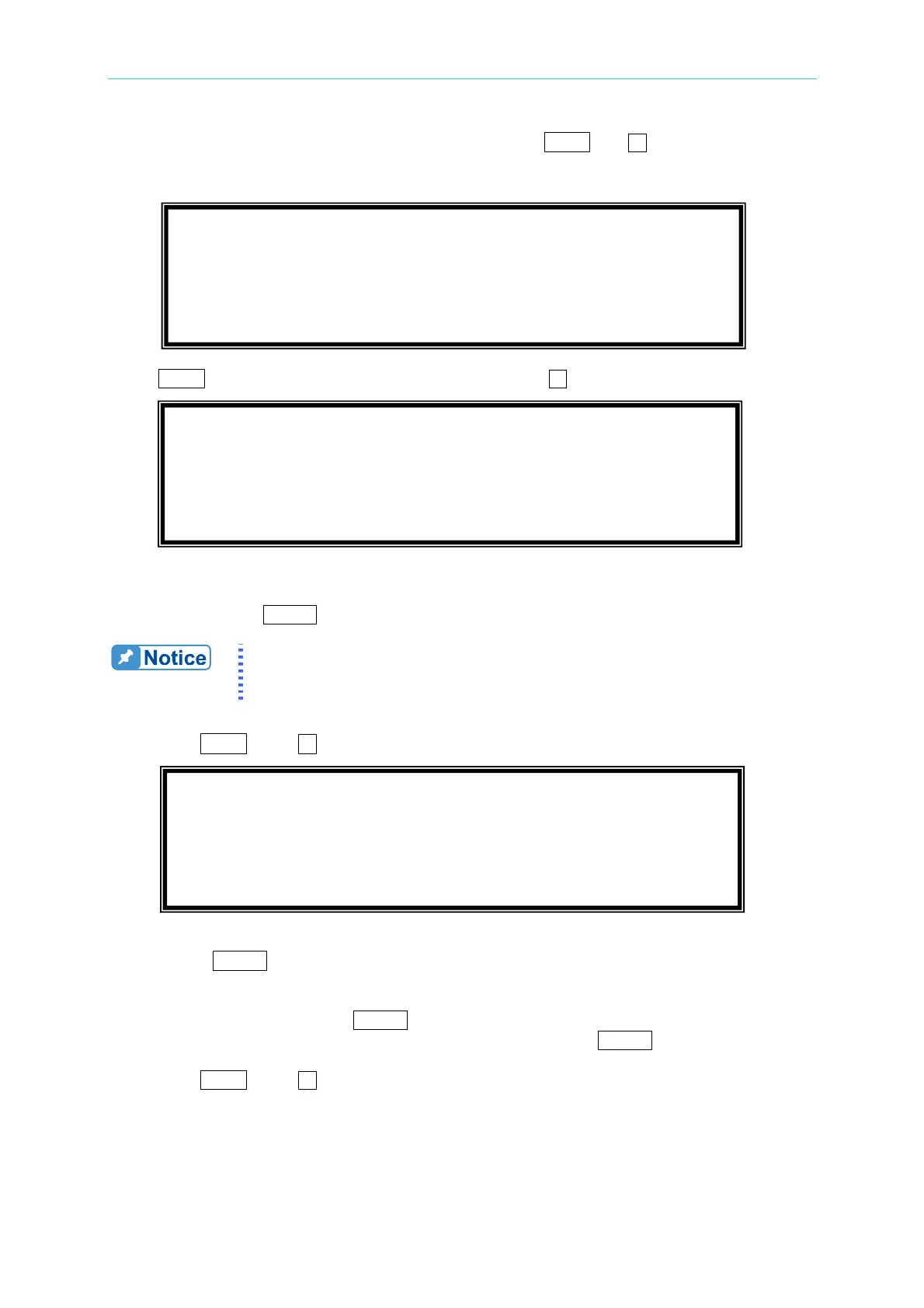
Otherwise, the users should go to the confirmation page below to ensure the numerics and
units keyed in are correct.
Press
SHIFT after entering confirmation page, then press to enter to step B.
In this step B of V OUT AND MEAS. ACCURACY CALI., the display shows the offset of Vac
and Vdc measured by AC source. They are produced by internal components. Wait two
seconds then press
ENTER, then Vac = 0.00, Vdc = 0.00.
The AC source calibration steps are allowed to do individually, but it is
better to follow the calibration procedure step by step (step A, step B ...).
Or it may cause output and measurement errors.
Then press
SHIFT
, then
to change to next step.
In above step C of V OUT AND MEAS. ACCURACY CALI., the user should not turn on the
load. Press
ENTER, then check the output voltage measured by DVM is about 15VAC.
This step is just to make sure the connection is correctly.
Then go to next step D. Press
ENTER, check the output voltage measured by DVM is about
150VAC. Keyin the exact value measured by DVM, then press ENTER.
Then press
SHIFT, then to change to next step.
1. V OUT AND MEAS. ACCURACY CALI 150V RNG
B. WAIT TWO SECONDS THEN ( ENTER )
S
Vac = 0.00 V Vdc = 0.00 V
T
1. V OUT AND MEAS. ACCURACY CALI 150V RNG
C. ( ENTER ) THEN CHECK OUTPUT IS 15VAC
D. ( ENTER ) THEN KEYIN DVM MEAS. 150VAC
S
0.00_ VAC T
1. V OUT AND MEAS. ACCURACY CALI 150V RNG
PLEASE ENTER THE AC SOURCE OUTPUT
VOLTAGE Vdc= 0 mV S
T



 To Next Page