Programmable AC Source 61501/61502/61503/61504 User’s Manual
5-12
After setting, press
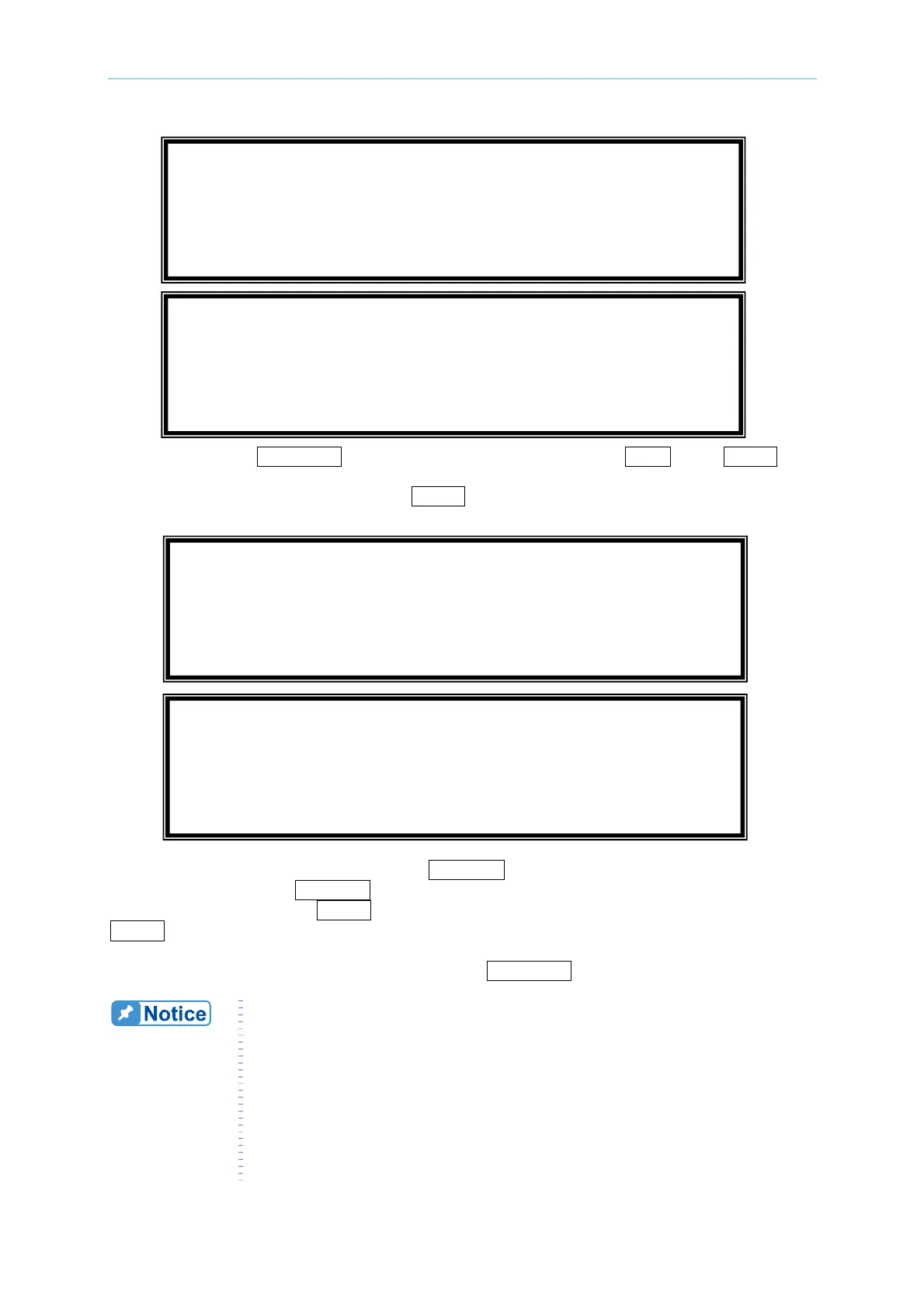
PAGE/EXIT to go back to SYN set page. Press SHIFT , then ENTER to
go to SYN execution page. The LCD shows _TRIG_ON is under action, and * STOP * is
the triggering status at present. Press
ENTER to trigger. Then LCD shows status *
RUNNING * and TRIG_OFF waiting for user to stop the SYN waveform output.
If the AC Source is in output status, press
OUT/QUIT
, the output will quit waveform to zero
voltage. Then, if press
OUT/QUIT
again, the AC Source only out the waveform set in MAIN
PAGE. Users must press
ENTER
to trigger again. Or if in quit status, users can press
ENTER
to output SYN waveform directly.
The synthesized wave will shut down when press
PAGE/EXIT to exit SYN execution page.
1. For practical use and to protect the power stage of AC Source, the
composing value or percentage of each order has to be restricted.
2 ≤ order ≤ 10, value ≤ 150V or percentage ≤ 100%.
11 ≤ order ≤ 20, value ≤ 120V
or percentage ≤ 50%.
21 ≤ order ≤ 30, value ≤ 80V or percentage ≤ 30%.
31 ≤ order ≤ 40, value ≤ 45V or percentage ≤ 15%.
2. If the synthesized waveform is over the limit of voltage, 424V for
300V RANGE or 212V for 150V RANGE, the OUTPUT OVP
protection will happen.
N V
θ
N V
θ
[ SYN ]
2 0.0 0.0 3 0.0 0.0
4 0.0 0.0 5 0.0 0.0
S
6 0.0 0.0 7 0.0 0.0 T
_TRIG_ON * STOP * [ SYN ]
V = 0.00 F = 0.00 I = 0.00 S
P
= 0.0 PF
= 0.000 CF = 0.00
T
N %
θ
N %
θ
[ SYN ]
2 0.0 0.0 3 0.0 0.0
4 0.0 0.0 5 0.0 0.0
S
6 0.0 0.0 7 0.0 0.0 T
_TRIG_OFF * RUNNING * [ SYN ]
V = 0.00 F = 0.00 I = 0.00 S
P
= 0.0 PF
= 0.000 CF = 0.00
T



 To Next Page