18
D1509712 User Guide
Cisco TelePresence SX10, SX20
Produced: June 2017 for CE9.1
All contents © 2010–2017
Cisco Systems, Inc. All rights reserved.
Whenever you share content or you
are in video conference, you will
be able to change the layout of the
video shown on the screen.
Your system cannot initiate video
conferences unless certain
infrastructure exists in your
organization. If in doubt, consult your
video support team.
You can, however, be invited to a
video conference by others. The
ability to change the screen layout
will then apply.
Any changes you make here will not
aect others than you.
Change the Layout of the Screen
Video Calls
About Layout
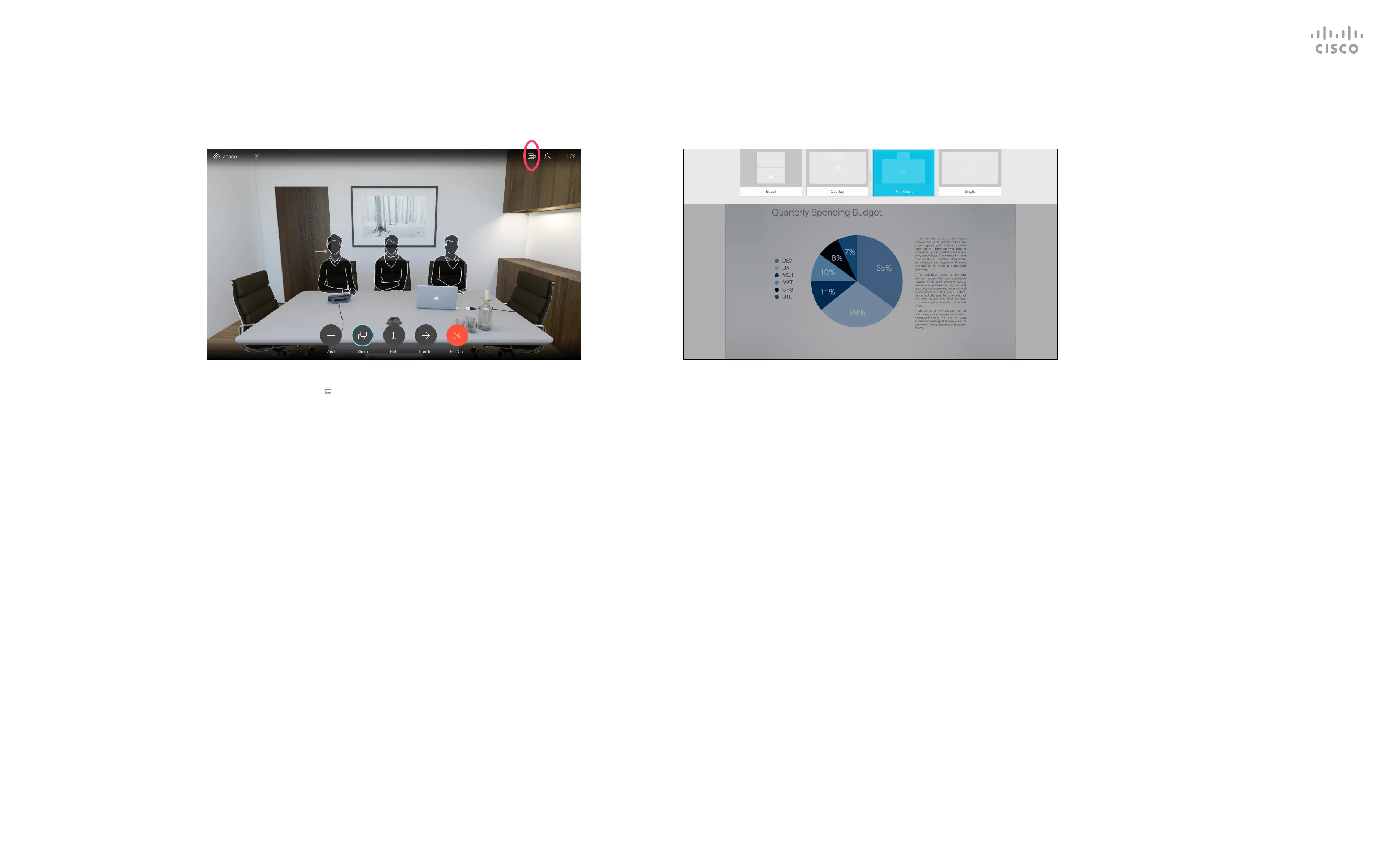
Navigate to Layout ( ) in the upper right corner and press OK
on the remote control. This icon will appear only when relevant.
Use the Cursor keys to navigate to the new layout you would like to
use and press OK.
1 2



 To Next Page
 Loading...










