28
D1509712 User Guide
Cisco TelePresence SX10, SX20
Produced: June 2017 for CE9.1
All contents © 2010–2017
Cisco Systems, Inc. All rights reserved.
Your video system may be
connected to a management
system capable of scheduling video
meetings. Any meetings scheduled
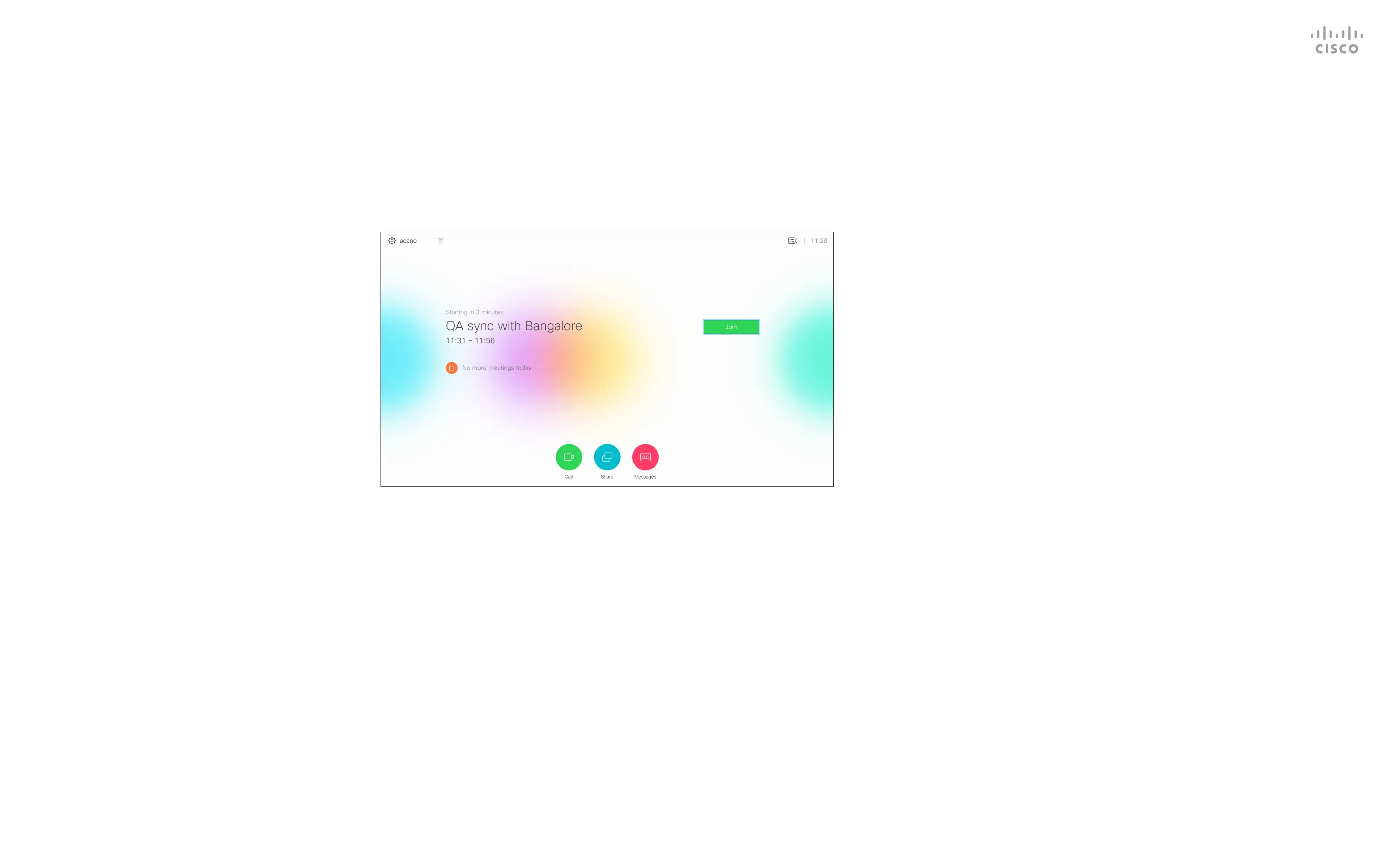
will then appear as shown at left.
Tap Join to participate in the
meeting.
Should the meeting have started
already, you will still be oered to
join.
Join a Scheduled Meeting
Scheduled Meetings
Joining a Meeting
A meeting allowing
you to join in, can be
joined by navigating to
the green Join button.
Then click OK on the
remote control.



 To Next Page
 Loading...










