14
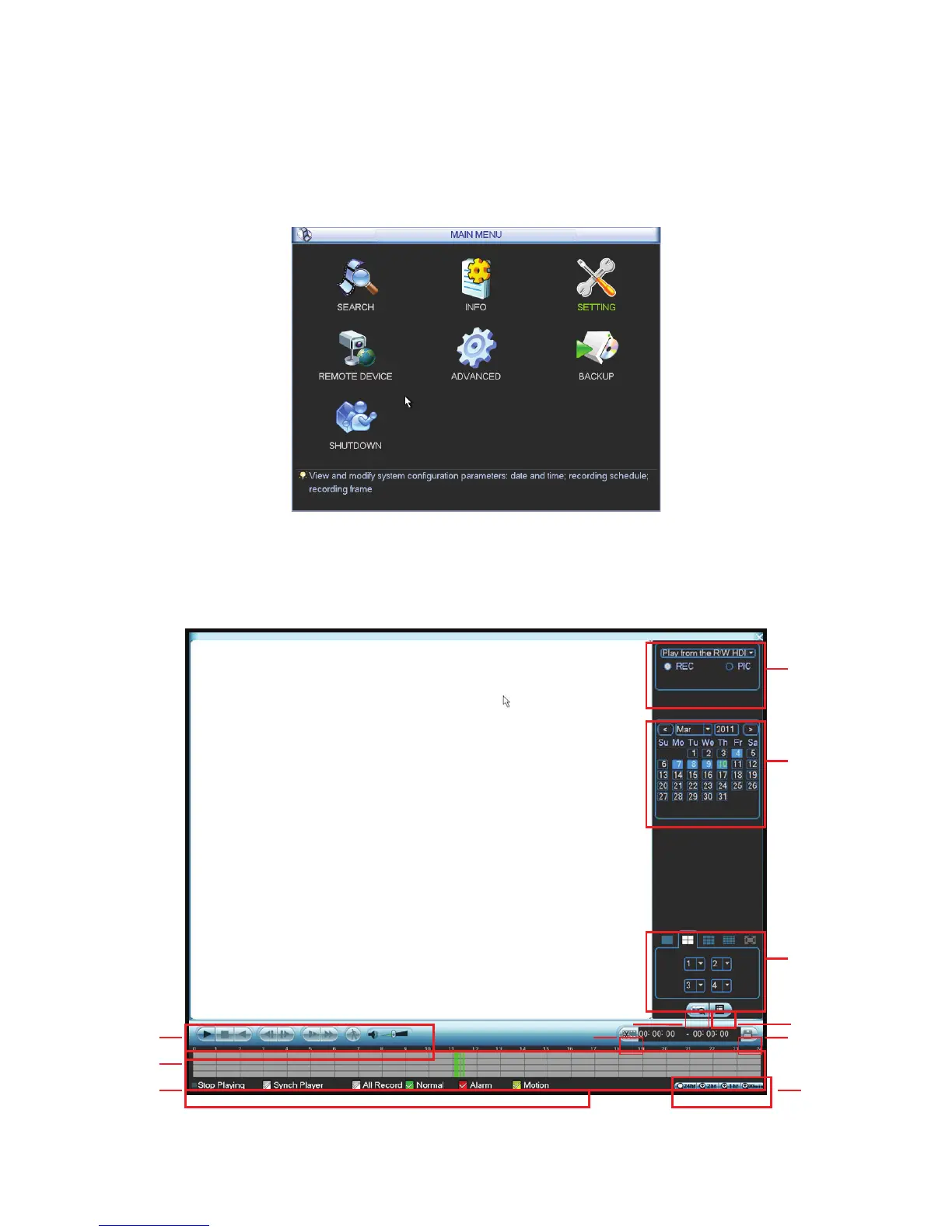
After you logged in, the system main menu is shown as below. See Figure 4-5. There are total
seven icons: search, Information, setting, remote device, backup, advanced and shutdown. Move
the cursor to highlight the icon, then double click mouse to enter the sub-menu.
Figure 4-5
Click search button in the main menu, search interface is shown as below. See Figure 4-6.
Figure 4-6
1
2
3
4
56
7
8
12
9
10
11



 To Next Page