4.1 Step Setup
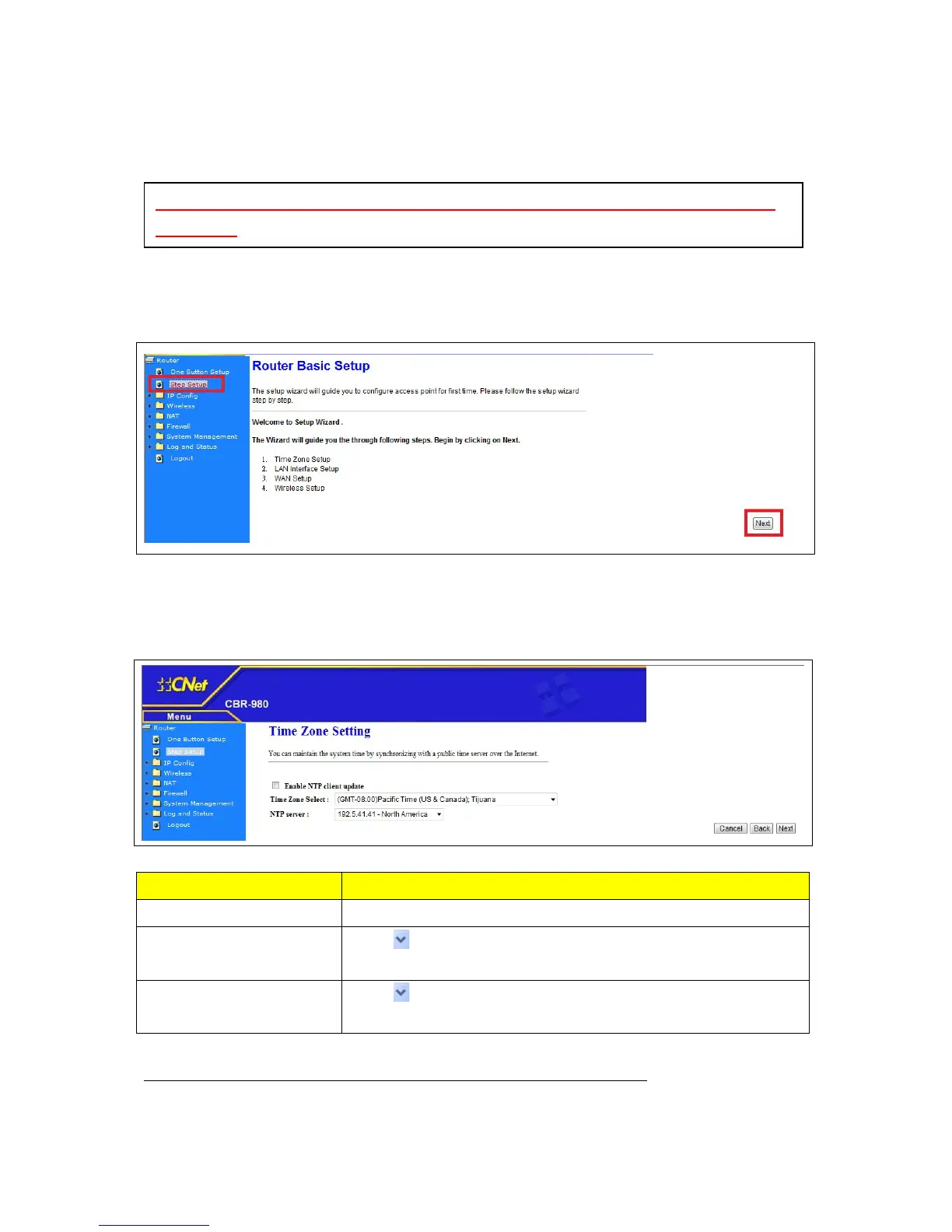
Click on Step Setup in the left screen of the main menu, and click “Step Setup”, then click “Next” to
start configure your CBR-980.
4.1.1 Time Zone Setup
Item Description
Enable NTP Client update Device will auto synchronize with NTP server when enabled
Time Zone Select
Press
button to choose a time zone of the location you live from
the drop-down list.
NTP Server
Press
button to choose a NTP Server which you want to connect
to.
After you finish all of the setting, please click “Next” button to enter next step.
NOTE: Please click the “Finish” button to save the entire configuration and complete the
step setting



 To Next Page