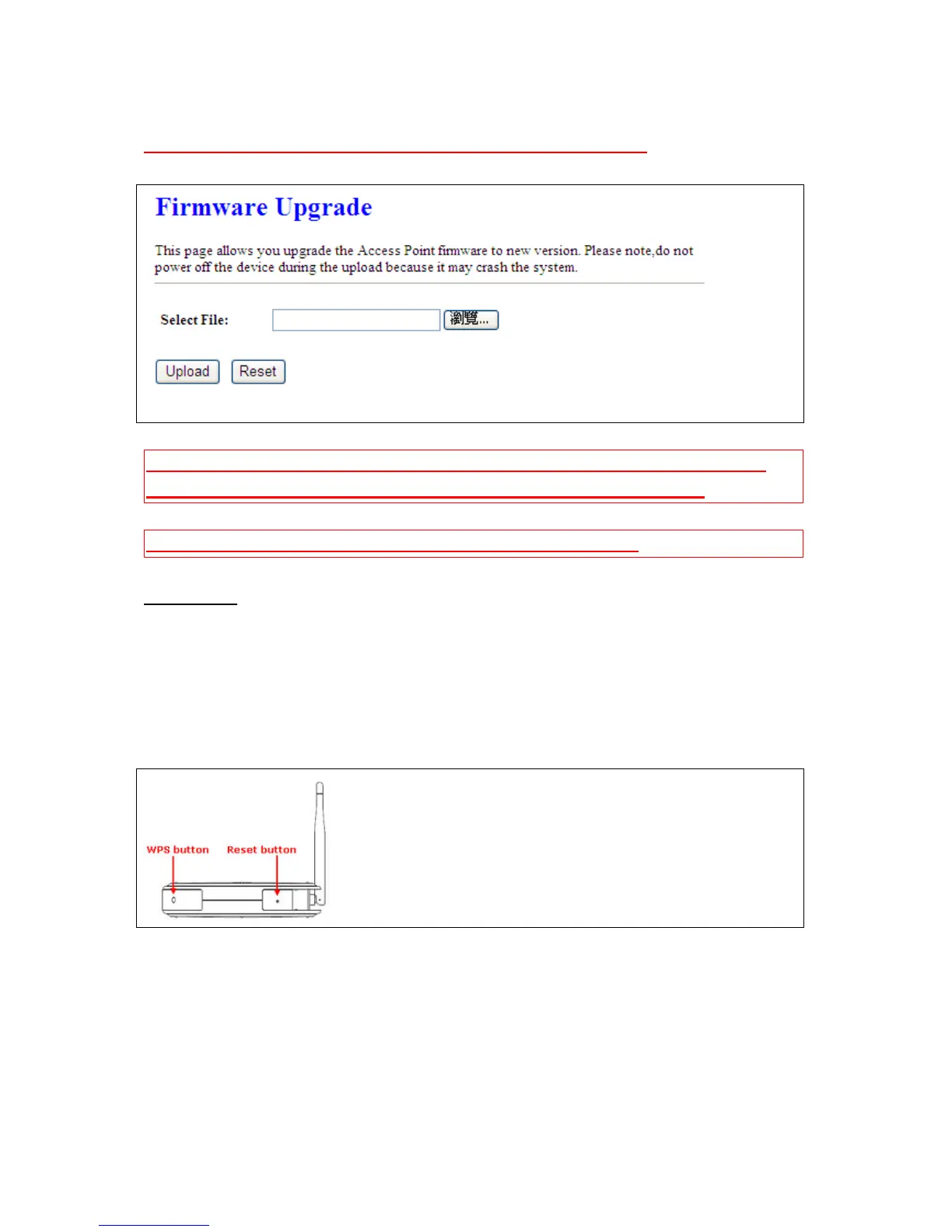
Notes: Do not power off the device while the firmware is being upgraded
Caution: To prevent that firmware upgrading is interrupted by other wireless signals and
causes failure. We recommend users to use wired connection during upgrading.
Caution: The firmware upgrade will not remove your previous settings.
On the back of this router, there is a reset button. If you can not login the administrator page by
forgetting your password; or the router has problem you can’t solve. You can push the reset button for 5
seconds with a stick. The router will reboot and all settings will be restored to factory default settings. If
the problem still exists, you can visit our web site to see if there is any firmware for download to solve
the problem.
*Reset button:
5.5.3 Profile Save
Users can create a backup file that contains current router settings. This backup file can be used to
restore router settings. This is specially useful in the event you need to reset the router to its default
settings.



 To Next Page