Item Description
Enable Port Filtering
Please select Enable Port Filtering to filter ports.
Port Range Please enter the port number that needs to be filtered.
Protocol Please select the protocol type of the port.
Comment You can add comments for this regulation.
Apply Change & Reset
Click on Apply Changes to save the setting data. Or you may click on
Reset to clear all the input data.
Current Filter Table It will display all ports that are filtering now.
Delete Selected & Delete All
Click Delete Selected will delete the selected item. Click Delete All
will delete all items in this table.
Rest
You can click Reset to cancel.
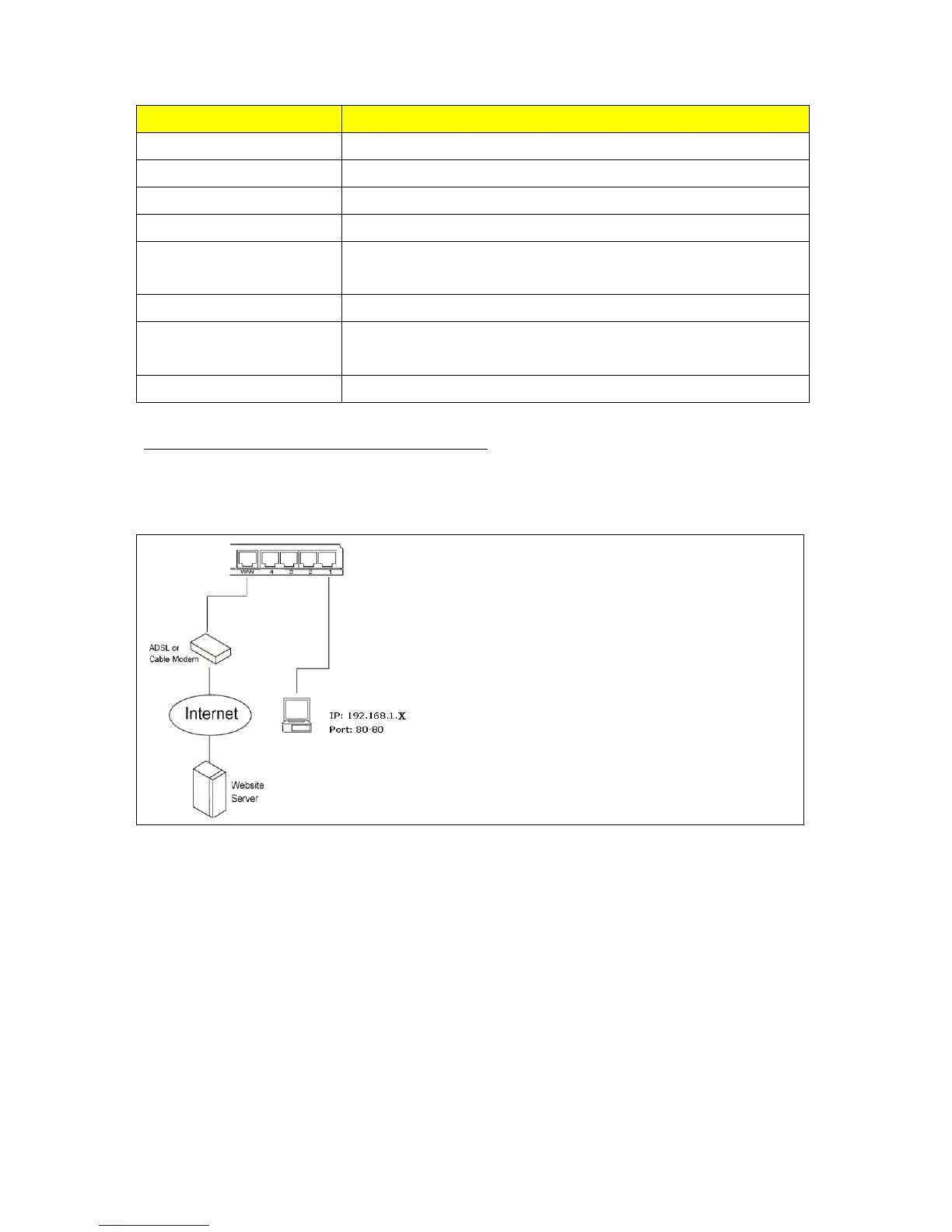
IP: 192.168.1.X
* Port 80 has been blocked as the following illustrate.
Port: 80-80
5.4.3 IP Filtering
When enabled, LAN clients are blocked / filtered from accessing the Internet based on their IP
addresses.



 To Next Page