Automatic Downlink Speed Click the checkbox to manage downlink speed automatically.
Manual Downlink Speed Input the number of downlink speed.
Address TypeA Select IP or MAC to manage QoS.
Mode Select the type of bandwidth mode.
Uplink Bandwidth Please enter the port number of uplink bandwidth.
Downlink Bandwidth Please enter the port number of downlink bandwidth.
Comment You can add comments for this regulation.
Apply Changes
Click on Apply Changes to save the setting or Reset to clear all the
input data.
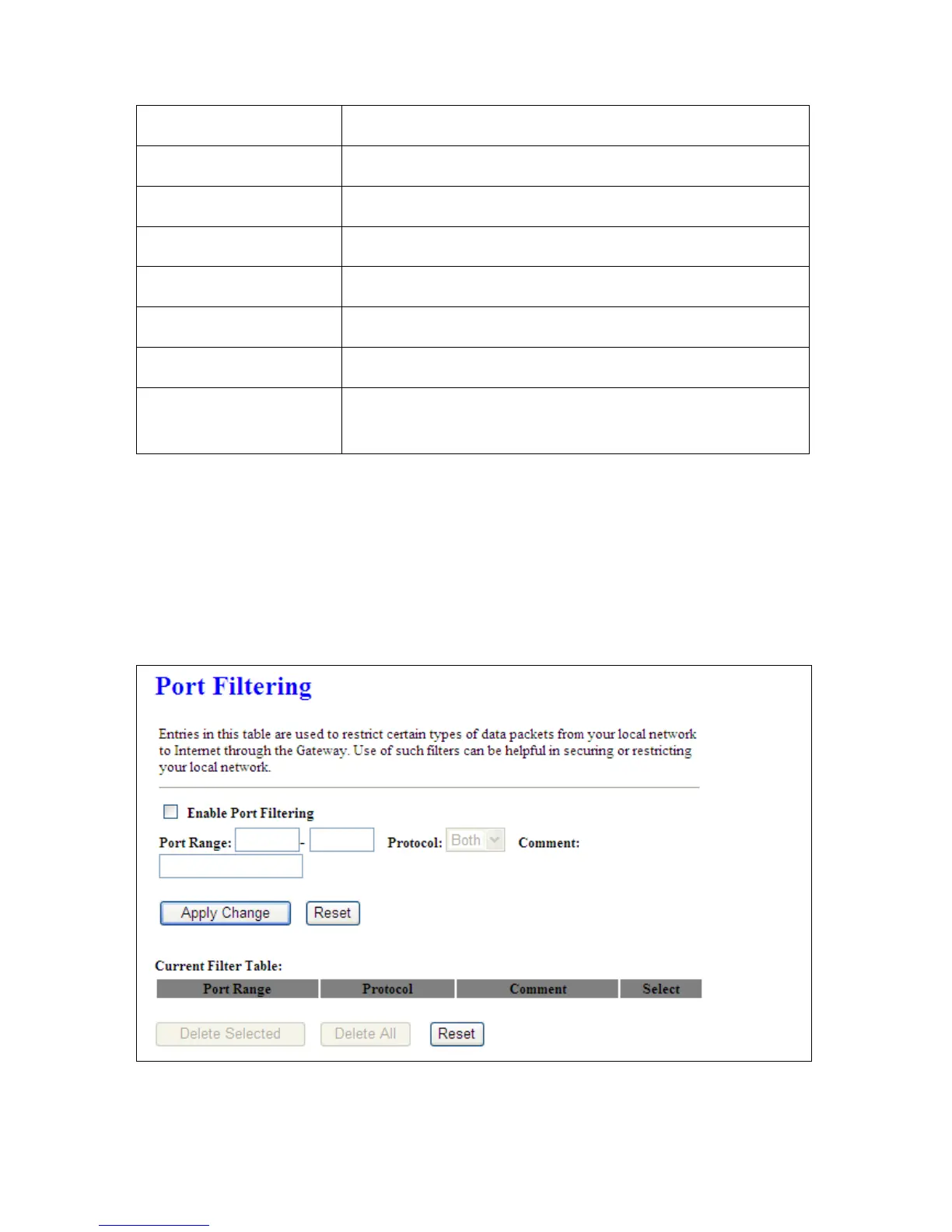
5.4.2 Port Filtering
When enabled packets are denied access to Internet/filtered based on their port address.



 To Next Page