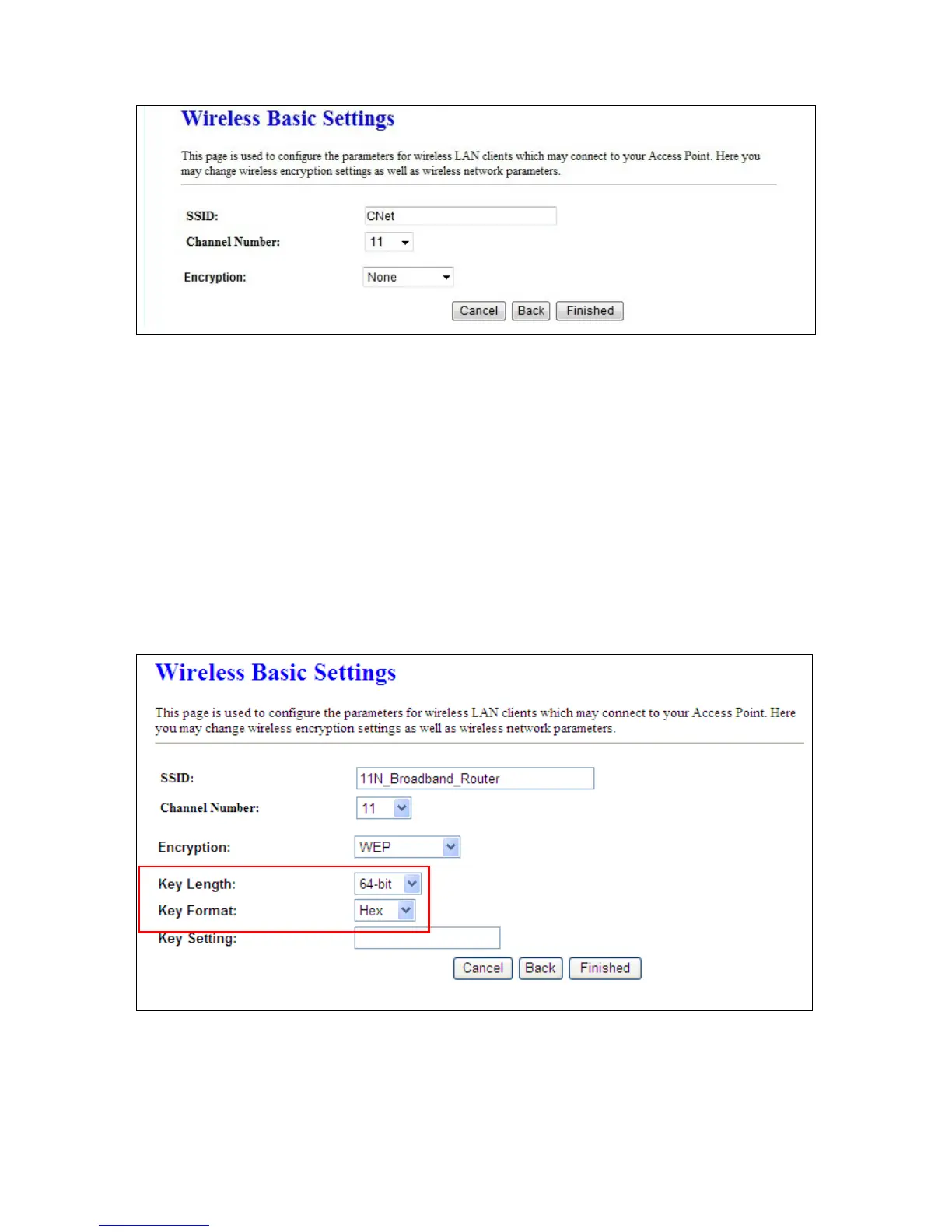
4.1.4.1 Wireless Security Setup
The security function is provided to prevent the connection requests from unauthorized wireless clients.
As the Encryption Type, select WEP or WPA can protect your data from eavesdroppers, if you do not
need the encryption, select “None” to skip the following setting.
a. Encrypt Type -- WEP
11n Broadband Router supports both 64-bit and 128-bit encryption using the Wired
Equivalent Privacy (WEP) algorithm. Select the type of encryption you want to use (64 or 128
bit) and configure one to four WEP Keys. The “1280bit” method is more secure than the
“64-bit”.



 To Next Page