Chapter 4 Quick Setup Configuration
There are two way to connect to CBR-980 setup page.
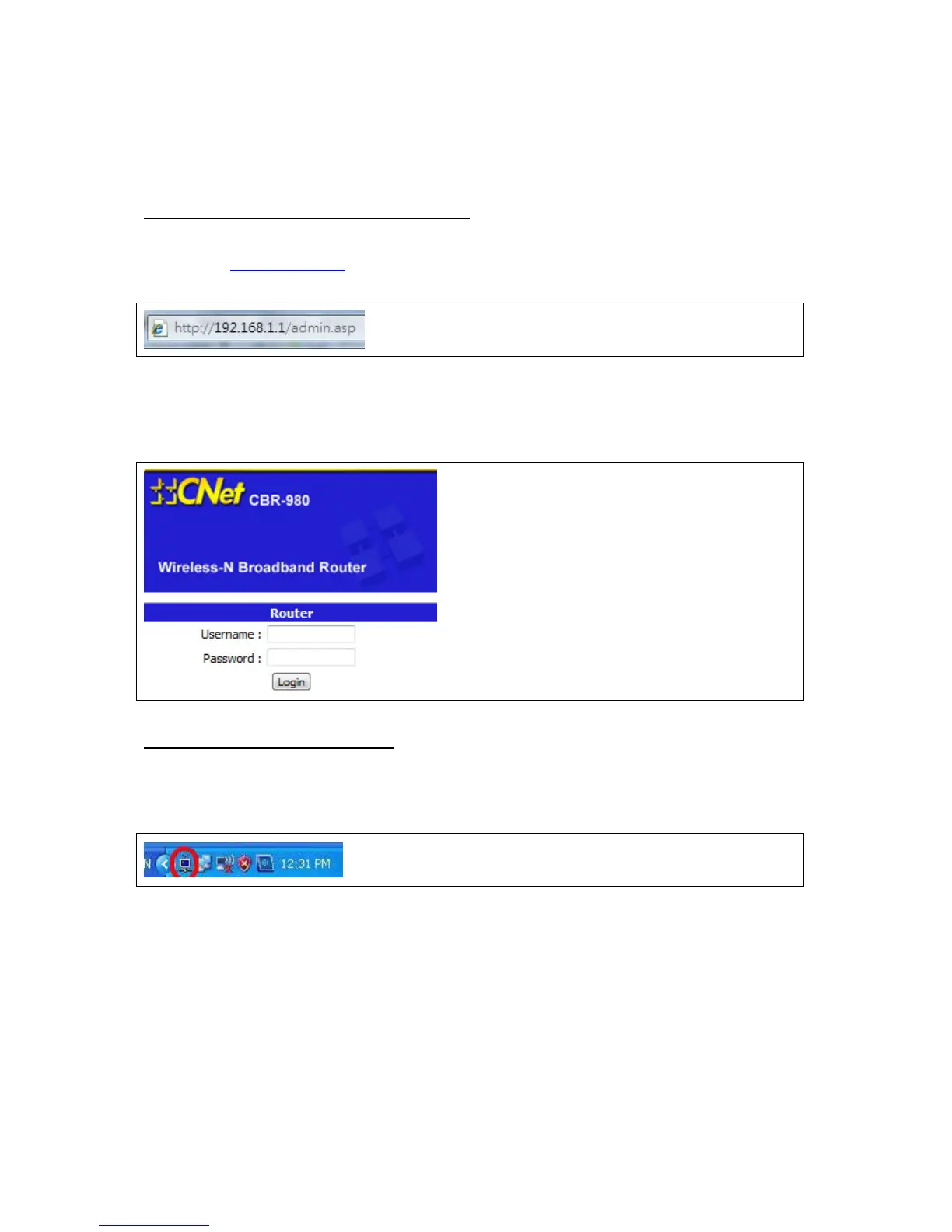
1. Please open your Internet browser, for example like IE or Firefox, and input the CBR-980 IP
address,
A. Use Internet browser to connect to CBR-980
http://192.168.1.1
2. Login page will shown as below, and enter username / password. The user name is “admin”, the
password is “admin”, then click “Login” to enter CBR-980 main page.
1. UPnP is enabled in CBR-980 default setting. You can find the UPnP device icon from the right
down corner when your computer is in the same networking group with CBR-980.
B. Use UPnP to connect to CBR-980
You also can find the CBR-980 icon in the “My Network Places”



 To Next Page