Chapter 5: Maintenance and troubleshooting
98-140012-H Maintenance 118
Storage
Do not leave the battery inserted in the EXPLORER 710 during storage. If the battery is not to
be used for a longer period of time, do as follows:
1. Remove external power. Then use the EXPLORER 710 or leave it on until the display shows
a battery capacity of approximately 50-70%.
2. Switch off the EXPLORER 710.
3. Remove the battery and store it.
For information on storage temperature and duration, see Battery specifications on page 135.
Disposal of the EXPLORER 710
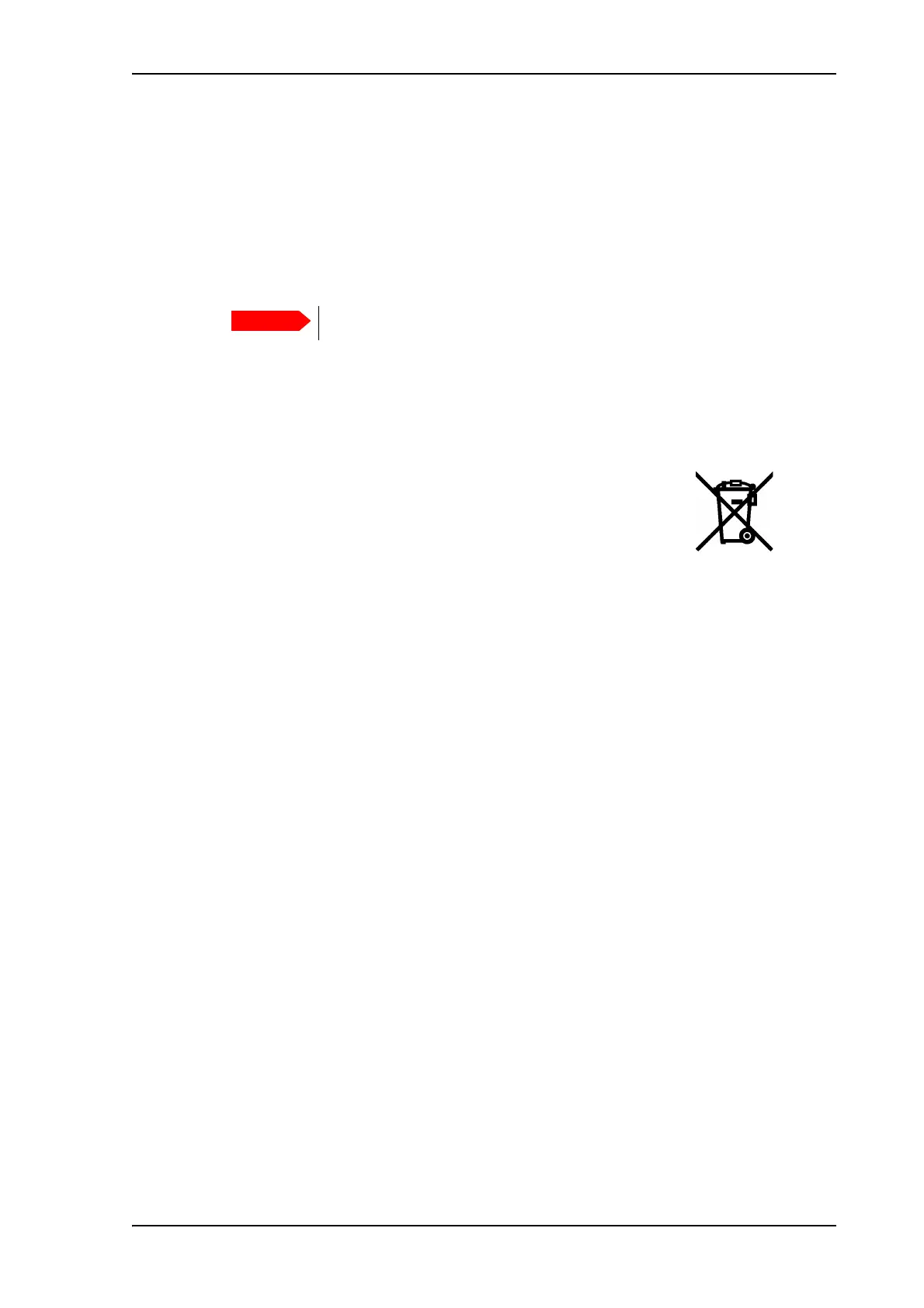
Old electrical and electronic equipment marked with this symbol can
contain substances hazardous to human beings and the environment.
Never dispose these items together with unsorted municipal waste
(household waste).
In order to protect the environment and ensure the correct recycling of old equipment as well
as the re-utilization of individual components, use either public collection or private collection
by the local supplier of old electrical and electronic equipment marked with this symbol.
Contact the local supplier for information about what type of return system to use.
Switch off the EXPLORER 710 before removing the battery!



 To Next Page