Chapter 4: To use the web interface
98-140012-H To control data connections from web interface (BGAN) 55
To control data connections from web interface (BGAN)
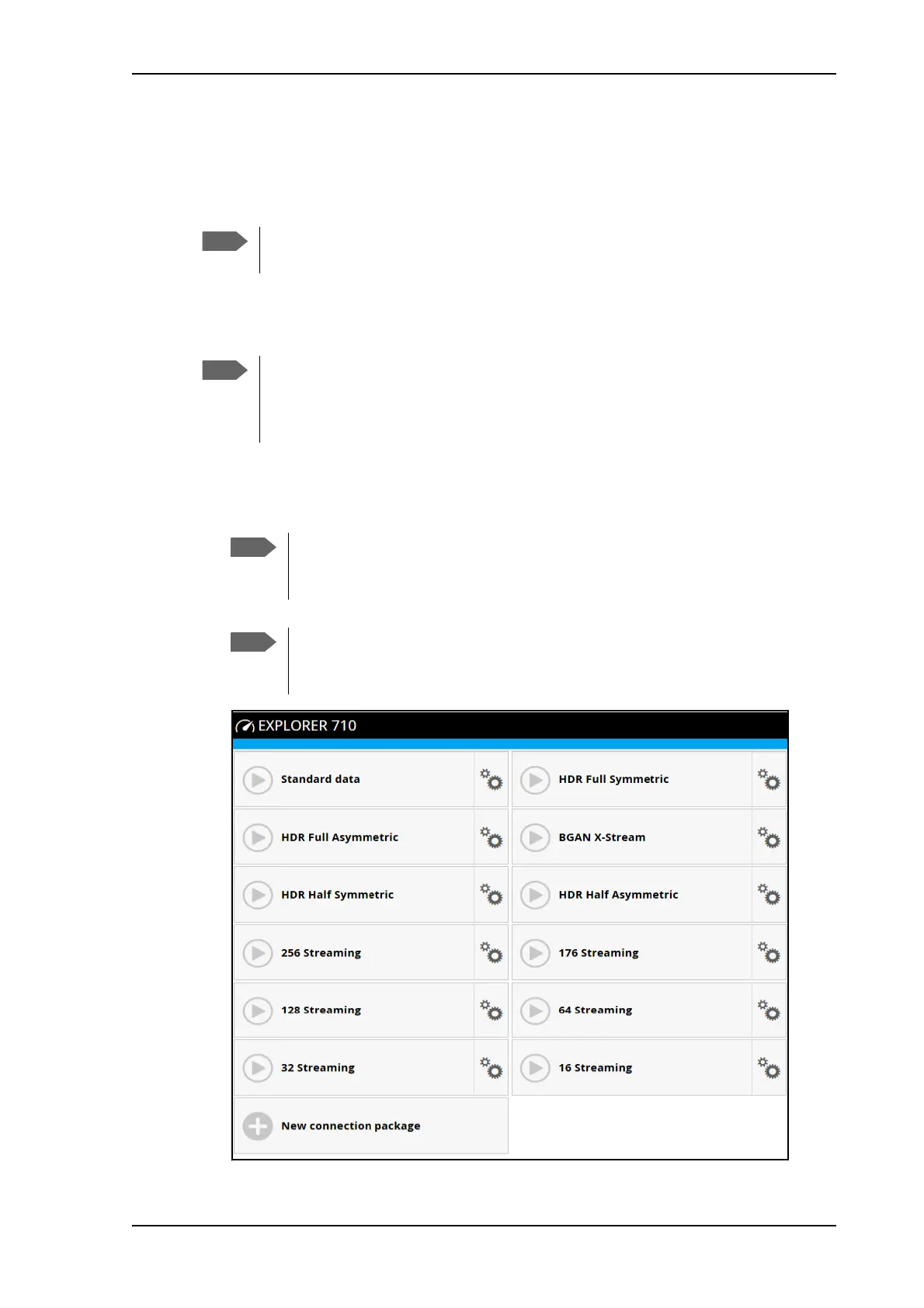
The startup page of the web interface is used to start and stop data connections and to set up
the data connections.
To start and stop data connections
To start and stop data connections on your EXPLORER 710, do as follows:
1. In the opening page, locate the connection package you want to start.
If you are using the EXPLORER Cellular Modem instead of the BGAN network, see
Optional: To set up cellular network for data on page 110.
By default, if you want to use a data connection, you must manually start it from the
display or from the web interface. However, you can set up the EXPLORER 710 to
automatically connect to the Internet when you connect equipment to the LAN or
WLAN interface. See Automatic Context Activation (ACA).
A connection package can consist of one or more connection types or two
bonded EXPLORER 710 channels. For details, see To set up your data connection
packages on page 79.
The icons for starting and stopping connections are only active if the
terminal is ready and registered on the BGAN network. Otherwise you cannot
start data connections.



 To Next Page