Chapter 2: To get started
98-140012-H To start up the EXPLORER 710 16
To start up the EXPLORER 710
Automatic power up
The default behavior of the EXPLORER 710 is to power up automatically when you connect
external power. If you wish, you can change this power up mode, so that the EXPLORER 710 is
only powered if the Power button is pressed.
For further information on power up mode, see Automatic power up on page 46.
To switch the EXPLORER 710 on or off
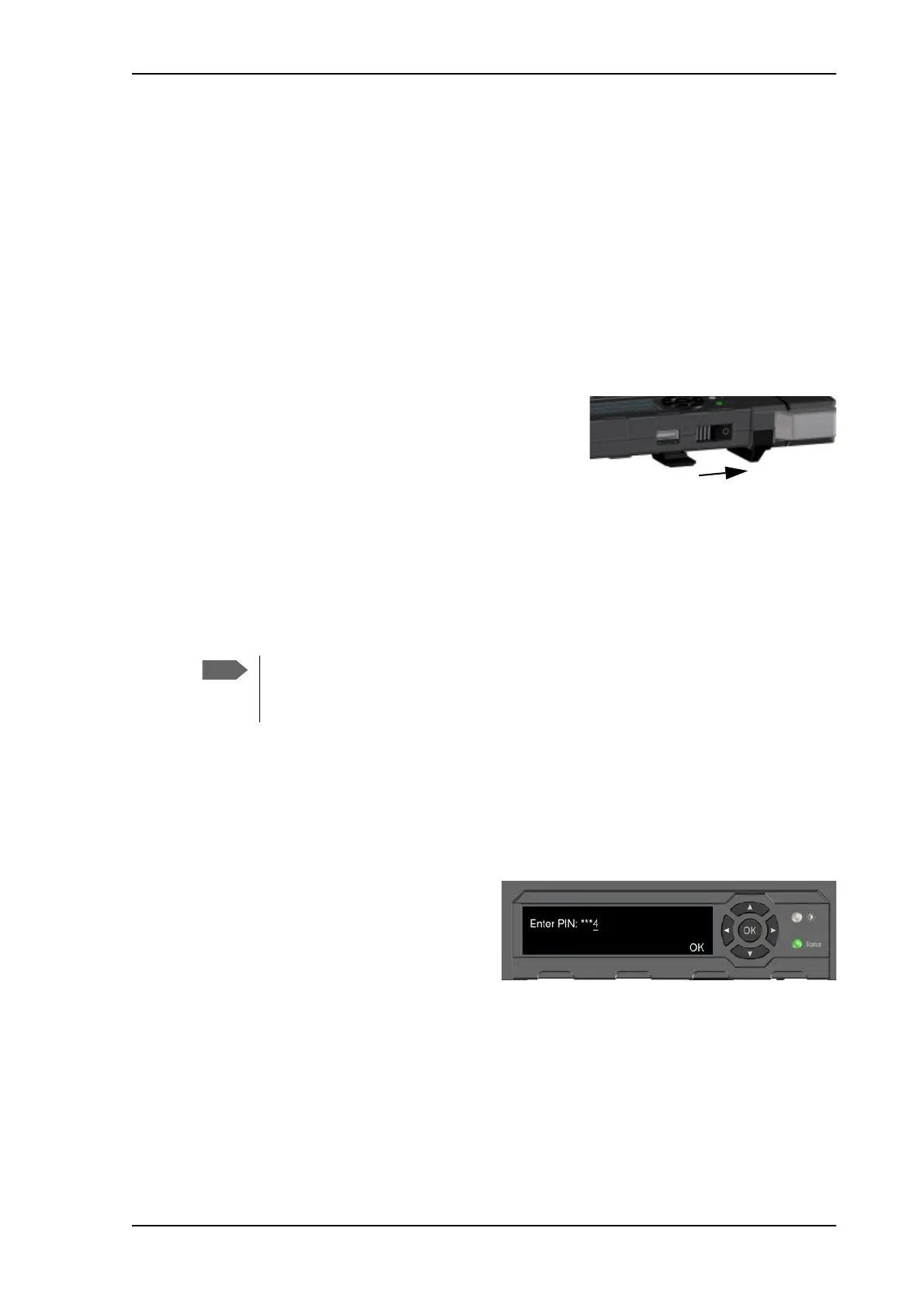
1. Slide and hold the power button until the Status
indicator lights up. This may take some seconds.
2. When the Status indicator flashes slowly or is
constant green, and the display shows Ready, the
terminal is ready for use.
3. To switch off, hold the power button until the
Status indicator flashes yellow.
This may take some seconds.
To enter the SIM PIN
To enter the SIM PIN using the display and keypad, do as follows:
1. When the display shows Enter PIN?, highlight the text using the arrow keys and press OK.
If you select Cancel, the startup procedure is continued, but you will not be able to make
calls or data sessions over the satellite network. See the previous section.
2. Press or a number of times until the first digit is correct.
3. Press OK to go to the next digit.
The previous digit is indicated by a *.
4. After pressing OK to enter the last
digit, press OK again to apply the PIN.
For an overview of the display and keypad, see Display and keypad on page 5.
For information on how to enter the PIN in the web interface, see To enter the SIM PIN on
page 53.
You may not need a SIM PIN for your terminal. If you are asked for a PIN and you
select Cancel, you cannot communicate on the network, but you can access all
terminal settings.



 To Next Page