Chapter 4: To use the web interface
98-140012-H Configuration with EXPLORER Connect app 49
Configuration with EXPLORER Connect app
If you want to use your smartphone to
configure your EXPLORER 710, get the
EXPLORER Connect app, which is available for
iPhone or iPad (from the Apple Store) and for
Android phones (from Google Play).
For an overview of the functions of the
EXPLORER Connect app, see The EXPLORER
Connect app on page 9.
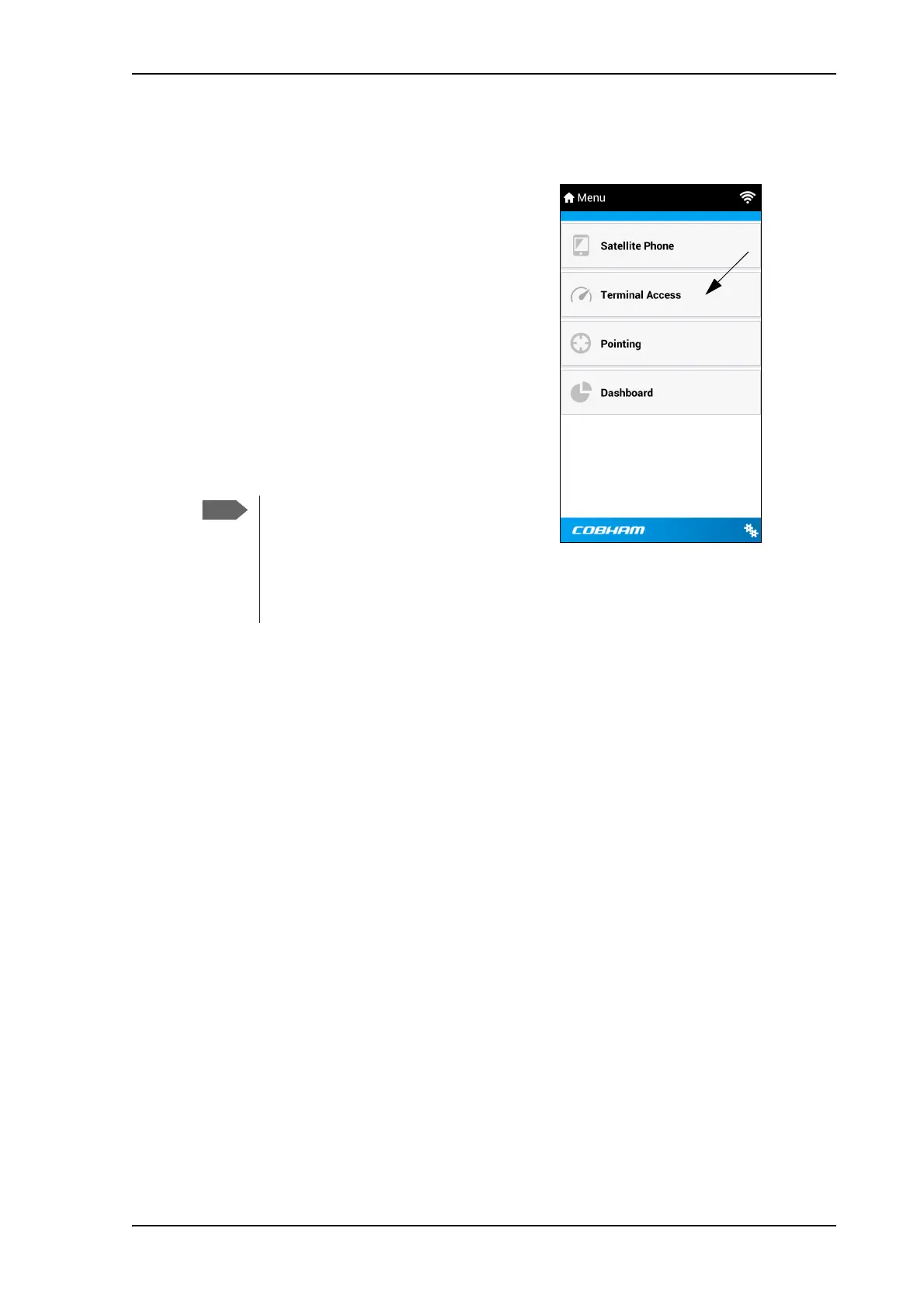
To access the configuration settings, connect
to the WLAN of the EXPLORER 710, start the
EXPLORER Connect app and select
Terminal Access. From this point you have
access to the same settings as from the web
interface.
If you get a message saying Network
Unavailable or Connection error it
means you are not connected to the
WLAN of the EXPLORER 710. For how
to connect, see To connect to the
WLAN interface on page 20.



 To Next Page