Chapter 2: To get started
98-140012-H To unpack and assemble the EXPLORER 710 9
The EXPLORER Connect app
If you want to use your smartphone with the EXPLORER 710, install the EXPLORER Connect
app, which is available for iPhone at the App Store and for Android phones at Google Play. The
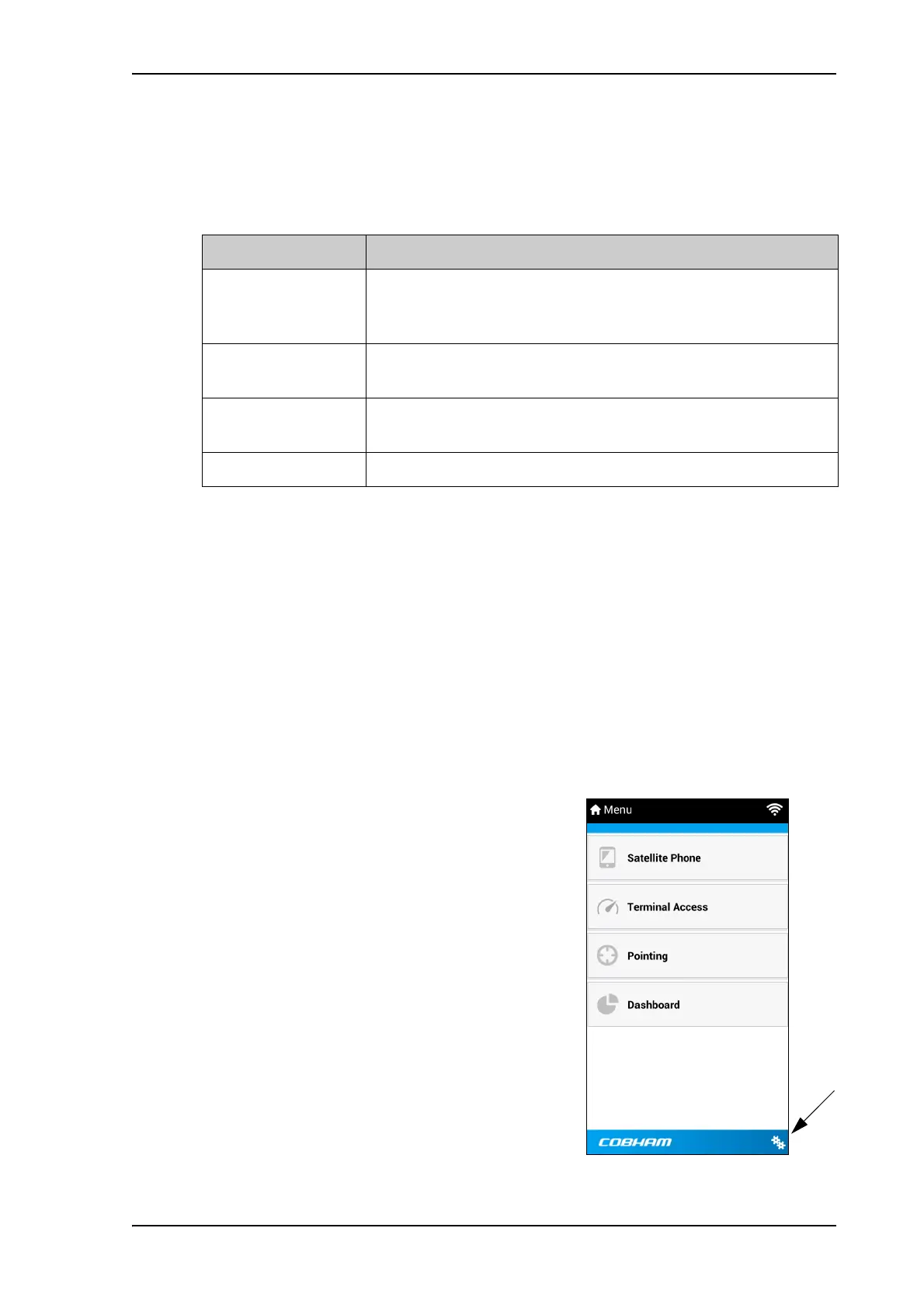
EXPLORER Connect app provides the following options from the main menu:
To check the version of the EXPLORER Connect app
Check the version of your EXPLORER Connect app as follows (minimum IOS app ver 1.1/
Android app ver 1.9):
IOS:
1. On your iPhone or iPad select Settings (Iphone settings, not settings in EXPLORER
Connect app).
2. Scroll down to EXPL connect.
3. Select EXPL connect.
The version is shown.
Android:
1. In the EXPLORER Connect app, from the main
menu, select
(Settings) in the bottom right
corner.
2. Scroll down to Version.
Tile Function
Satellite Phone Use your phone as a satellite phone when connected to the
EXPLORER 710, see To connect your smartphone for making calls
on page 22.
Terminal Access Start and stop data connections and access all settings of the
EXPLORER 710
Pointing Activate the pointing process for the EXPLORER 710 towards the
BGAN satellite, see Pointing in EXPLORER Connect app on page 19.
Dashboard See the terminal and connection status



 To Next Page