Chapter 2: To get started
98-140012-H To unpack and assemble the EXPLORER 710 10
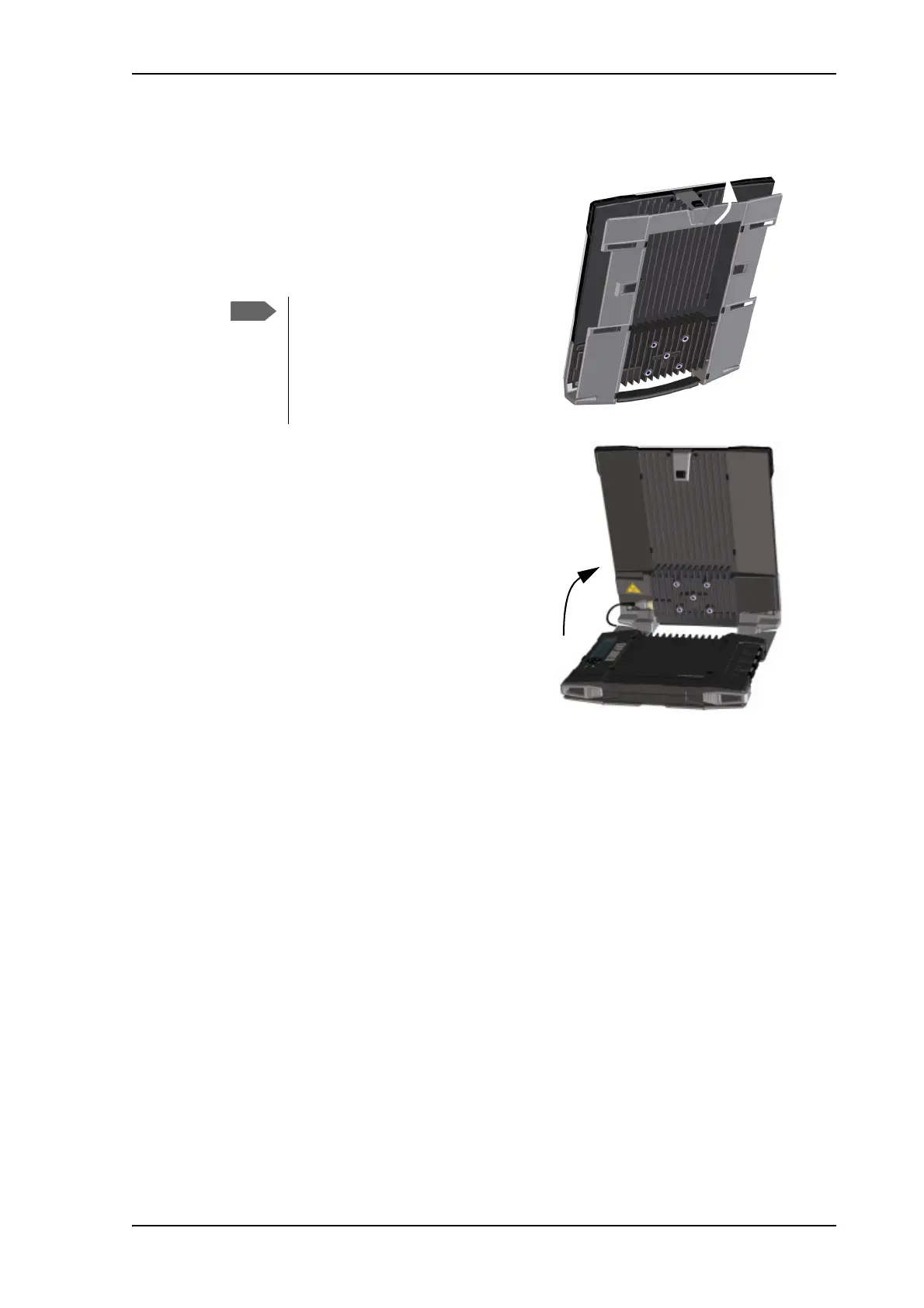
To open the transport latch
The EXPLORER 710 has a transport latch,
securing the transceiver and antenna during
transport.
1. Lift the transport latch to open the
terminal.
2. Flip up the antenna module.
You can now access the keypad and
connectors on the EXPLORER 710.
The transport latch closes
tightly in order not to open by
accident. If the latch is difficult
to open, press the two parts of
the terminal together while
opening the latch.



 To Next Page