Chapter 2: To get started
98-140012-H Cable connections 15
• Connect an EXPLORER Cellular Modem to obtain a cellular network connection as an
alternative to the BGAN network.
See Optional: To set up cellular network for data on page 110.
•1 antenna connector for connecting the antenna module of the EXPLORER 710.
See the next section.
To connect the antenna
The antenna cable is connected at delivery.
To connect power
When you connect external power to the DC input, the battery is charged while maintaining
normal operation.
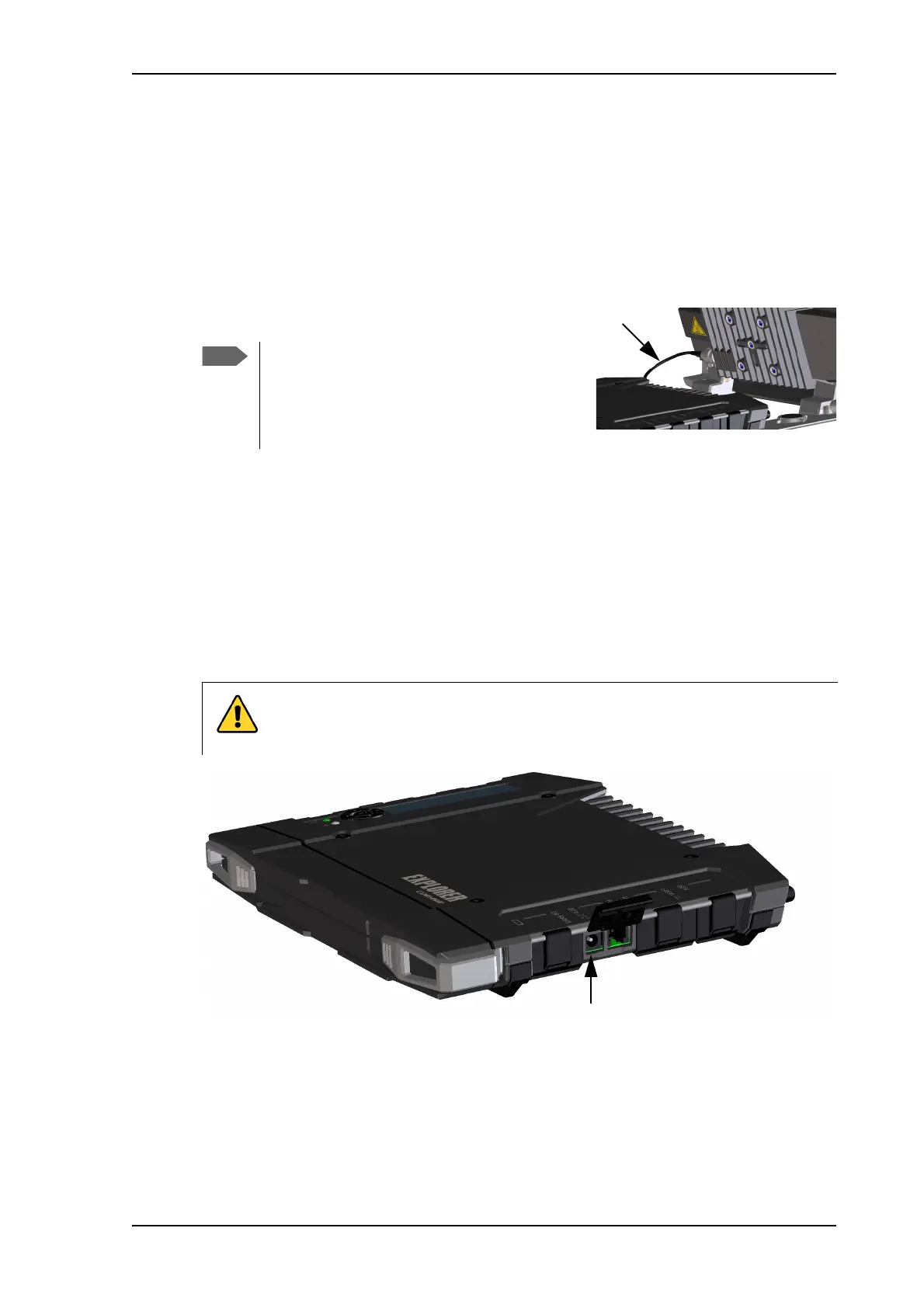
DC input
Refer to Technical specifications on page 134 for specifications and pin-out for the DC Power
input.
To power the terminal or to charge the battery, connect one of the following external power
sources to the DC input:
•10-32 VDC
• The supplied AC/DC adapter connected to 100-240 V Mains
• A solar panel (min. 65 W, 10-32 VDC)
If you want to use the antenna separated from
the transceiver, use a longer antenna cable and
remove the transceiver from the antenna
bracket. See the To detach the antenna
(optional) on page 11.
CAUTION! Close all covers for unoccupied connectors as shown in the picture
below. Reason: If you accidentally connect the DC power cable to the External
battery connector you may cause damage to the terminal!



 To Next Page