Chapter 5: Maintenance and troubleshooting
98-140012-H Troubleshooting 125
Status signaling
Means of signaling
The EXPLORER 710 system provides two methods for signaling the status of the system.
• Status indicator next to the display keypad
• Messages shown in the display and in the web interface.
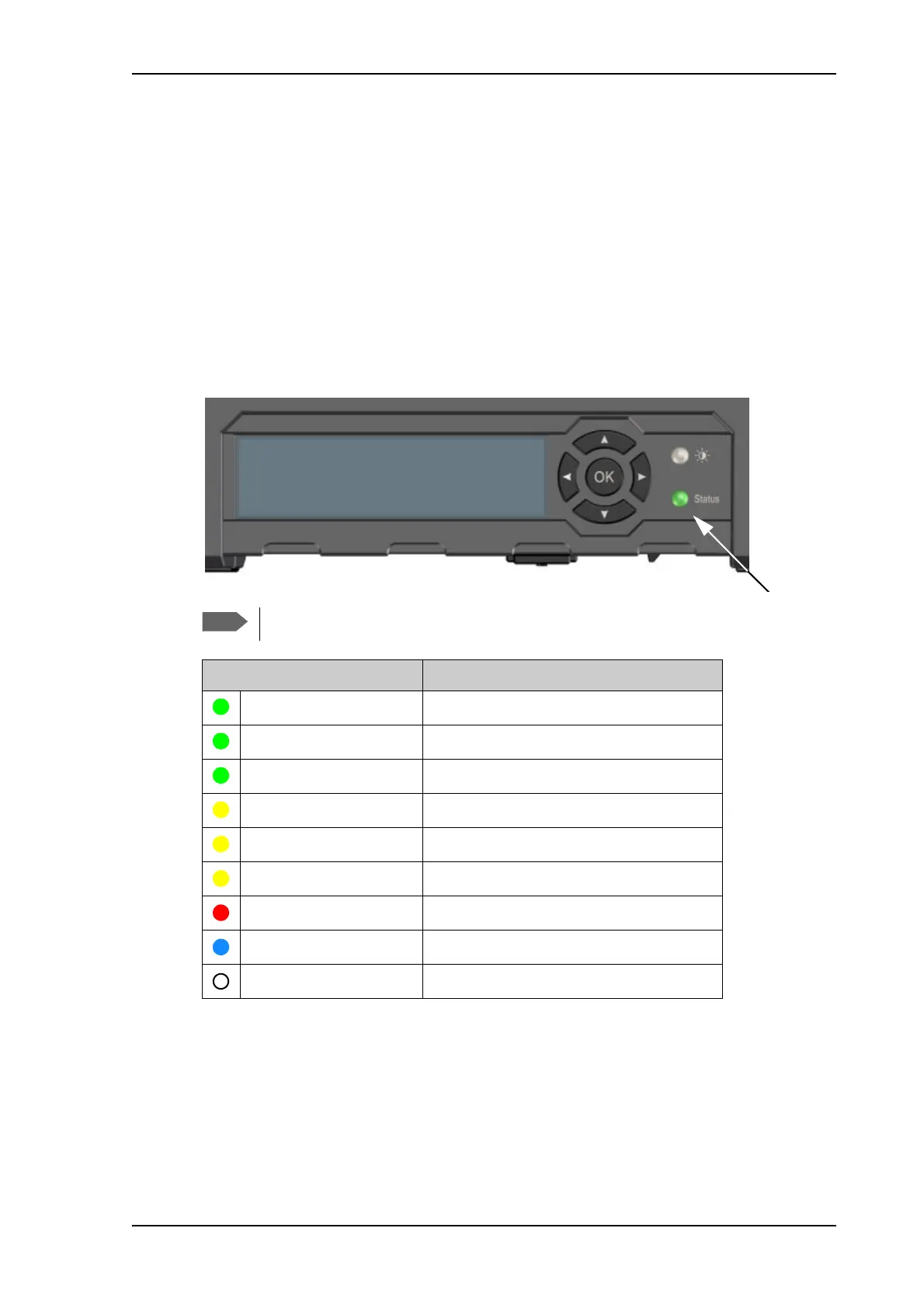
Status indicator
The EXPLORER 710 has one light indicator showing status.
Event messages and status messages
In the display of the EXPLORER 710 you can see status messages and alerts that are currently
active.
When an alert is active, the display shows a warning symbol
. Select it to see a list of
currently active alerts.
Errors (red constant) and Warnings (yellow constant) override other indications.
Indicator pattern Meaning
Green flashing rapidly Starting up
Green flashing slowly Power on (ready)
Green constant Power on with DC input
Yellow flashing slowly Battery charging
Yellow flashing rapidly Closing down
Yellow constant Warning (user recoverable)
Red constant Error. See the display or the web interface.
Blue flashing Uploading software to the terminal
Off Power off



 To Next Page