Chapter 2: Operation
12 Position
accuracy, indicated in POSN field in the top information line. The
estimated position accuracy is compared to the RAIM accuracy limit
yielding the RAIM status. The RAIM accuracy limit is shown in parentheses.
You can set the accuracy limit in DGNSS > Settings > Accuracy RAIM.
The datum used for the current position is displayed to the right. For
example WGS 84. You can set the datum in DGNSS > Settings > General
> Datum.
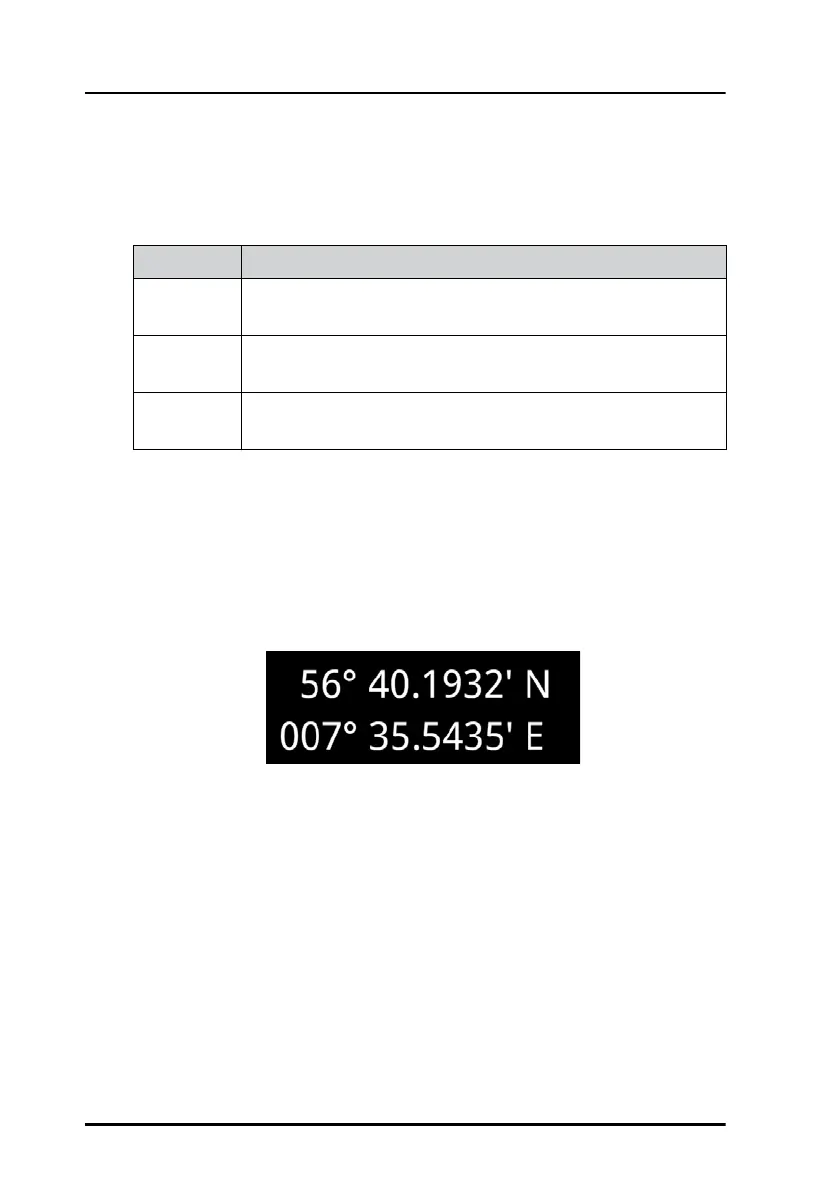
Latitude and longitude of the calculated position
“LED” status section:
The color “LED”s indicate the status of the system. Green color of the “LED”
means no issues (i.e. satellite system is used for position or valid beacon
data currently received) and amber color means there is an issue (i.e.
satellite system is not used for position or no valid beacon data currently
received).
Status Explanation
Safe The RAIM status is safe. The position accuracy is below the
set accuracy limit.
Caution The RAIM status is caution. There are not enough satellites
available to calculate RAIM.
Unsafe The RAIM status is unsafe. The position accuracy has
exceeded the set accuracy limit.
Table 2: RAIM status
Figure 12: Latitude and longitude (example)



 To Next Page