Chapter 2: Operation
Position 13
22222
Operation
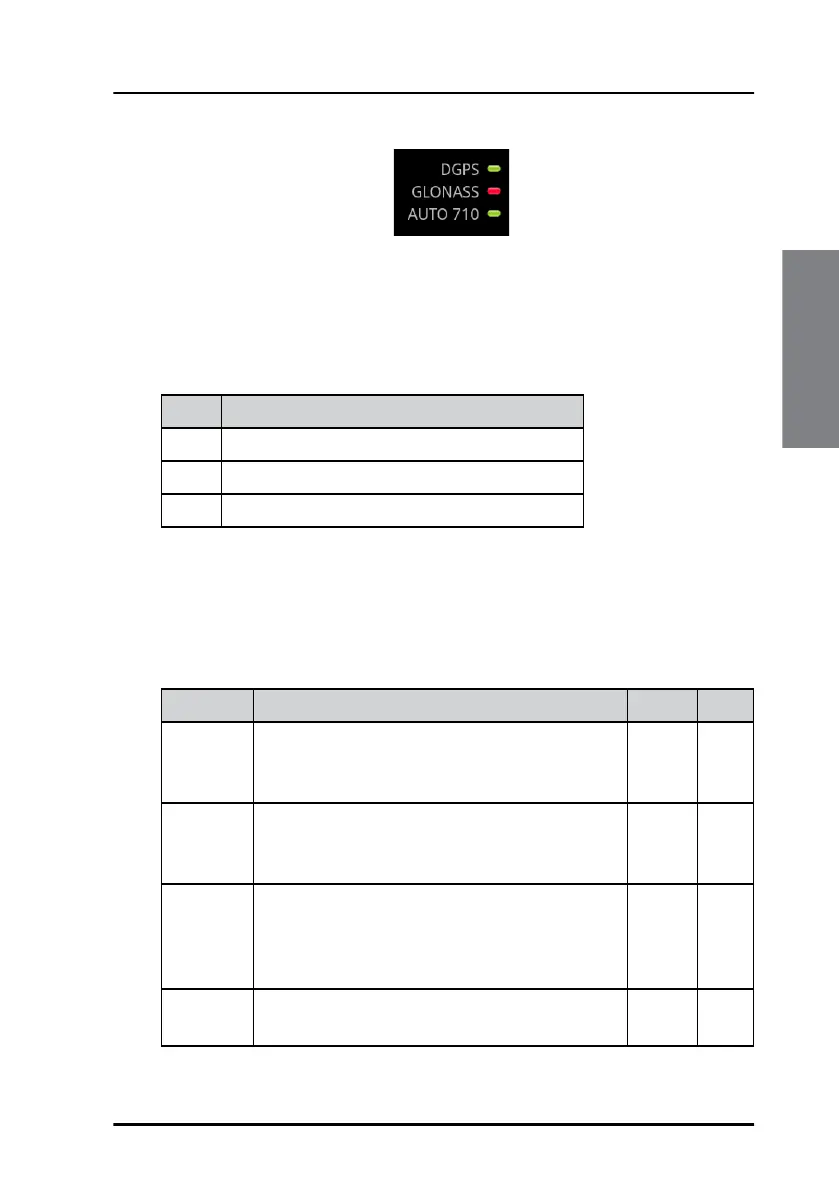
Depending on the selected satellite system, the name of the system and an
"LED" is listed in the LED status section. You can configure which systems to
use in DGNSS > Settings > General > Use GNSS Systems.
The name of the GNSS System may have a prefix, see the following table.
When the use of differential corrections is configured, the status of the
corrections is displayed with a text corresponding to the mode and a status
“LED”. You can configure differential corrections in DGNSS > Settings >
General > Differential Beacon Correction.
Figure 13: “LED” status section (example)
Prefix Configured differential use
None No differential corrections
D Use of differential corrections from a beacon
S Use of differential corrections from SBAS
Table 3: Prefix of GNSS systems
Text Mode DGNSS GNSS
AUTO XXX Automatic mode, the beacon is automatically
selected by the DGNSS Receiver. XXX is the
reference ID of the beacon.
X
MAN XXX Manual mode, the beacon is manually selected
by the user. XXX is the reference ID of the
beacon.
X
Xxx.x kHz The DGNSS Receiver has tuned to the
frequency Xxx.x kHz. The frequency has been
either manually configured or was provided by
an external device.
X
Ext. RTCM Differential corrections come from an external
source.
X
Table 4: Status of the differential corrections



 To Next Page