Chapter 2: Operation
Settings 27
22222
Operation
To set a local Datum
IHO Datum
The local datums are implemented according to the "Users handbook on
datum transformations involving WGS84", 3rd. edition from the
International Hydrographic Organization.
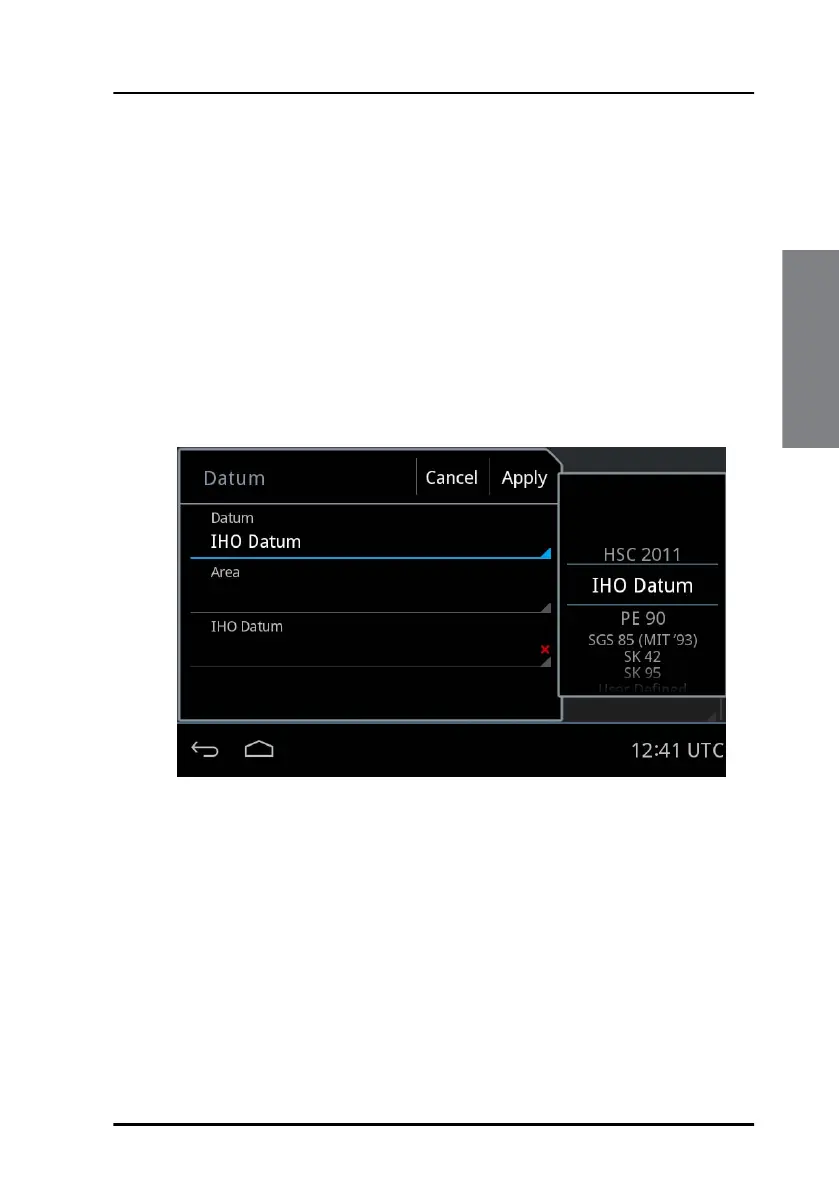
To set up an IHO datum do as follows:
1. Tap Settings.
2. Swipe upwards to display Datum, then tap Datum.
3. Swipe to select IHO Datum in the list on the right side of the screen.
4. Tap Area, then select on the right side the area for which the datum is
used.
5. Tap IHO Datum and swipe on the right side of the screen to select the
local geodetic datum from the list.
Figure 26: IHO Datum setup



 To Next Page