Chapter 2: Operation
28 Settings
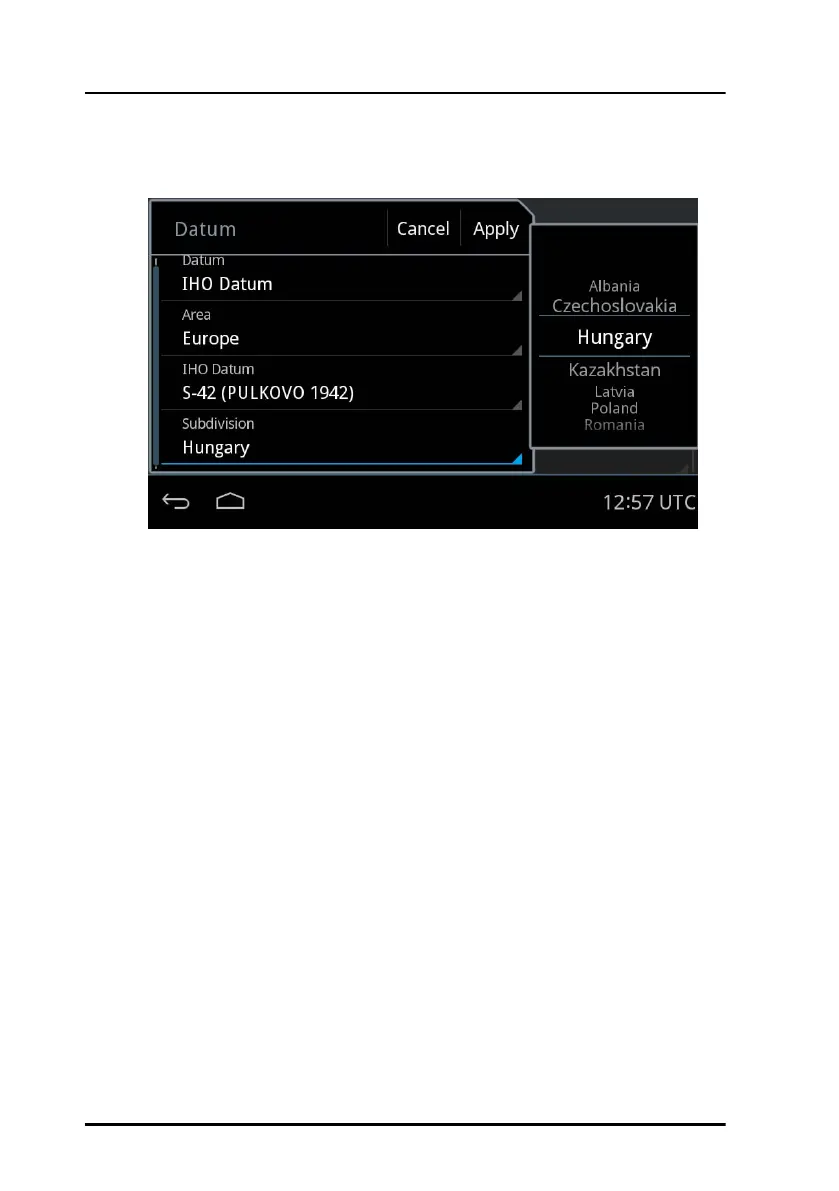
In some of the datums you must select a Subdivision. See an example
in the next figure.
6. Tap Apply to use the datum for position calculation.
User Defined
If you want to use a local datum that is not in the list you can enter a user
defined datum. Note that the values in the user defined datum are relative
to WGS 84.
To set up a user defined datum do as follows:
1. Tap Settings.
2. Swipe upwards to display Datum, then tap Datum.
3. Swipe to select User Defined in the list on the right side of the screen.
4. Tap each field and enter the values corresponding to the map you are
using in the number pad.
If the entered value is not in the valid range a red x is shown on the right
side of the value field.
Figure 27: Selection of a subdivision (example)



 To Next Page