Making a telephone interconnect call
9-2 Outback HF Radiophone
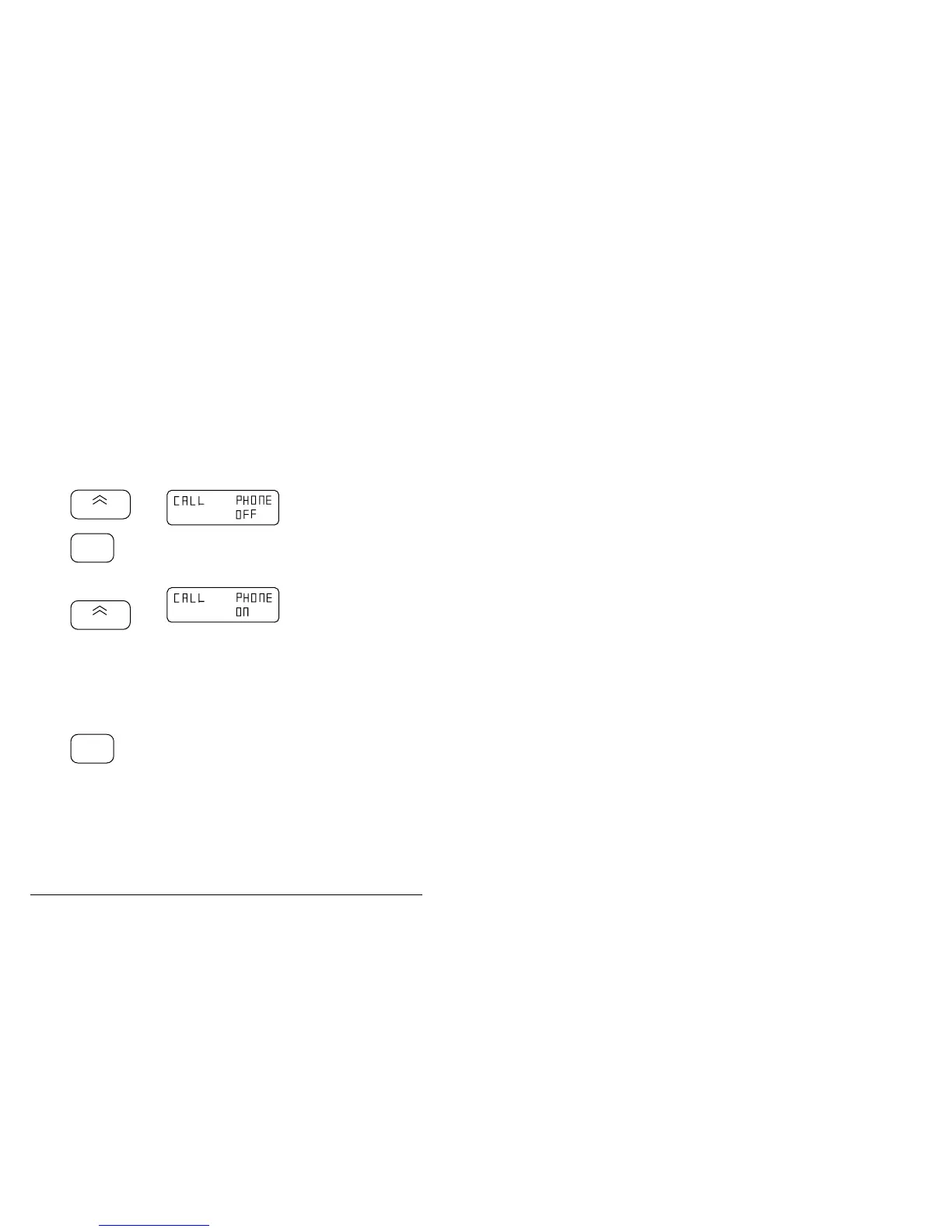
Enabling the telephone mode
You can only make telephone calls from your outstation Radiophone if the telephone
mode is enabled. You can still use all the Radiophone’s other functions while this
mode is enabled.
Step Action… Display shows… Remarks…
1.
To enter the
phone mode, hold
down
3
and press
On/Off
Hold down the number 3
button until the display
shows
This turns the
Radiophone on and into
the phone set-up mode.
2.
Press
3
to switch between
ON and OFF.
Continually pressing the
number 3 button switches
the telephone mode on
and off.
3.
Switch the
Radiophone off at
your desired
setting, or press
Enter
This sets the telephone
mode you require.
q



 To Next Page