Changing the set-up options
11-12 Outback HF Radiophone
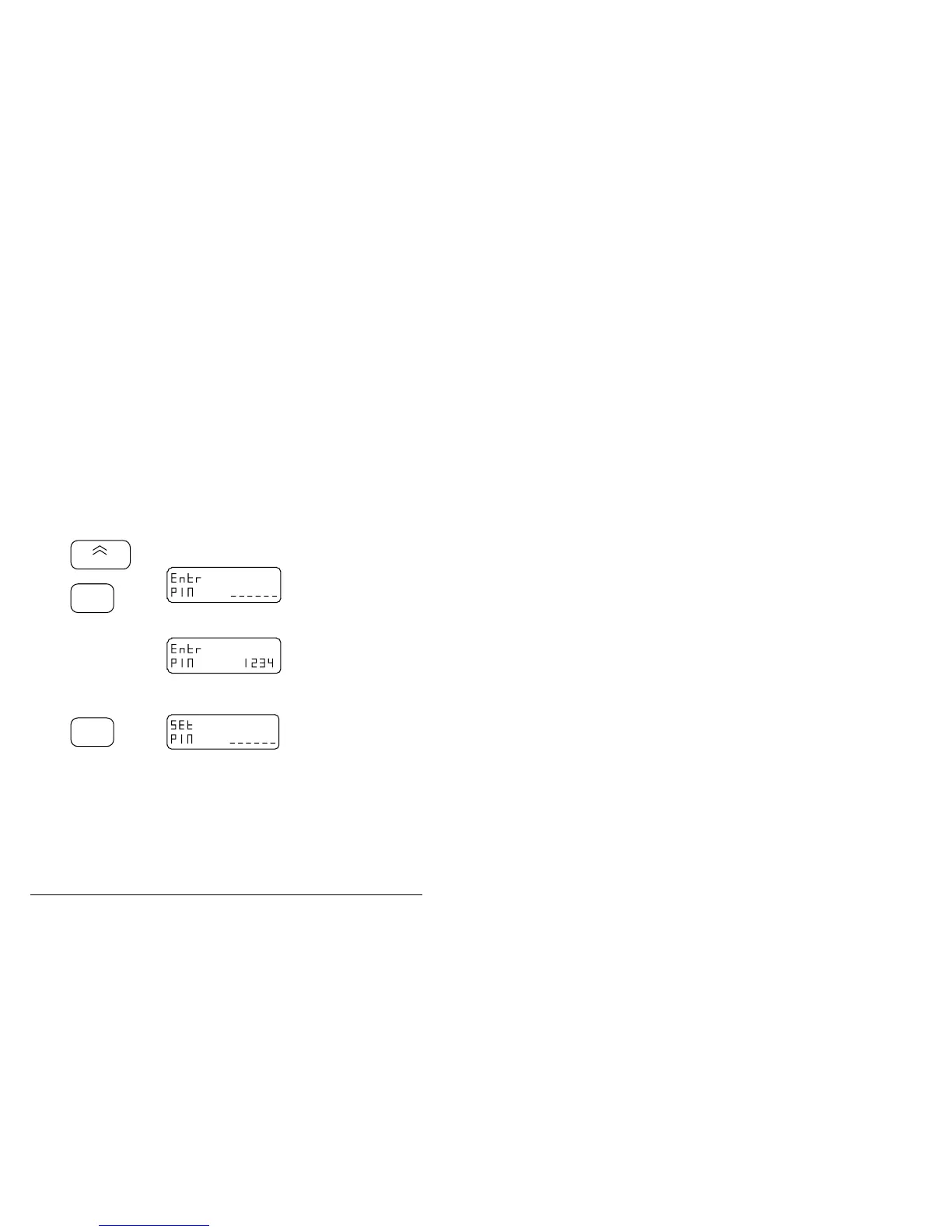
Changing or deleting a PIN
This procedure allows you to change your PIN, or delete it.
Step Action… Display shows… Remarks…
1.
Turn the
Radiophone off
and move the
control head link
from position E to
position 1.
No display. Refer to the procedure on
page 11-3.
2.
Hold down
1
Fast
and press
On/Off
Hold down the Tune Rx
Fast button until the
display shows
This switches your
Radiophone on and into
the PIN set-up mode.
3.
Use the numeric
buttons to enter
your existing PIN
and then press
Enter
Example of existing PIN
number 1234.
You may now change or
delete the PIN.
F
Step Action… Display shows… Remarks…



 To Next Page