EasyManua.ls Logo

Codan 8528 Series - Page 124

Codan 8528 Series
189 pages
Print Icon
To Next Page IconTo Next Page
To Previous Page IconTo Previous Page
Loading...
Making a telephone interconnect call
Outback HF Radiophone 9-9
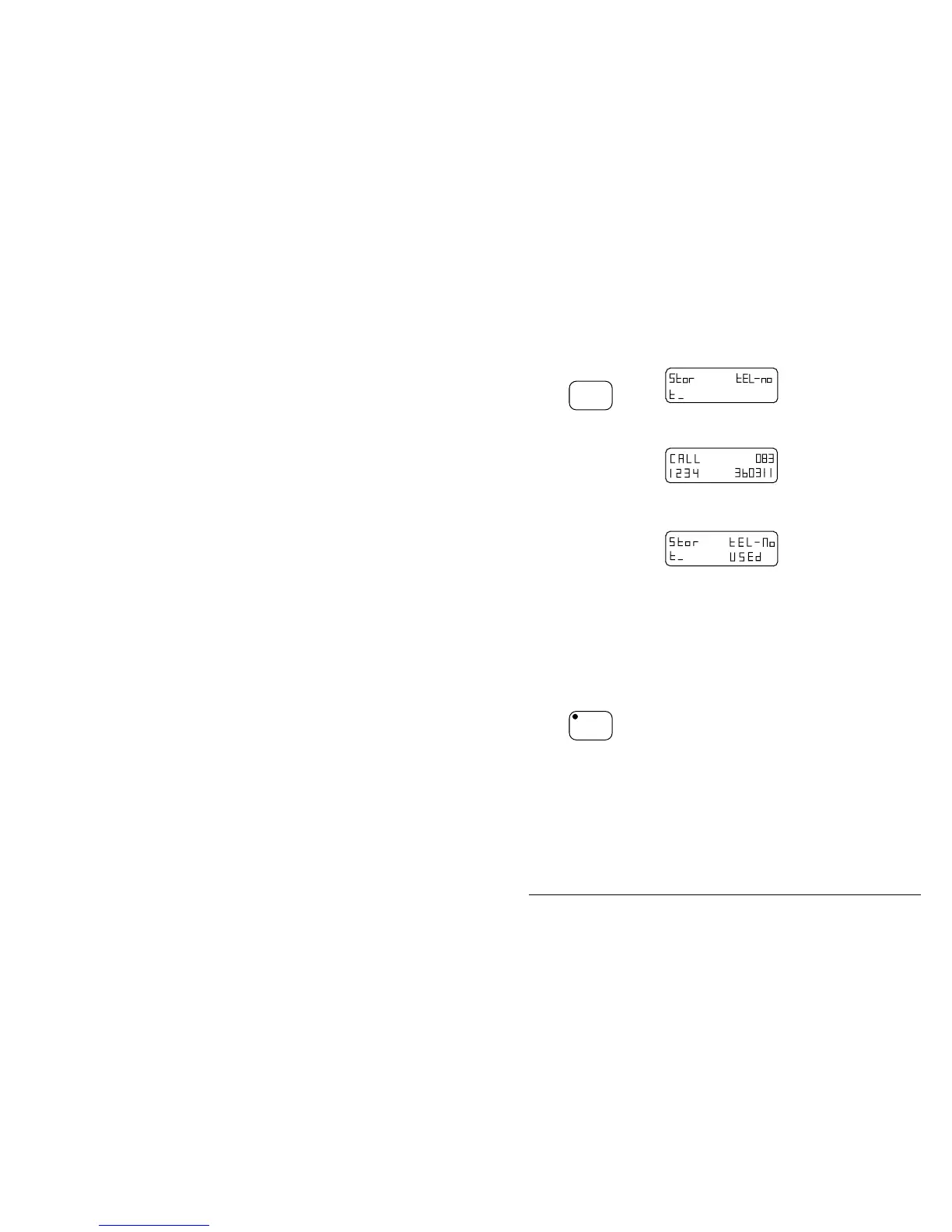
Step Action… Display shows… Remarks…
5.
Press
Enter
You can store this
telephone number as a
single code number, t0 to
t9.
6.
Use the numeric
buttons to enter
the code number
you want, 0 to 9.
If the number you
enter has already
been used, the
display will show
USEd and you
will have to select
another number or
overwrite by
pressing the
number again.
Your selection has now
been made.
7.
Continually press
the
Voice
Mute
button until the
display shows the
original channel
settings.
Your Radiophone is
ready for normal
operation.
q

Table of Contents

Other manuals for Codan 8528 Series

Related product manuals