Horizon Imager User’s Manual 2-15
6HWWLQJ8SWKH,PDJHU
1. At the imager’s control panel, press and hold the key, and
while holding it press the key.
The Main Menu with administrative options displays.
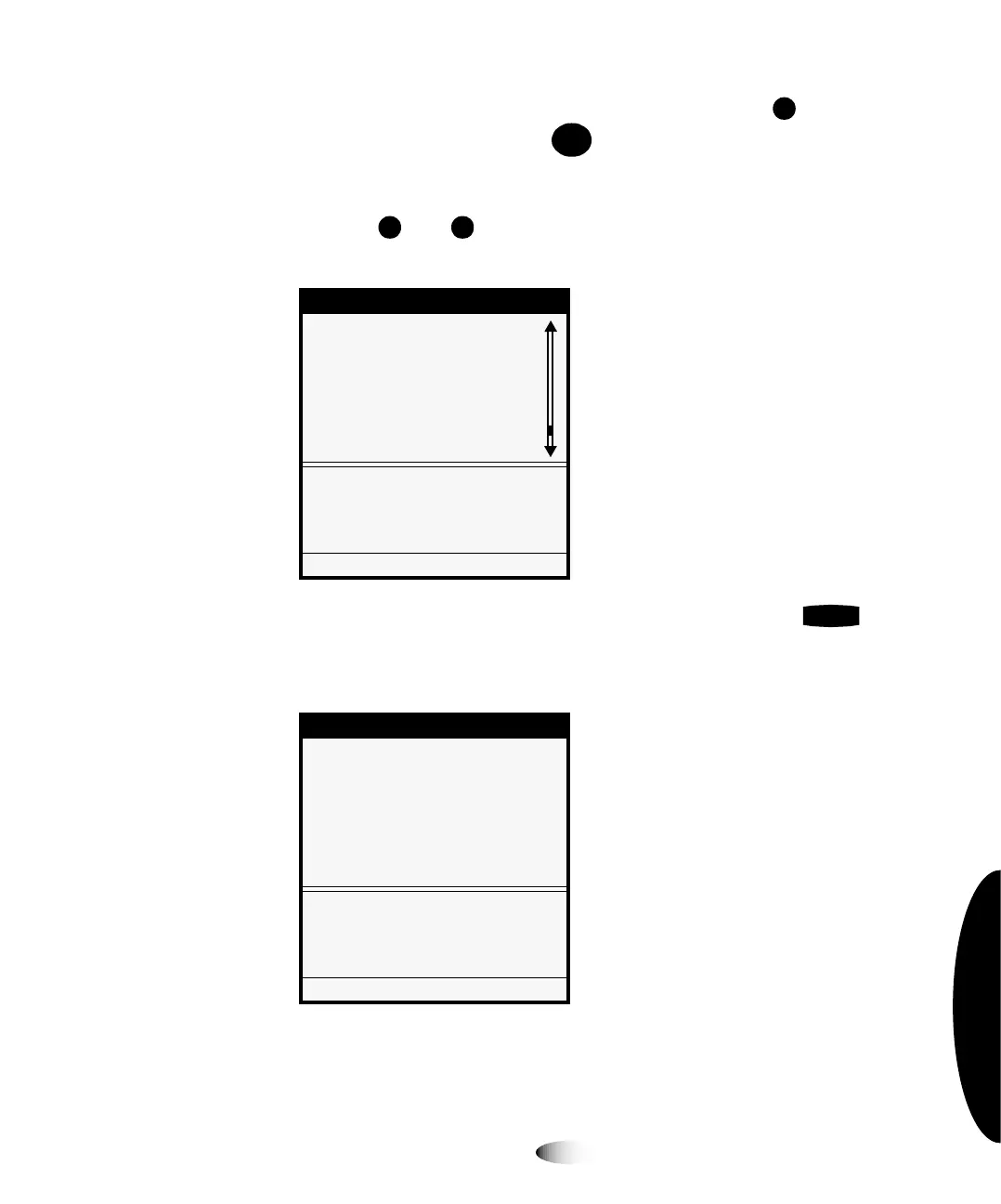
2. Use the and keys to move the selector arrow through the
option list until it points to
1HWZRUN6HWWLQJV
, as shown below.
3. With the
1HWZRUN6HWWLQJV
option selected, press the key.
The Network Settings menu displays. Note that the current
settings are displayed in square brackets.
0HQX
/RDG5HPRYH5LEERQ
&XVWRP-RE6HWWLQJV
8WLOLWLHV
7HVW3ULQWV
3ULQW)URP86%'ULYH
)HDWXUH0DQDJHPHQW
1HWZRUN6HWWLQJV
&RQILJXUH7&3,3QHWZRUN
VHWWLQJV
3UHVV0(18WRH[LWPHQXV
1HWZRUN6HWWLQJV
1HWZRUN6HWWLQJV
6SHHG>$XWR6HQVH@
$GGUHVVHV
5HVHW1HWZRUN6HWWLQJV
6HWQHWZRUNDGGUHVVHVRIWKLV
,PDJHU
3UHVV0(18WRH[LWPHQXV
8
7RVSHFLI\WKH
LPDJHU¶V,3
DGGUHVV
0(18
(17(5



 To Next Page