3-20 Basic Imager Operations
6. Press the key.
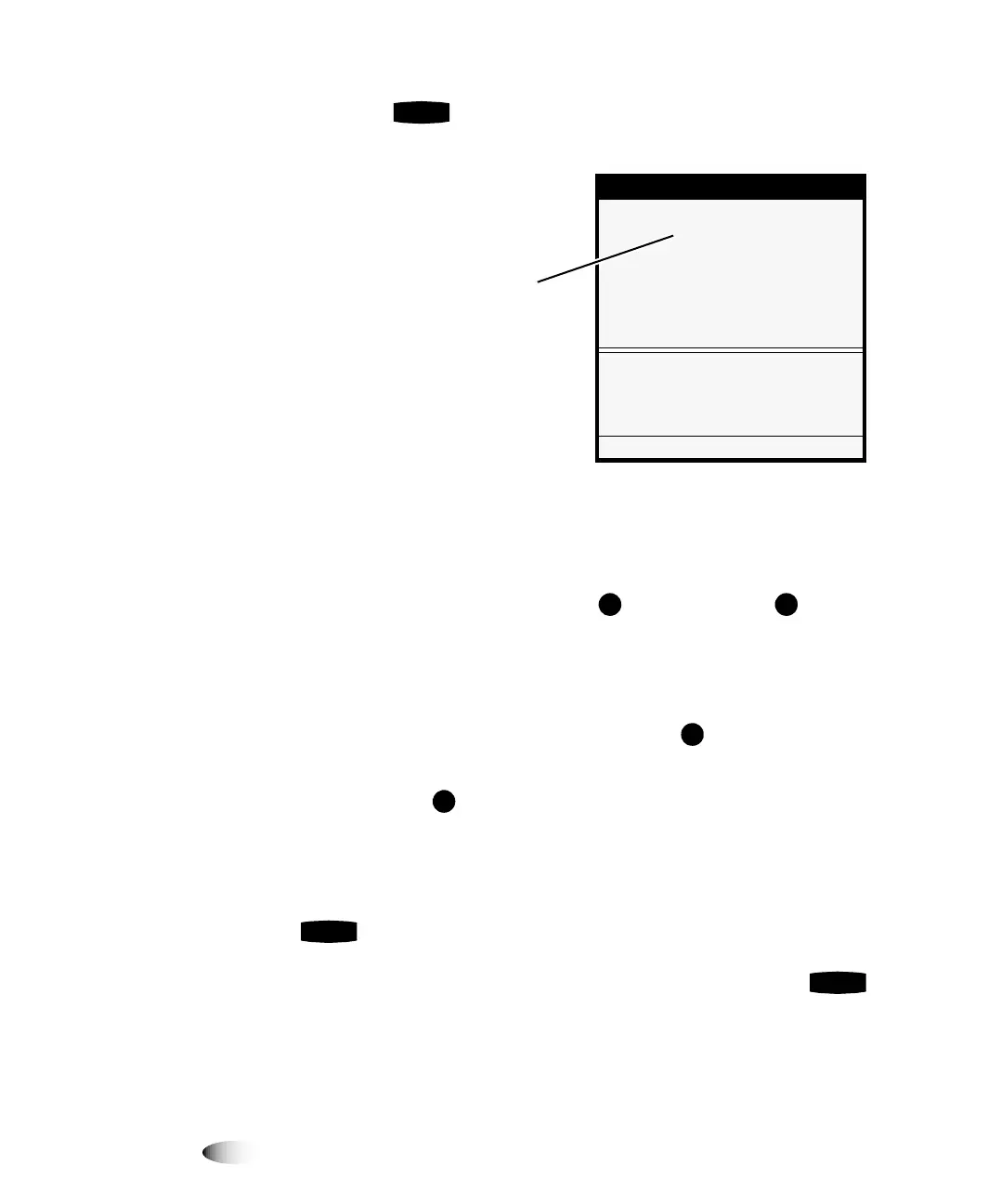
The next menu allows you to enter the IP address.
Notice that bold square
change
brackets are displayed around
the first Base IP Address value position. The bracketed portion
of the address is the portion that can currently be changed.
7. To change the value, press the (increment) or
(decrement) key until the address value you want is displayed.
Note that you can hold these keys to rapidly cycle through
values.
8. To select the next value field, press the key.
The change brackets move to the next portion of the address.
(Pressing the key moves the change brackets to the left.)
9. Repeat steps 7 and 8 until all four positions in the Base IP
Address have been defined.
10. When you are finished entering the IP address values, press the
key to save it.
127(
7RH[LWWKH,3$GGUHVVVFUHHQZLWKRXWVDYLQJ\RXUFKDQJHVSUHVVWKH NH\
7KHSUHYLRXVPHQXXSLQWKHKLHUDUFK\LVGLVSOD\HG
(17(5
1HWZRUN$GGUHVVHV
%DVH,3$GGUHVV
>@
*DWHZD\
6XEQHW0DVN
1XPEHURI,3$GGUHVVHV
6HWEDVH,3DGGUHVV
2OGYDOXH
83'2:1WRDOWHURFWHW/()75,*+7
WRFKDQJHRFWHWV
3UHVV0(18WRH[LWPHQXV
%ROG
FKDQJHEUDFNHWV
LQGLFDWHWKDW\RXFDQHGLW
WKHEUDFNHWHGYDOXH
(17(5
3
&$1&(/



 To Next Page