22
DEC 2021
INSTALL GUIDE
2
SOFTWARE SETUP
COGNEX DataMan 374
REV 00
2.5 READER ALIGNMENT
Ensure the correct read-head orientation has been selected for the
job prior to alignment and calibration. See section 2.3 Read-Head
Orientation for further assistance.
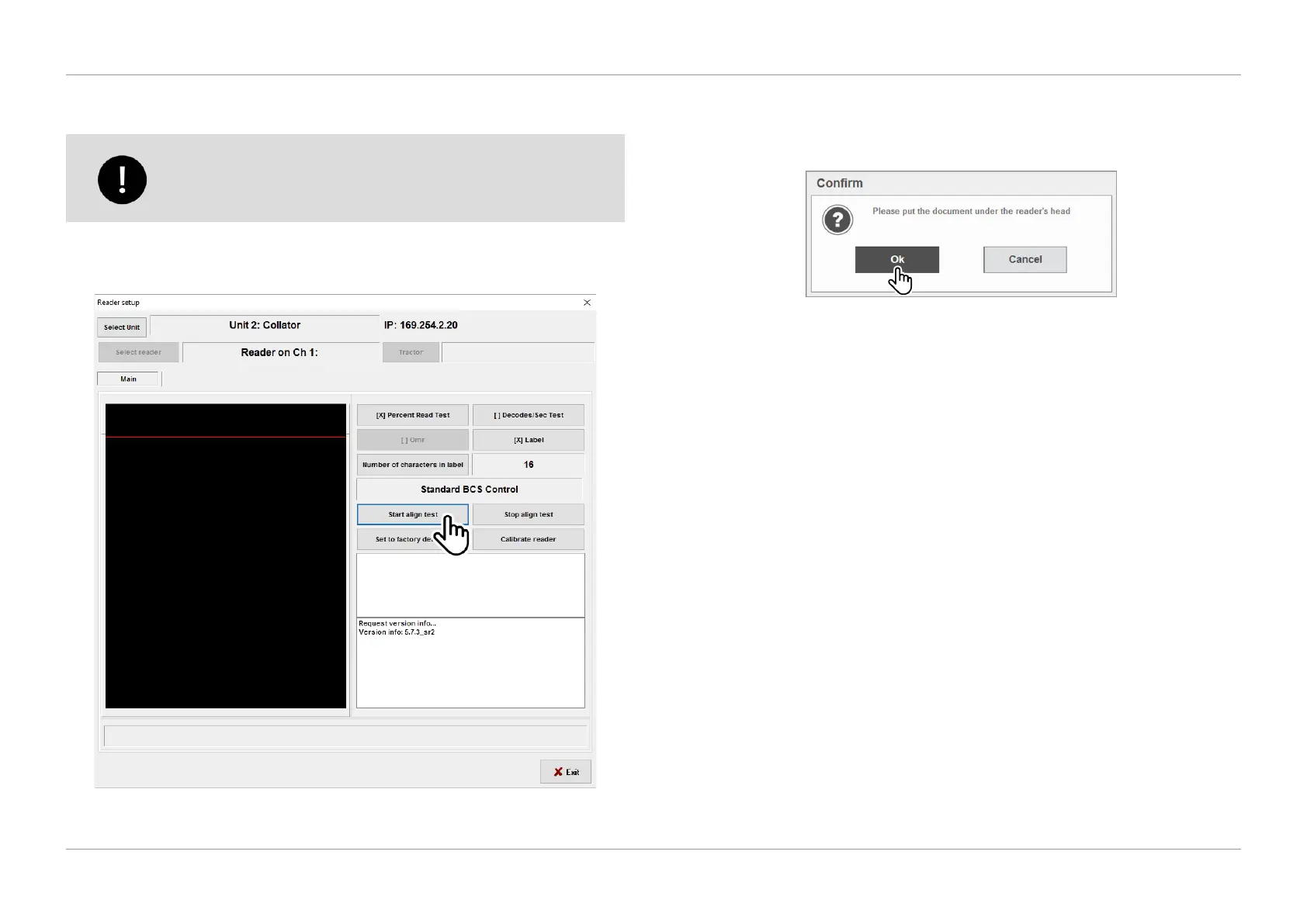
1. To begin reader alignment, select ‘Start align test’ in the Reader Setup screen
as shown in Figure 2.19.
QTL-RND-SCR-00000243-A-00
Figure 2.19 – Start align test
2. Ensure you have a label between the two ashing green lights on the reader,
see section 2.4 Load to Reader for further assistance, then click ‘Ok’ in the
conrmation dialog box as shown in Figure 2.20.
QTL-RND-SCR-00000244-A-00
Figure 2.20 – Conrming reader alignment












 To Next Page