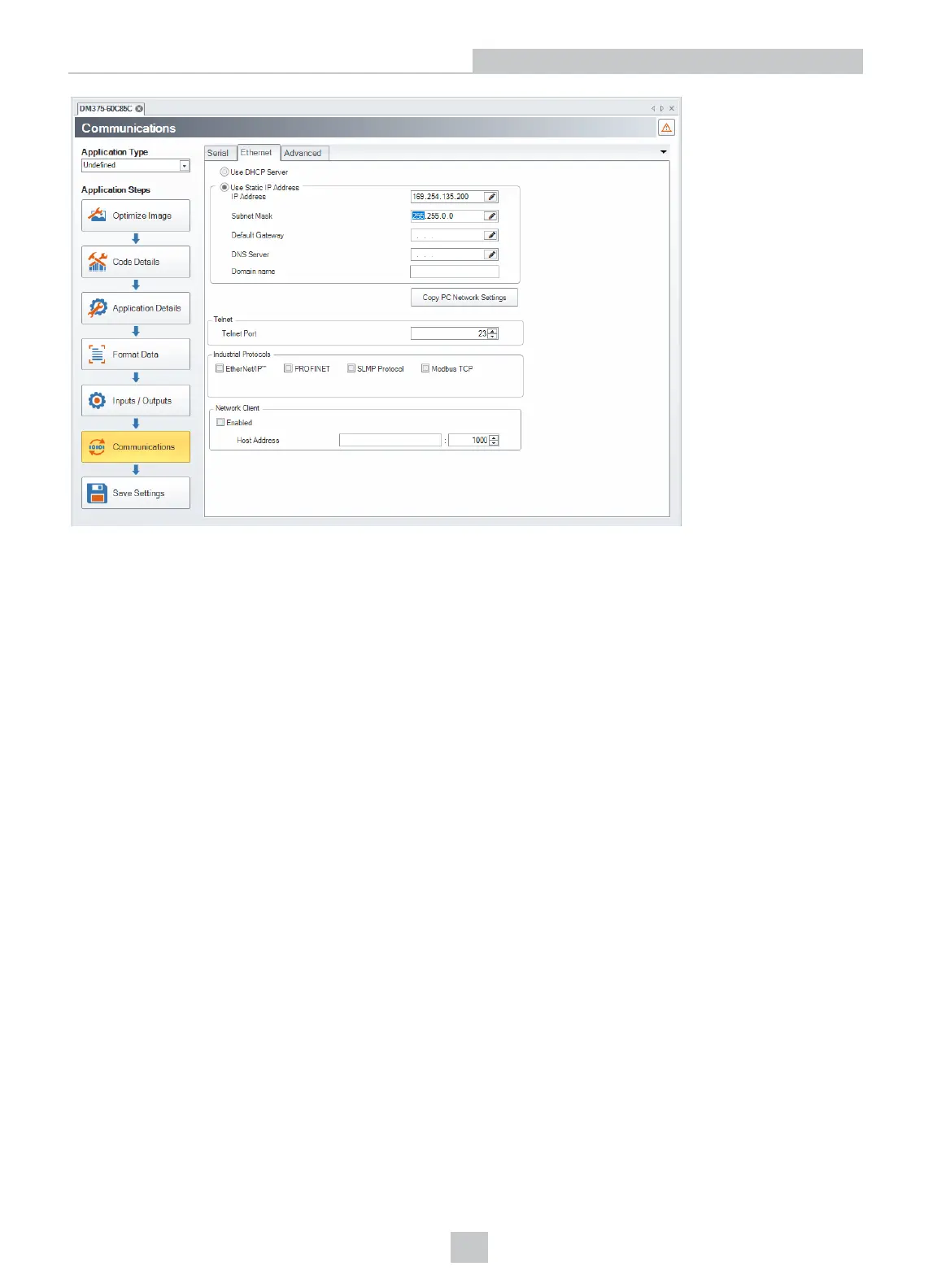
Your DataMan device is now configured to the specified network settings, and it reboots automatically. After the address
has been resolved, your DataMan device appears under the Network node. This can take up to 60 seconds. If the
device does not appear after 1 or 2 minutes, press the Refresh button in the DataMan Setup Tool’s Connect page. This
will force the DataMan Setup Tool to scan for DataMan devices connected to the PC or connected to the same network.
Configuring the PC to Reside on the Same Subnet as the DataMan
If it is preferred that the DataMan network settings remain unchanged, you must already know the IP Address and Subnet
Mask of the DataMan or you must connect to the DataMan via RS-232 to find them out. The DataMan IP Address and
Subnet Mask can be found under Communication Settings.
13
Networking











 To Next Page