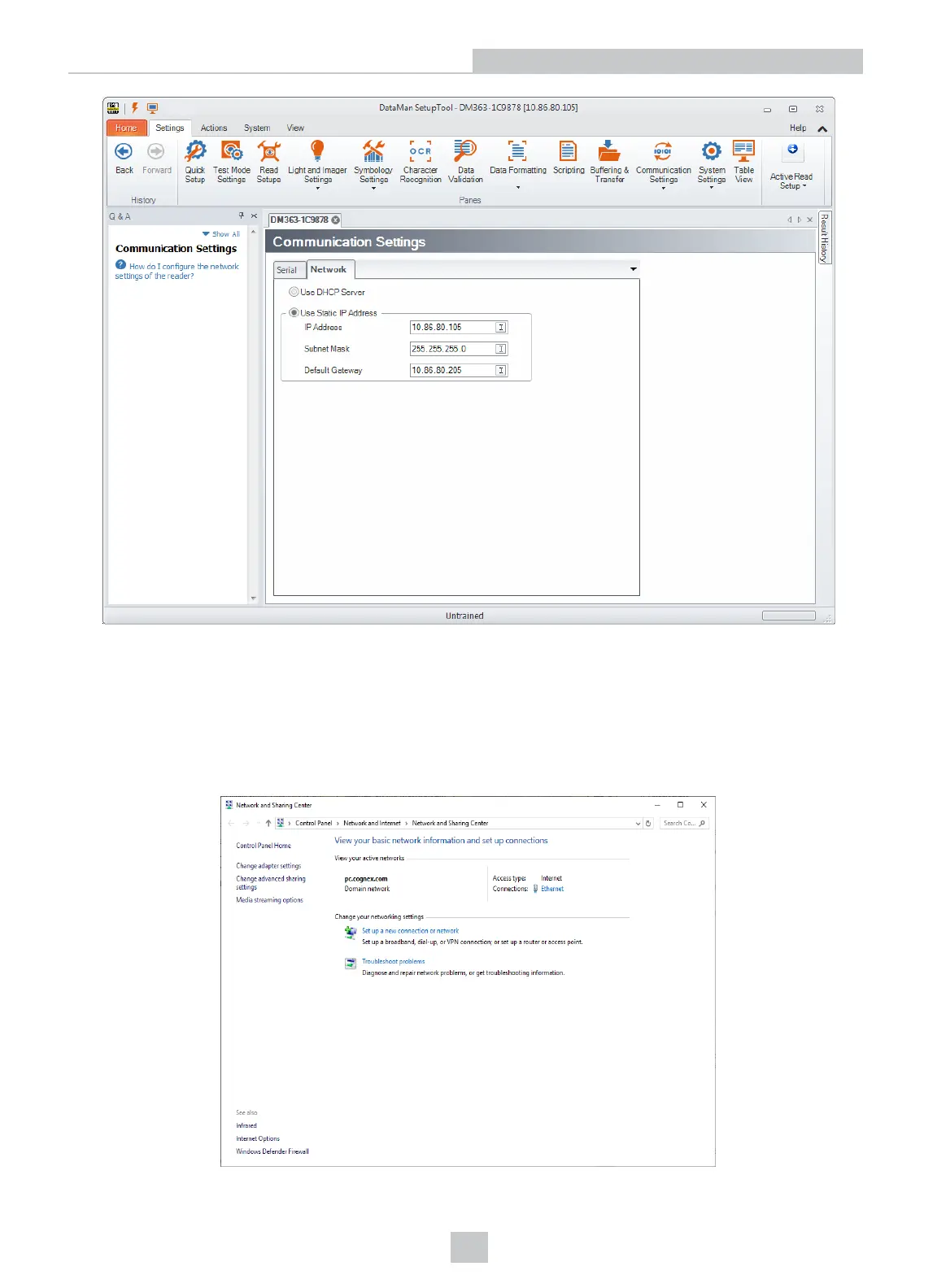
Once the IP Address and Subnet Mask of the DataMan device are known, the PC’s network settings can be changed.
Perform the following steps to configure your PC (examples here are of Windows XP):
1. In the Start Menu, start typing Control Panel and open it.
2. Click Network and Internet.
3. Click Network and Sharing Center and under active networks, click Ethernet.
14
Networking











 To Next Page