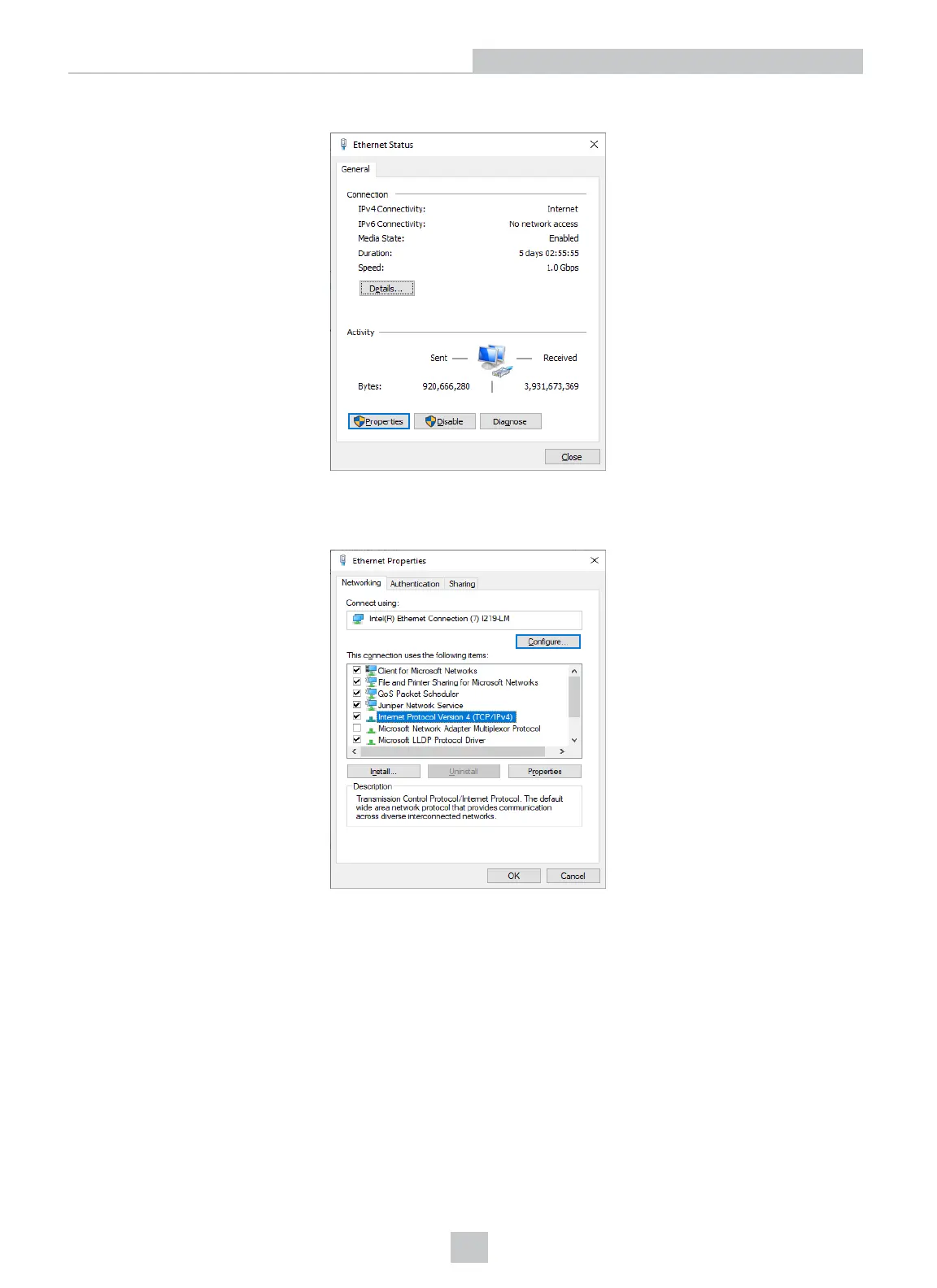
4. In the Ethernet Status window that pops up, click Properties.
5. In the Ethernet Properties window that pops up, select Internet Protocol Version 4 (TCP/IPv4) and click
Properties.
6. Under the General tab, select the Use the following IP address option and enter an IP address and Subnet mask
that are on the same subnet as your DataMan. Click OK.
15
Networking











 To Next Page