26 | P a g e
3.2 Pattern Preview
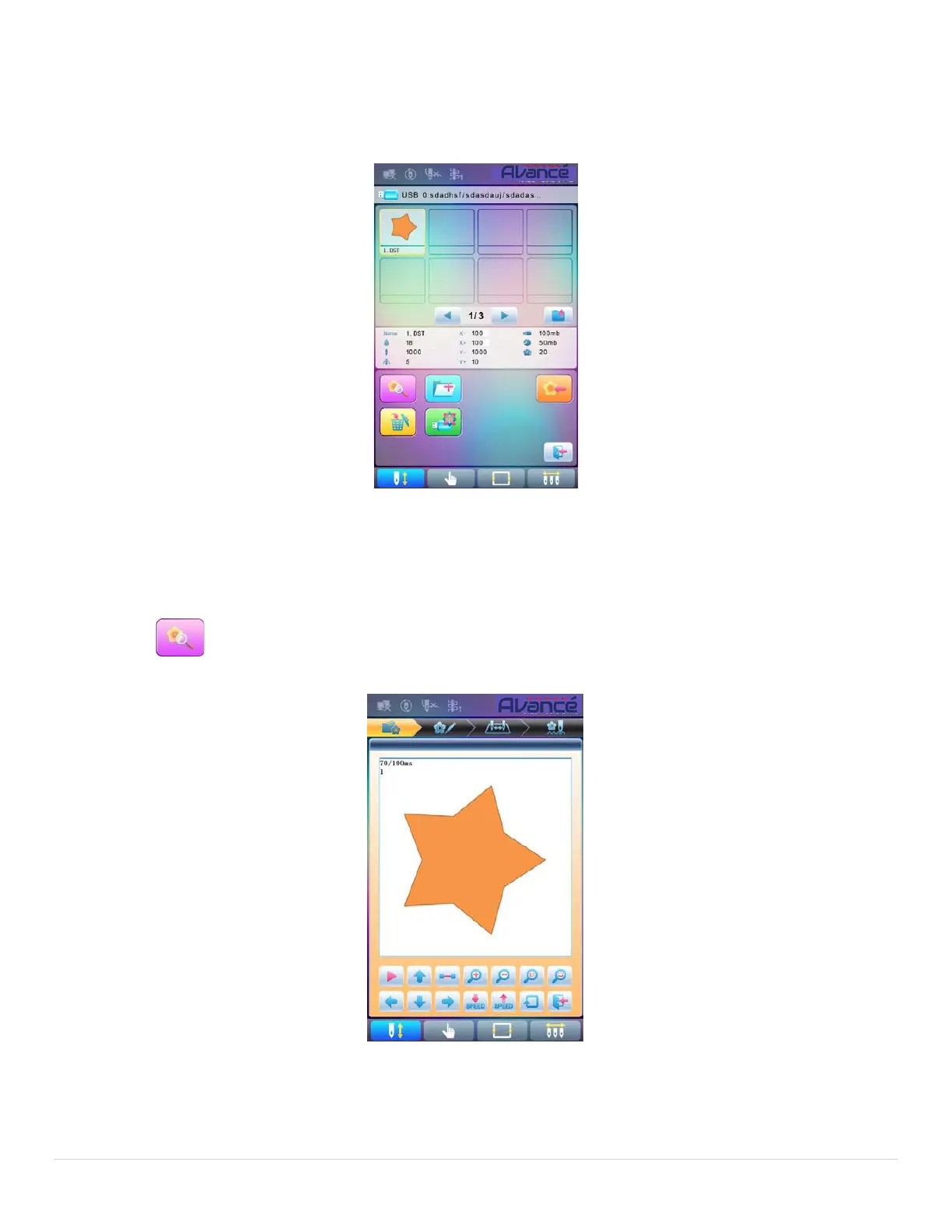
1. In the U disk management interface, press the pattern for preview.
Pattern files and directories are shown in figure in the list. One page of the list contains 8 items. If the
amount of the object within the current directory is more than 8, the object list will be displayed in many pages.
Click the key to turn page and look for patterns in another page. The selected object has a different frame and
background color.
2. Press
The system loads the data from the U disk and user can check details of the pattern, scaleup/down the
pattern, move or make analog display of the pattern.



 To Next Page