24 | P a g e
Chapter 3 U Disk Management
In U disk management interface, user can input patterns from U disk to machine, and vice versa; meanwhile,
user can undertake some common U disk managements, like erasing file or directory, initializing the disk, etc.
User can save patterns data under different directories of the U disk based on different types. Patterns formats
like DSB, DST and DSZ can be read by the system. For data output, patterns will be saved in the U disk as DSB
format.
3.1 Select U Disk
Since the system supports several storage devices, user need select the U disk for operation.
1. Press in pattern management interface.
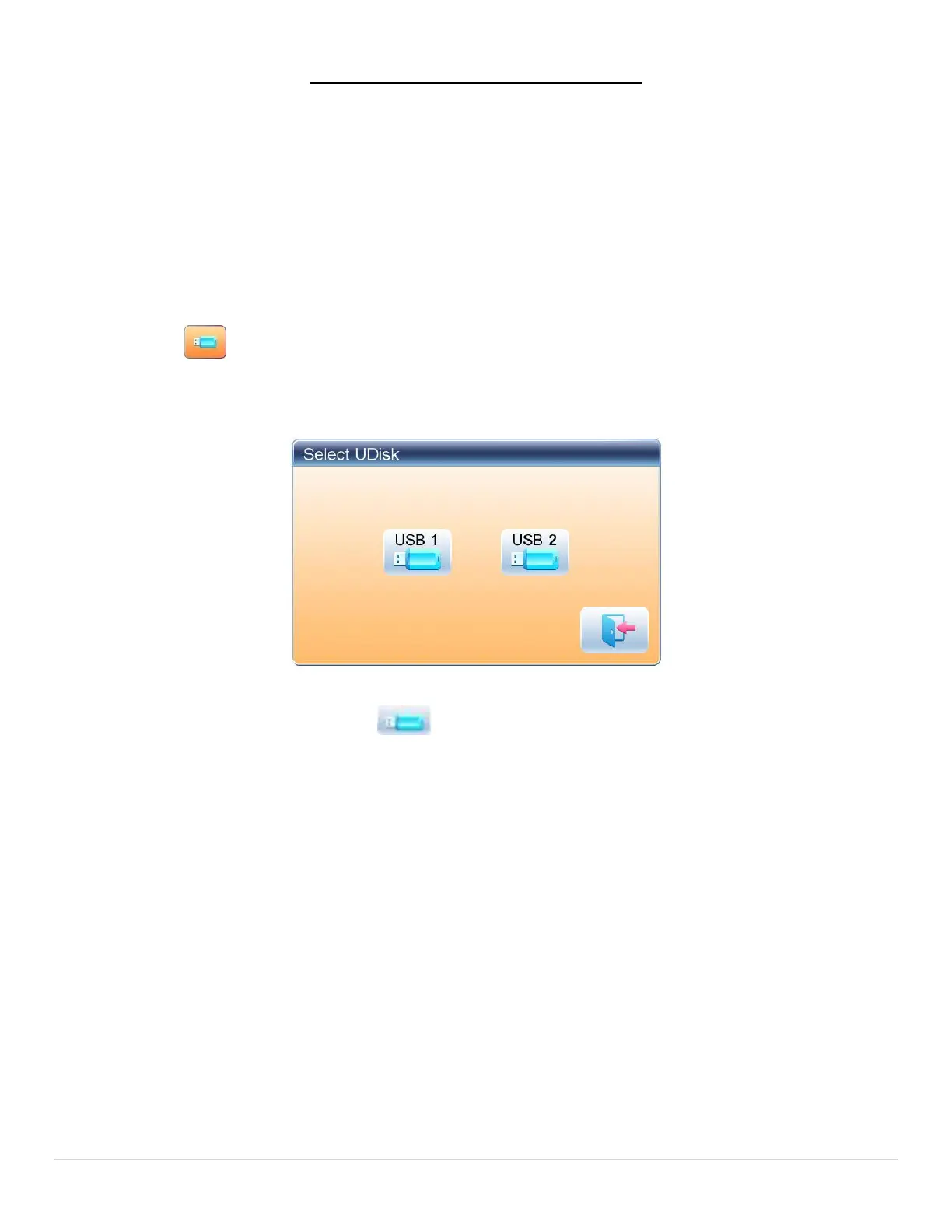
2. System will display “Select U Disk” window, where user need select U disk by pressing
corresponding icon.
In this window all the storage devices will be displayed. Their information includes the icon, words and
numbers. The icon is the device type. Icon indicates U disk. The words are the label of the U disk (if the
U disk has no label, the default letter will be used), and the number refers to the U disk’s digital symbol.



 To Next Page