22 | P a g e
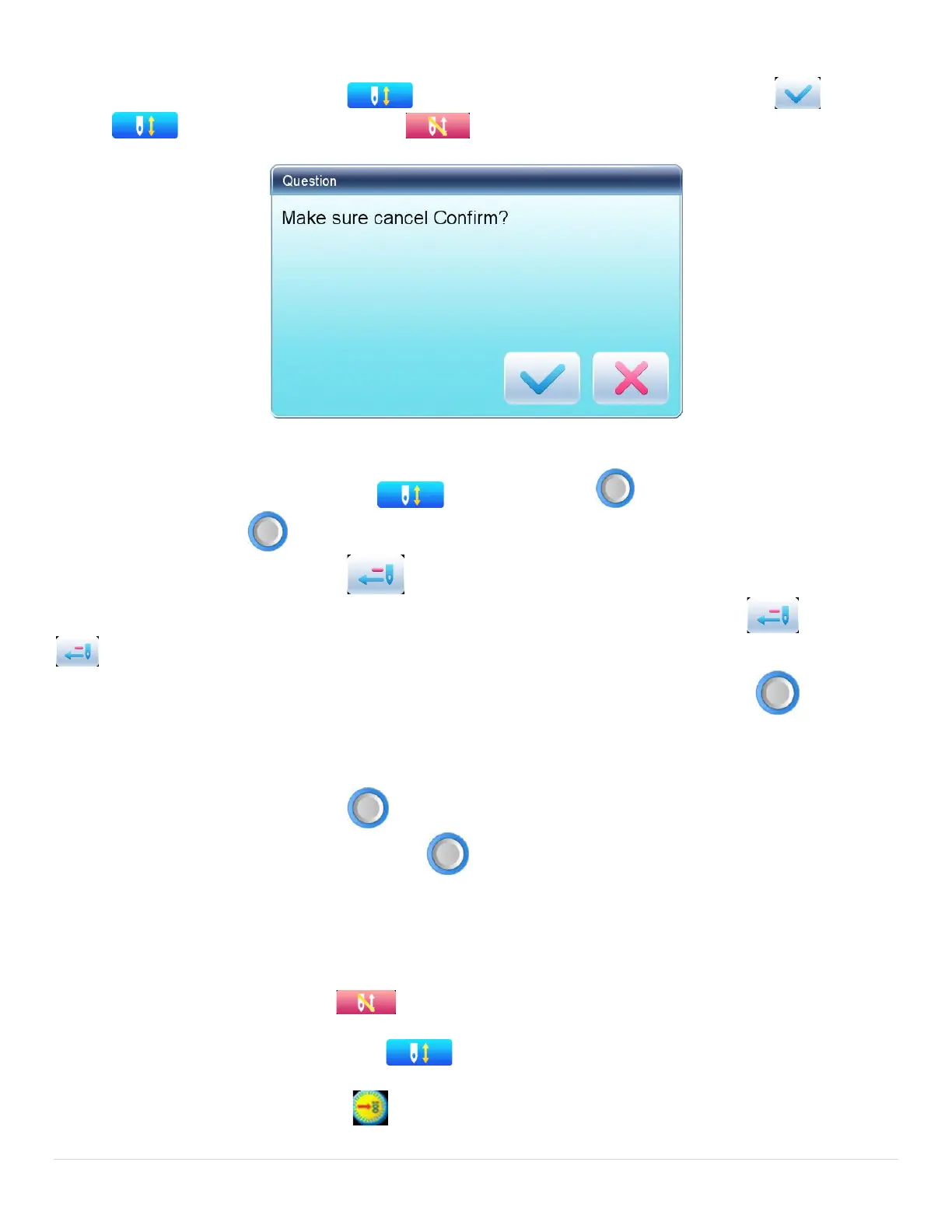
VI. Cancel Embroidery
When the machine stops, press to display a hint window, where user can select to turn
(embroidery confirmation) to (cancel embroidery confirmation).
2.4 Normal Embroidery, Returning and Patching
In embroidery confirmation status ( is displayed), press to start normal embroidery, and
during embroidery, press to stop embroidery.
When the machine stops, press to return the frame back along with the original embroidery path;
one press, one stitch back; hold pressing for 2s to return continuously, even without holding ; press
again to stop.
The purpose of returning is for patching, and when the machine stops returning, press to start
normal embroidery.
2.5 Embroidery Operation
When the machine stops, press to start embroidery;
When the machine is embroidering, press to stop embroidery.
2.6 Working Status
There are three working statuses:
1. Embroidery Ready Status ---- preset parameters, choose embroidery patterns and make
other preparation work for embroidery.
2. Embroidery Confirmation status --- confirm the parameter settings to enter the quasi-
running status.
3. Embroidery Running Status ---- embroidery.



 To Next Page