50 | P a g e
2. Select the two patterns to be combined and record their pattern numbers.
3. Press to enter memory operation selection interface.
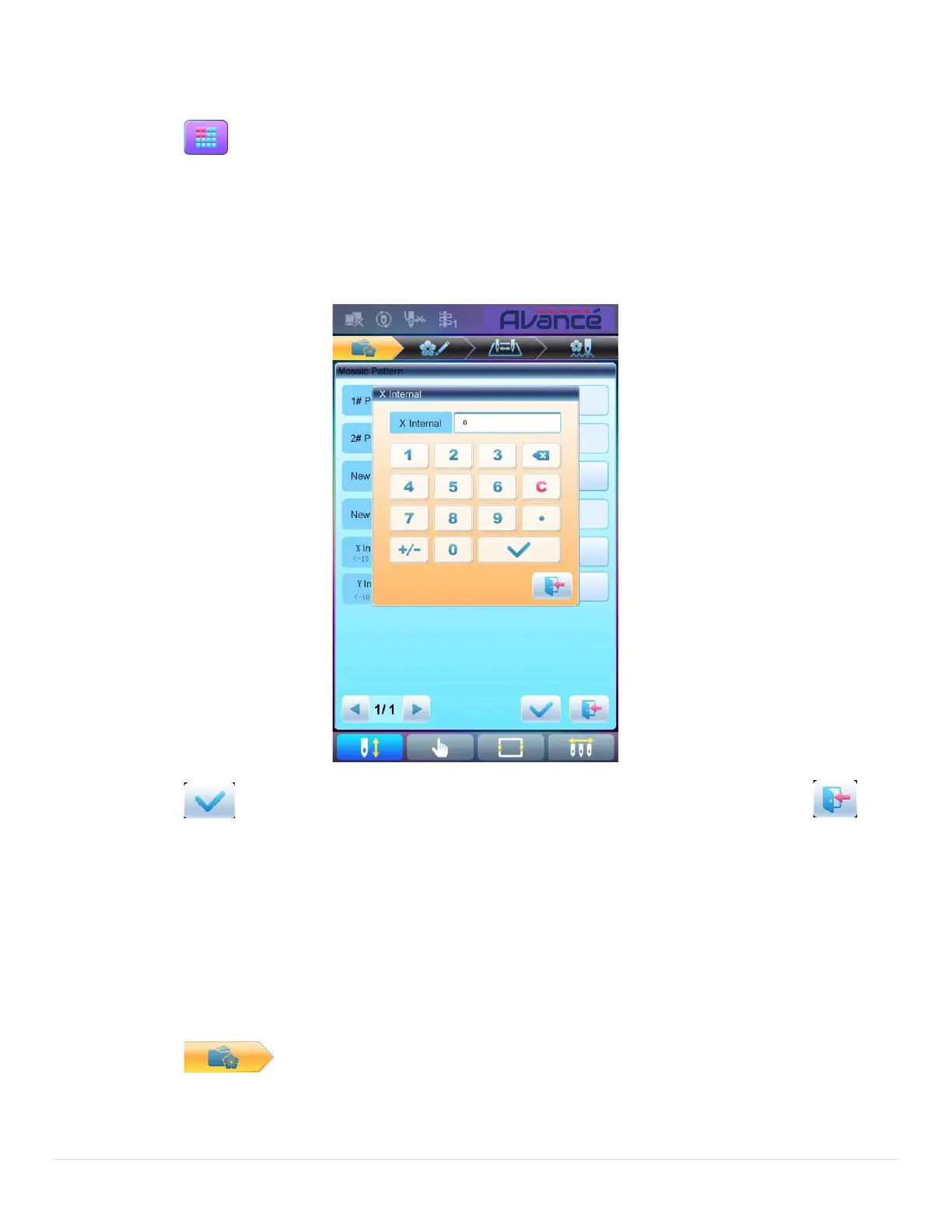
4. Press “Mosaic Pattern” to enter the operation interface.
5. User can press to input new pattern number and name instead of default ones.
6. Press “X Interval” to input the value. Press “Y Interval” to input the value.
7. Press to combine patterns and return to pattern operation selection interface. Press to
quit the combining operation and return to pattern operation selection interface.
5.11 Create Combined Pattern
The combined pattern means a pattern group combined from several certain (less than 99) memory patterns
after setting their parameters. The combined pattern is set as automatic continuous embroidery. To embroider a
combined pattern, user need return to the memory pattern management interface after creating or editing the
combined pattern, where user can select the combined pattern, and then after embroidery confirmation, press
start to embroider.
1. Press to enter memory pattern management interface.
2. To edit existing combined patterns, select a combined pattern; to create a new combined pattern, just
follow the instructions below.



 To Next Page