45 | P a g e
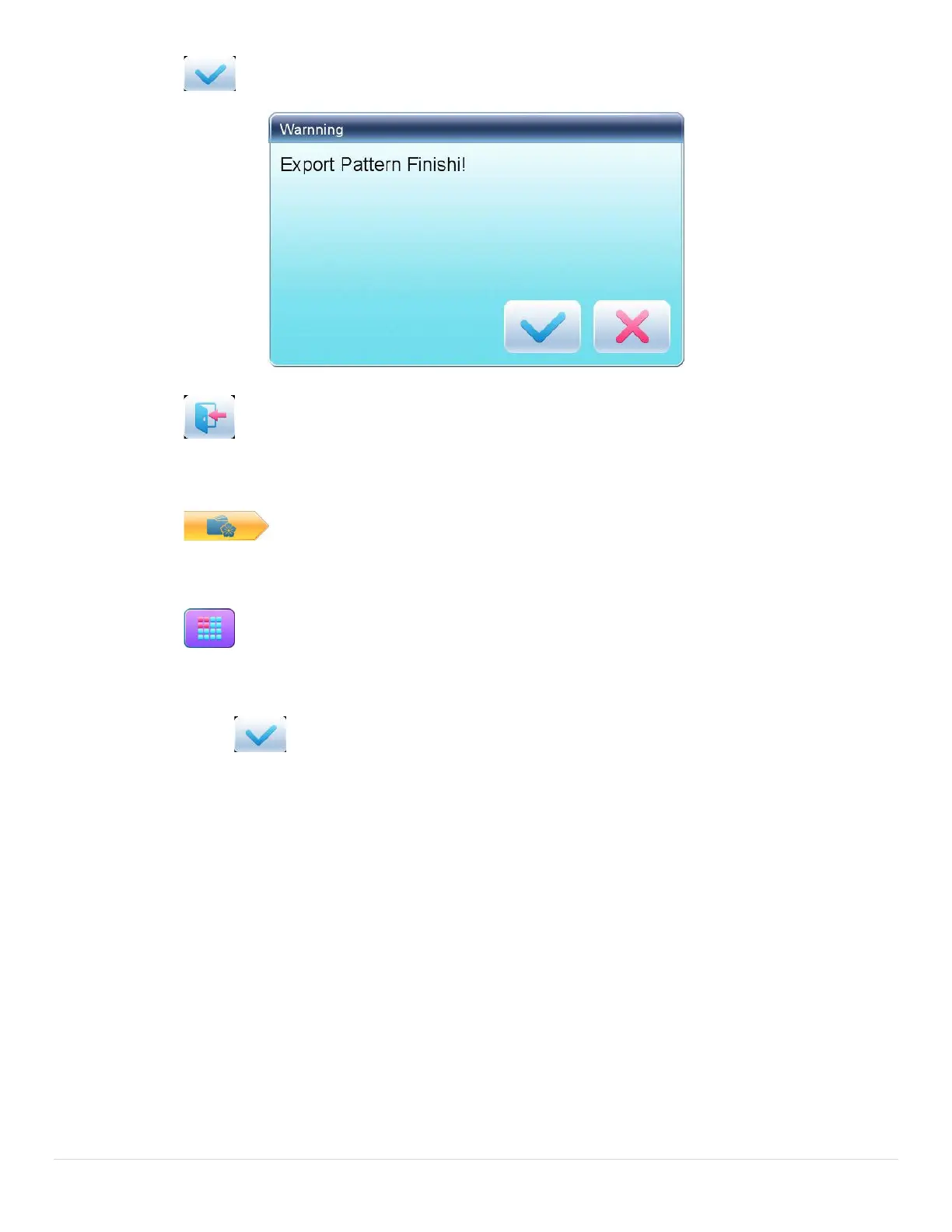
6. Press of the completion hint.
7. Press to return to pattern management interface.
5.5 Copy the Memory Pattern
1. Press to enter memory pattern management interface.
2. Select a pattern in the memory pattern image display area.
3. Press to enter memory operation selection interface.
4. Click “Copy Pattern” to enter its operation interface. The system will automatically provide the
smallest available pattern number and default pattern name. If the user doesn’t want to change them,
please press .
5. To input a new pattern number, click “New Pattern number” and input the new number in the pop-up
window.



 To Next Page