60 | P a g e
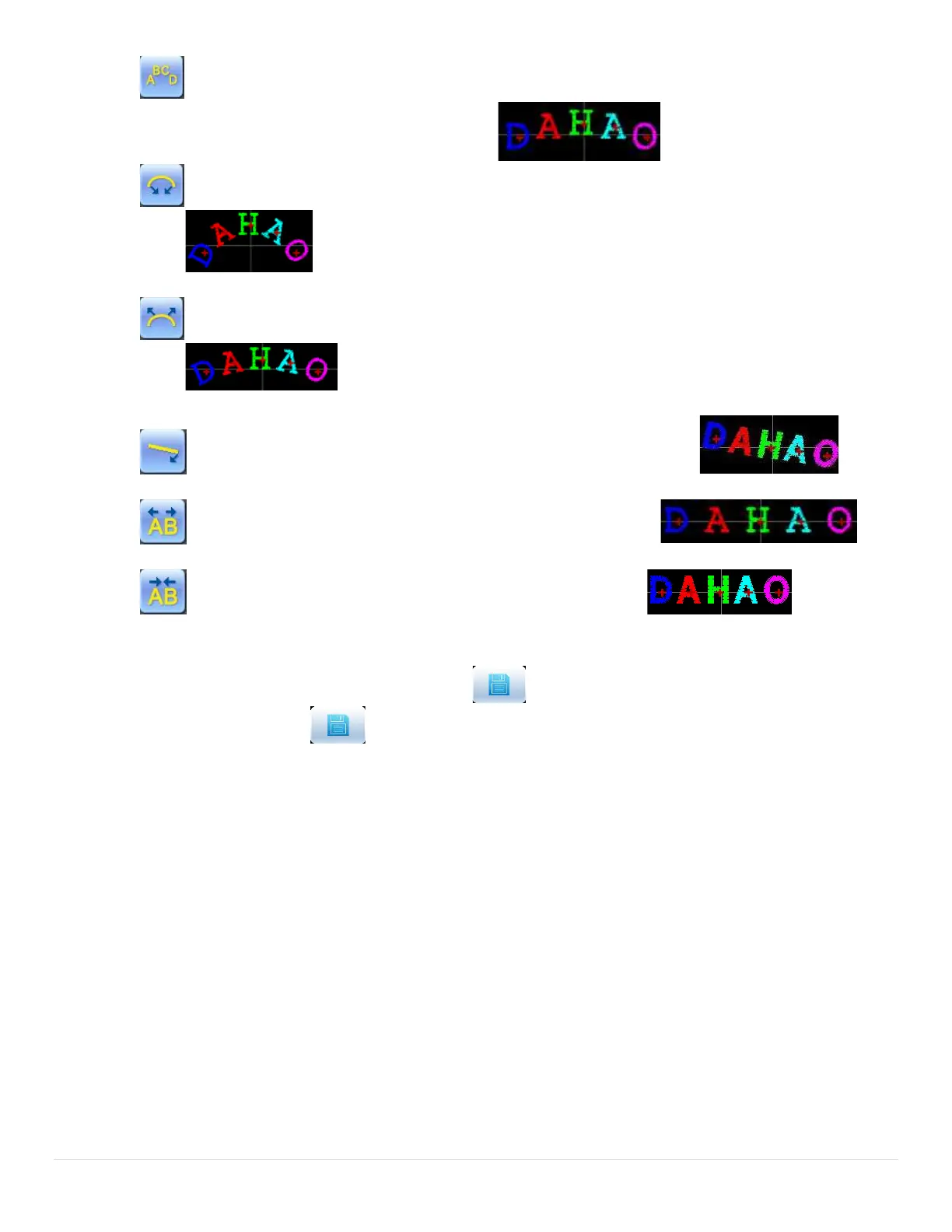
“Fix Letter Direction”: when user ranks the letters in arc, the letter angle will not change
along with the position of arc, but fix at a certain angle
“Increase Radian”: when user ranks the letters in arc, this key can enlarge the radian of the
reference arc
“Reduce Radian”: when user ranks the letters in arc, this key can reduce the radian of the
reference arc
“Whole Clockwise Rotate”: rotate the whole letter string clockwise
“Enlarge Letter Interval”: increase the interval between letters
“Reduce Letter Interval”: reduce the interval between letters
6.4 Save Letter Pattern
After finishing the letter pattern edit, user can press to display a window for user to input pattern
number and name, and then press again to save.



 To Next Page