59 | P a g e
“Enlarge”: enlarge to show the detailed part of the letter pattern.
“Actual”: show the letter pattern in the actual size. At this time, the size of pattern in interface
is equal to actual size.
“Center”: scale up/down the view, so as to show the whole pattern for checking.
“Save”: it is used for saving the edited letter pattern. After pressing this key, the system will
display the window for user to input the pattern number and name. According to need, change the pattern
name and number (the number is not recommended to be changed), then press confirmation key to start
saving.
“Exit”: quit from “Create Letter Pattern”.
4. Keys for Adjusting Whole Arrangement
If you adjust the parameters for whole rank after the edition of the individual letter, the edition of the
individual letter will be probably replaced.
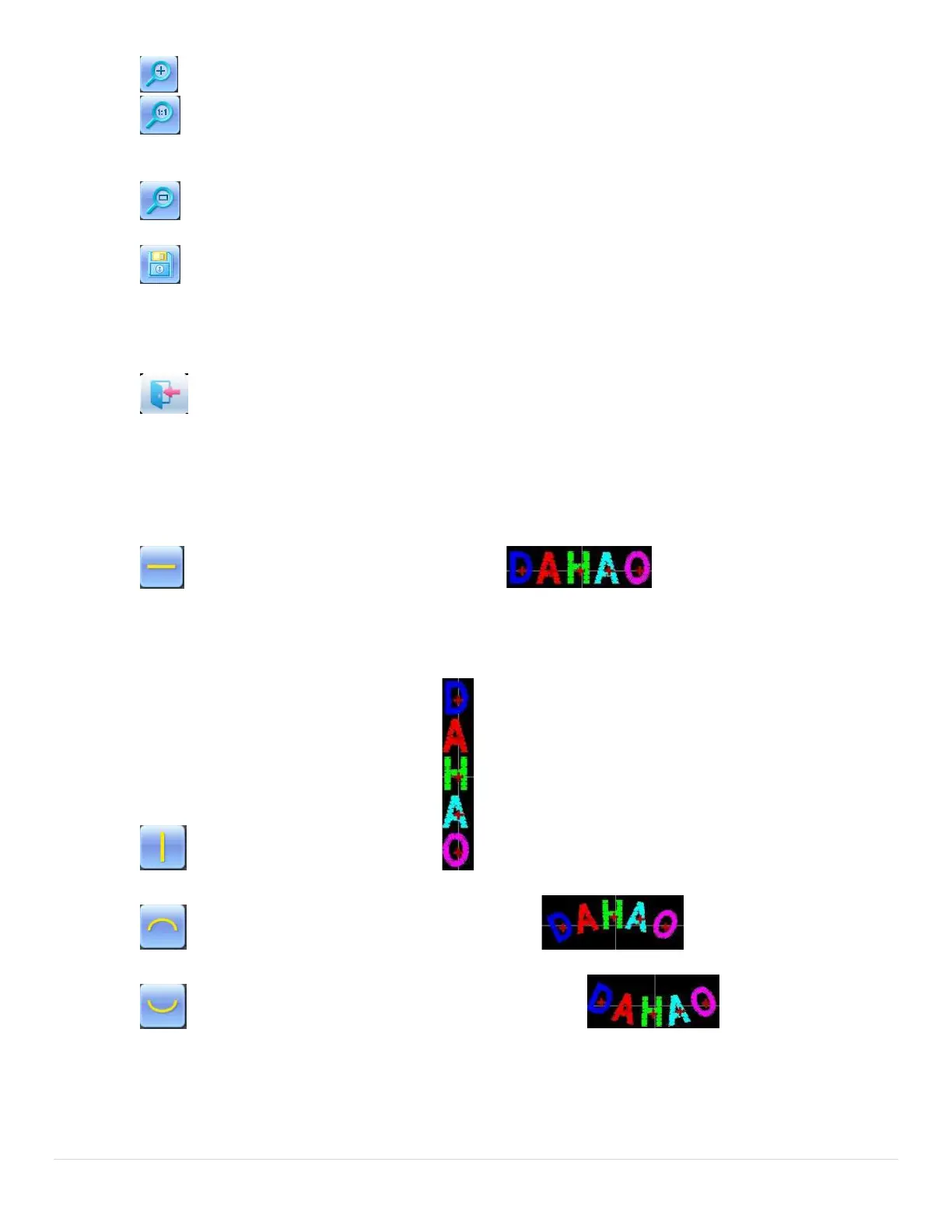
“Horizontal”: rank the letters horizontally
Press this key to shift among “horizontal”, “vertical”, “up arc”, and “down arc”. Only in case of “up arc”
and “down arc” can “fix letter direction”, “increase radian” and “decrease radian” be adjusted.
“Vertical”: rank letters vertically
“Up Arc”: rank letters in arc bending upwards
“Down Arc”: rank letters in arc bending downwards



 To Next Page