58 | P a g e
“Vertical Overturn”: overturn the selected letter vertically.
“Clockwise Rotation”: use the letter as center (“+” in the center of letter) and rotate the
selected letter clockwise.
3. View and File Operation
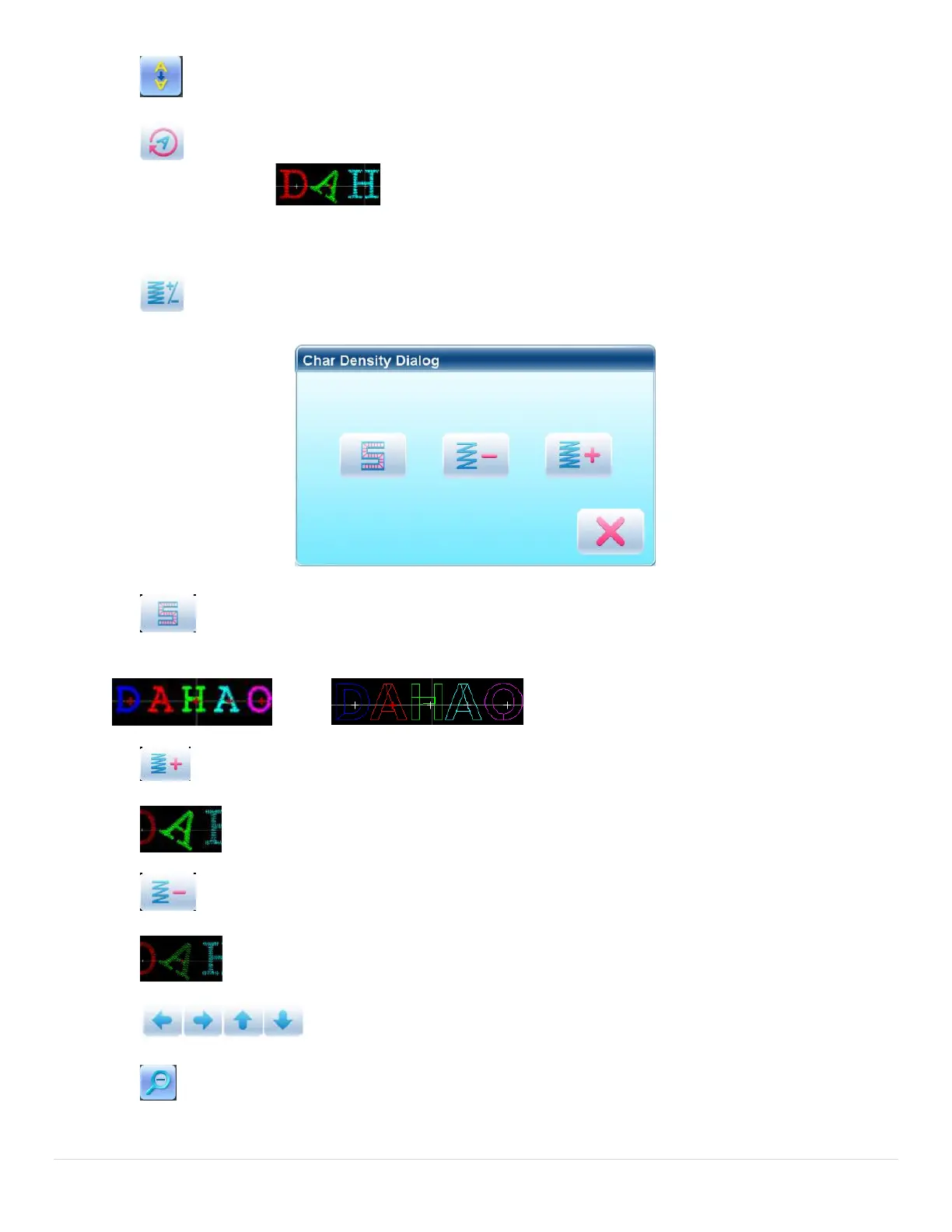
“Letter Density”: adjust the density of the letter string. Press this key to display the density
dialog box, where user can set stitch form, increase or decrease density.
“Stitch Form”: show/hide the stitch form. Hiding the stitch form can improve
operation speed.
“Increase Density”: increase the satin stitch density of the created letter pattern.
“Reduce Density”: reduce satin stitch density of the created letter pattern.
“Left”, “Right”, “Up” and “Down”: move letter pattern toward each direction.
“Reduce”: reduce to the display window of letter pattern.



 To Next Page