48 | P a g e
5.8 Divide Pattern
This operation is to divide one pattern into two new patterns.
1. Press to enter memory pattern management interface.
2. Select a pattern in the memory pattern image display area.
3. Press to enter memory operation selection interface.
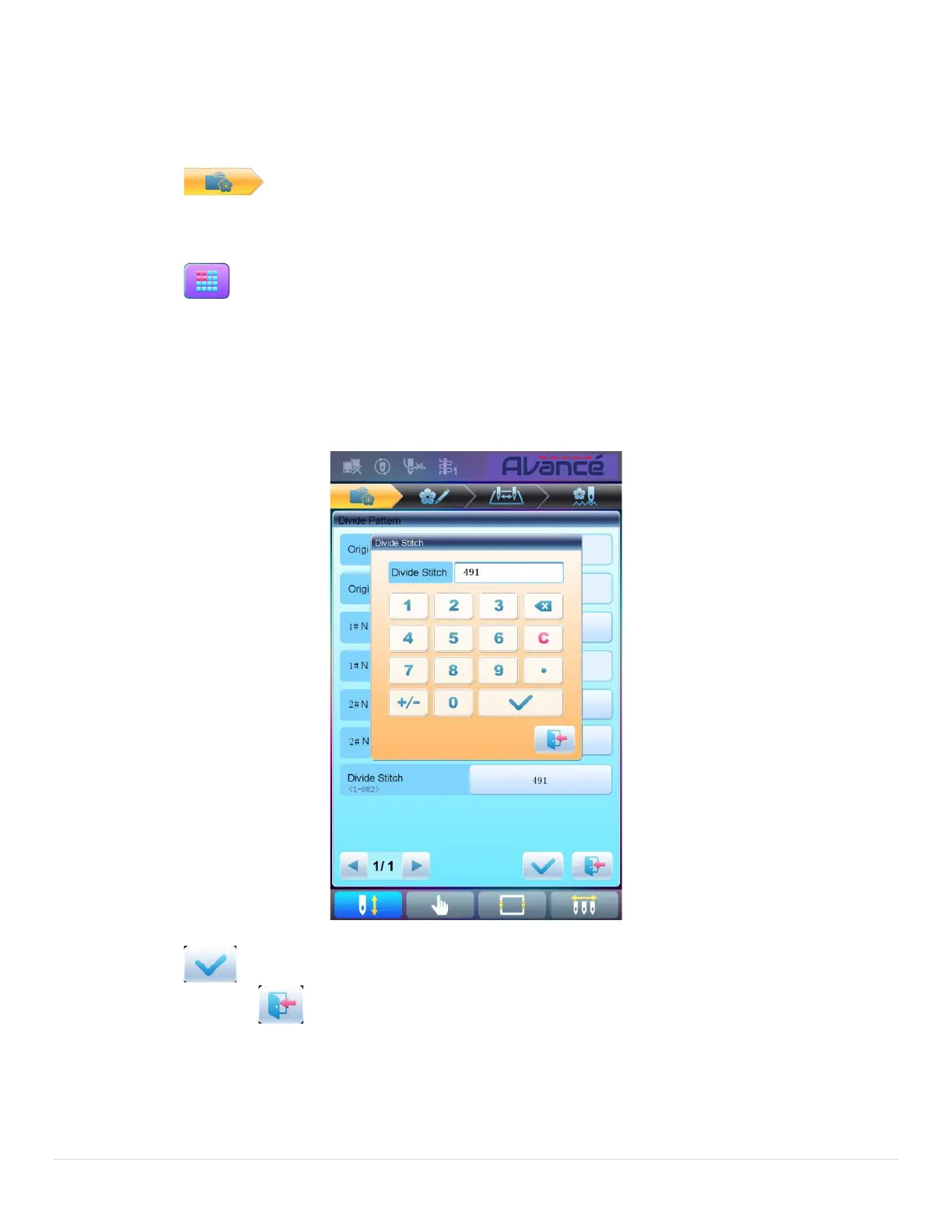
4. Press “Divide Pattern” to enter the operation interface.
5. User can press to input new pattern number and name instead of default ones.
6. Press “Divide Stitch” to input the stitch number of the division position.
7. Press to divide the pattern into two new patterns and return to pattern operation selection
interface. Press to quit the dividing operation and return to pattern operation selection
interface.



 To Next Page