37 | P a g e
4.2.2. Settings of Color-Changing Order
1. Press to enter color-changing setting interface.
2. Input the needle bar numbers in order in the needle bar number selection area. The pattern display
and the color list will be refreshed after each input.
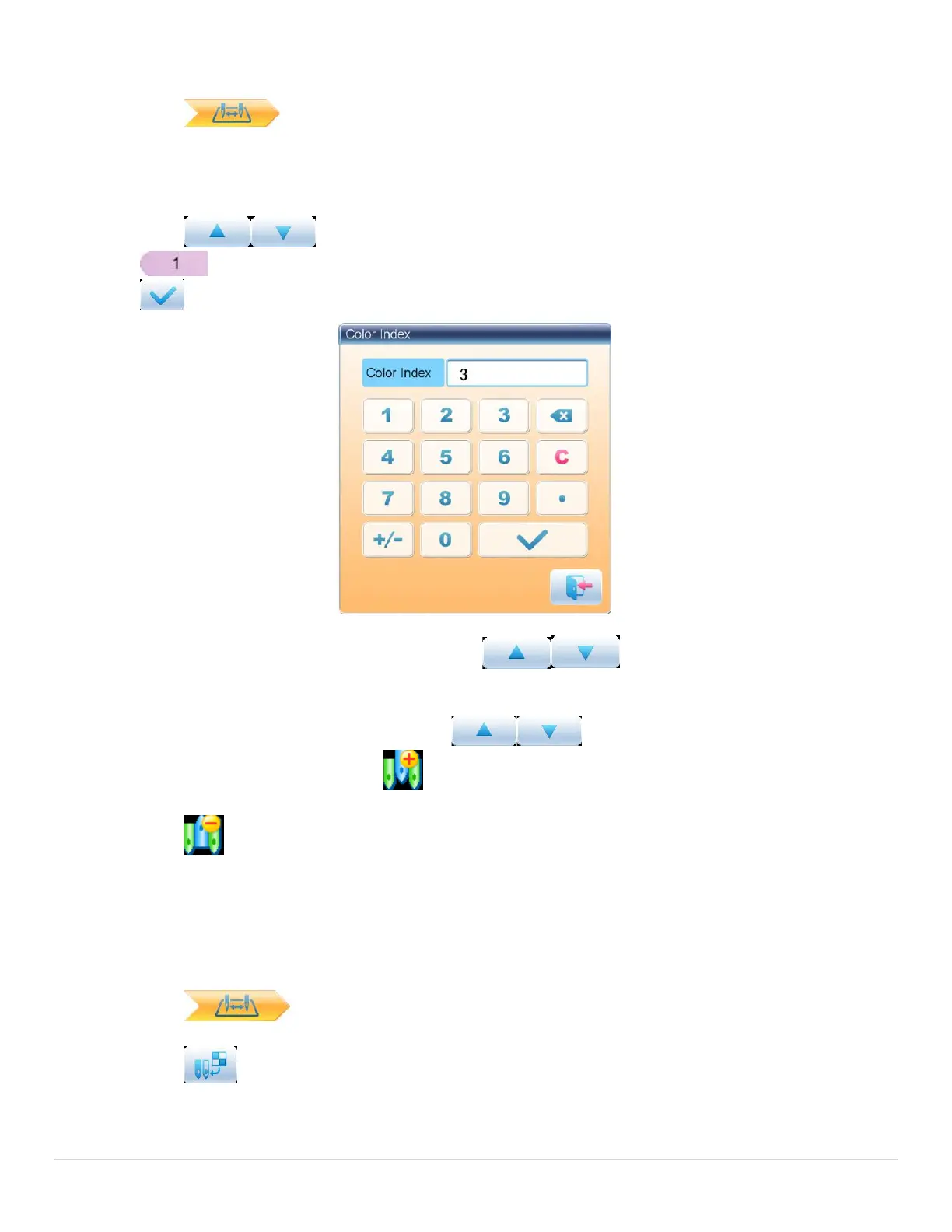
3. Press to check whether the inputted color-changing order is correct. Or press
to “Color Index” interface, input the color block number you want to view, and then press
to jump to the color block.
4. To change a certain needle bar number, press to move to the item to be modified
and then press the new needle bar number.
5. To insert a new needle bar number, press to move to the position below the
position to be inserted, and then to insert the needle bar number.
6. Press to delete a needle bar number.
4.2.3. Set Needle Bar Color
To make the display effect close to the actual embroidery effect, this system allows settings of color for
each needle bar and such settings can be saved together with the color-changing order of the pattern.
1. Press to enter color-changing setting interface.
2. Press to enter needle bar color setting interface.



 To Next Page