29 | P a g e
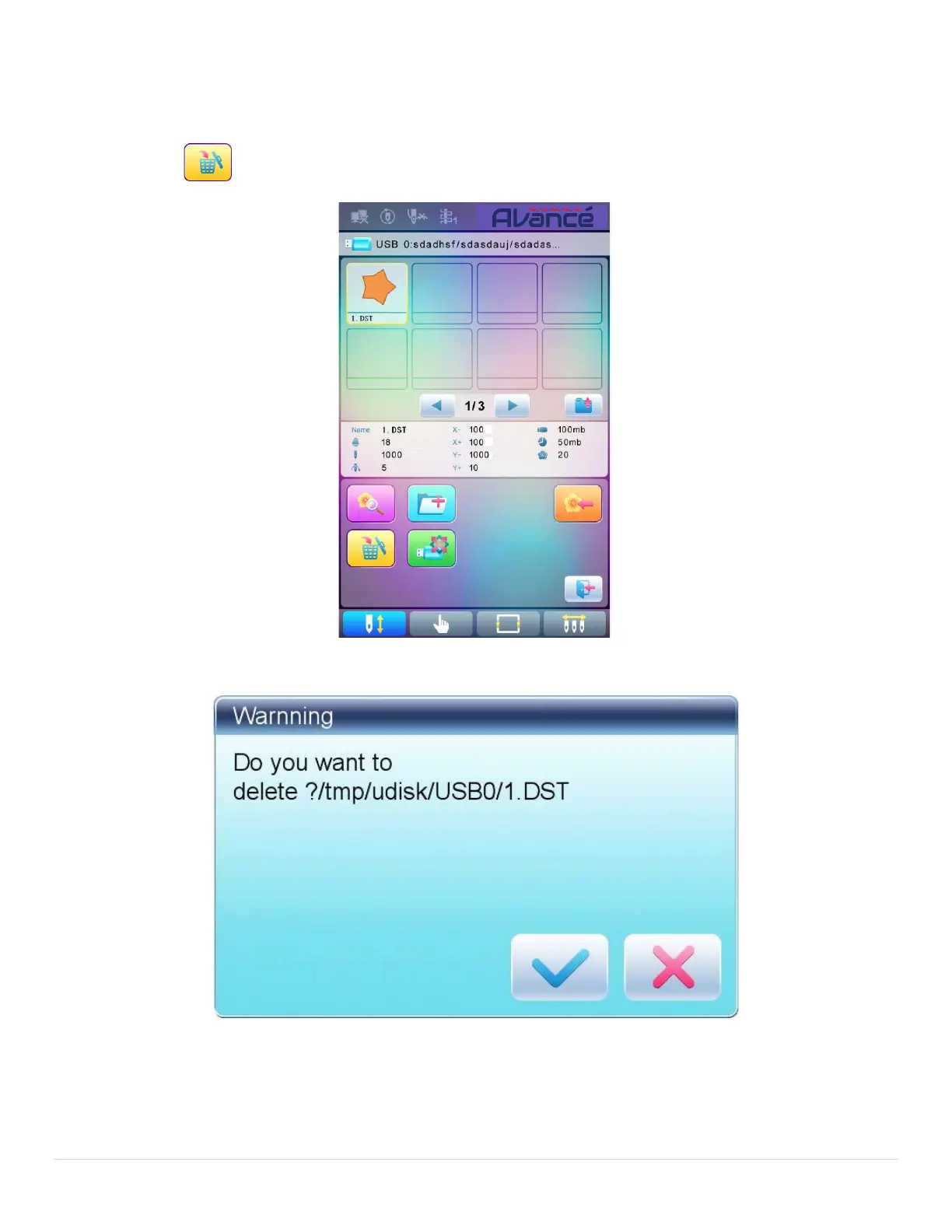
3.6 Delete Objects from U Disk (including pattern file and directory)
1. Select objects to be deleted;
2. Press to delete;
3. System will ask user to confirm the deletion.
Note:
If the user wants to delete a directory, the system will delete all the files and sub-directories within this
directory. In case of “Read Only” or “U Disk Write Protection”, the file will be unable to delete.



 To Next Page