28 | P a g e
The system provides the minimum available pattern number as the default value. User can use the keypad
below to change the number.
4. Press to confirm;
5. The system will save the pattern data from the U disk to the memory.
3.4 Directory Operation
1. Enter directory:
Double click the icon of the object directory to enter it, and the system will load the item list of the directory
and refresh the display interface.
2. Return to Upper Level:
Press to return to the upper level of directory and refresh the display interface.
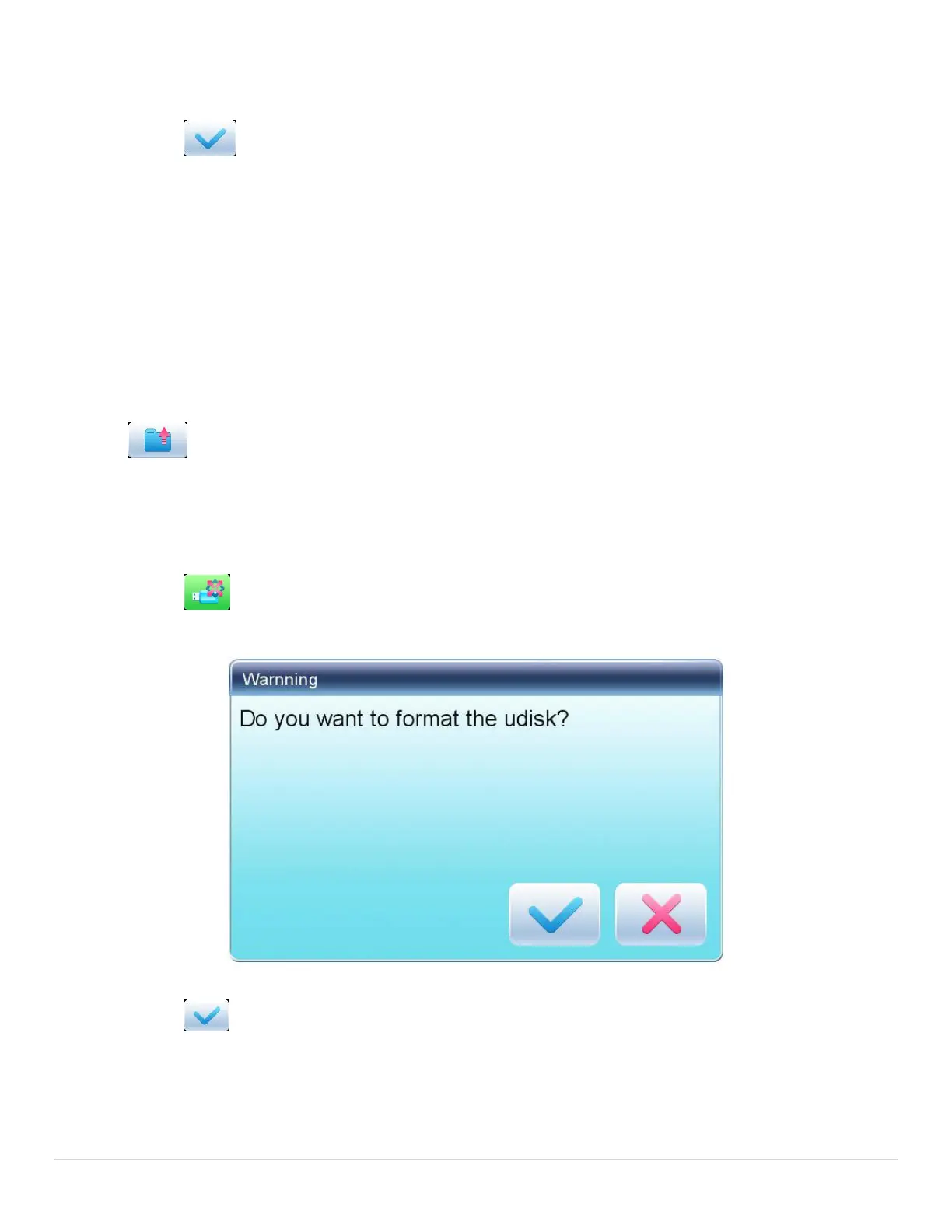
3.5 Formatting U Disk
1. Select the U disk for formatting;
2. Press to start formatting;
3. Press to confirm
System will begin to format the disk and return automatically to U disk management interface after finishing
formatting.
Note: system will format the U disk according to DOS format.



 To Next Page