49 | P a g e
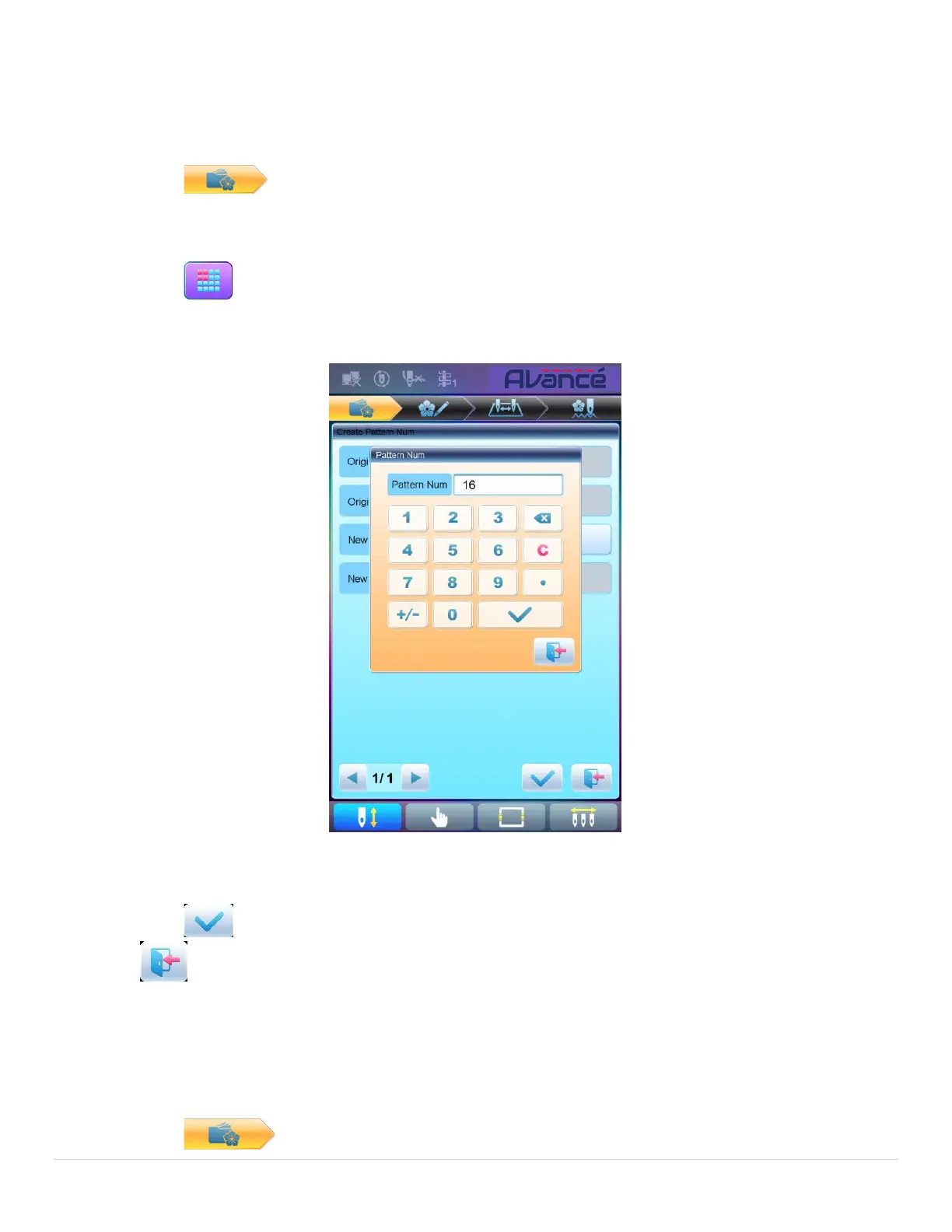
5.9 Create Parameter Pattern
This operation is to create a new pattern from the selected pattern together with the settings of its common
parameters and color-changing order.
1. Press to enter memory pattern management interface.
2. Select a pattern in the memory pattern image display area.
3. Press to enter memory operation selection interface.
4. Press “Create Parameter Pattern” to enter the operation interface.
5. User can press to input new pattern number and name instead of default ones.
6. Press to create the parameter pattern and return to pattern operation selection interface. Press
to quit the creating operation and return to pattern operation selection interface.
5.10 Mosaic Pattern
This operation is to combine two patterns into one new pattern. The interval of patterns refers to the distance
between the end of the first pattern and the start of the second pattern.
1. Press to enter memory pattern management interface.



 To Next Page