38 | P a g e
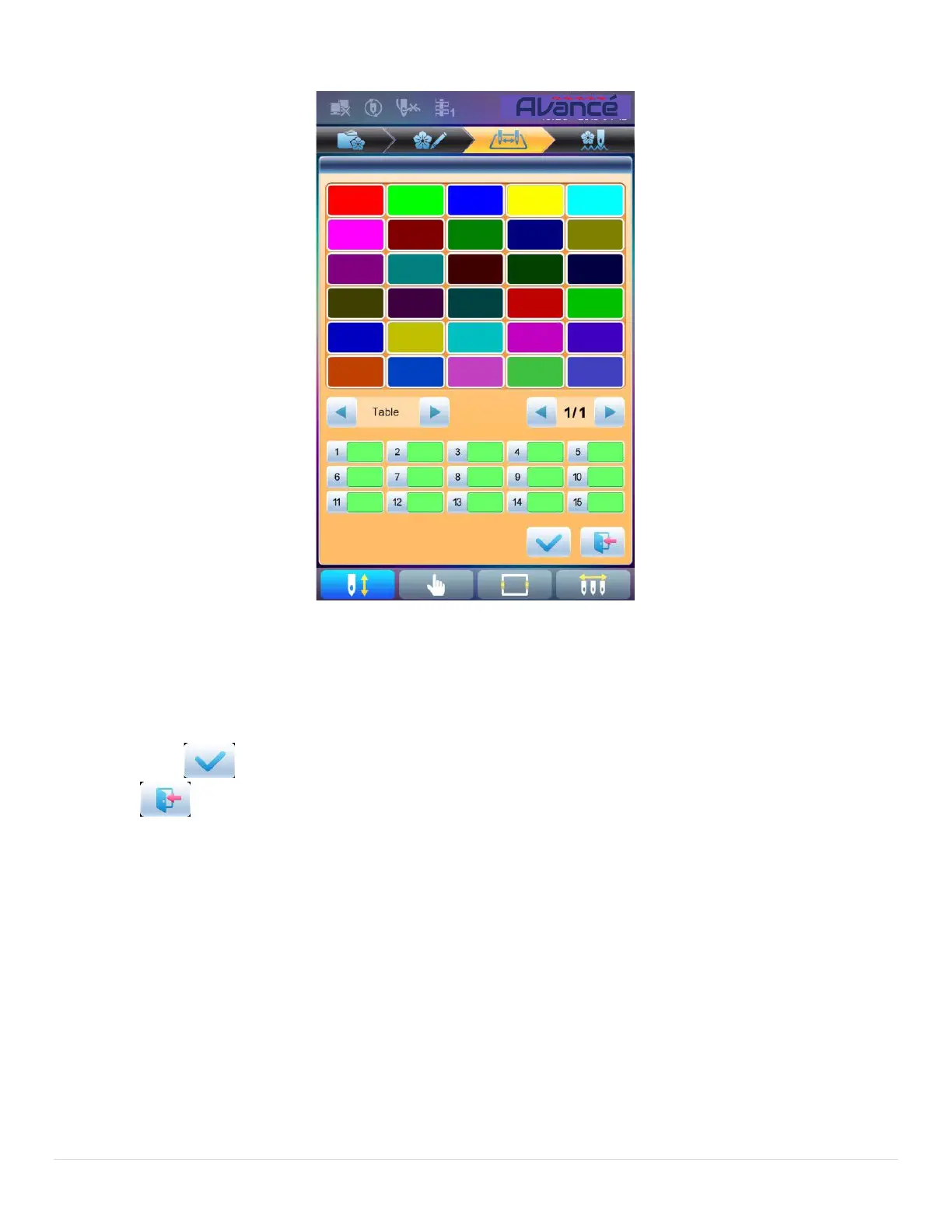
45 default colors for selection in the setting interface
3. To set the needle bar color, select the needle bar first and then select the color from the 45 default
color lumps. The corresponding color of the needle bar button will be refreshed.
4. Press to save the settings and return to the color-changing order setting interface; or press
to quit setting without saving and return to color-changing order setting interface.



 To Next Page