Technical and instalation
manual FLOW 38 Batch Page 37 (of 49) COMAC CAL
s.r.o.
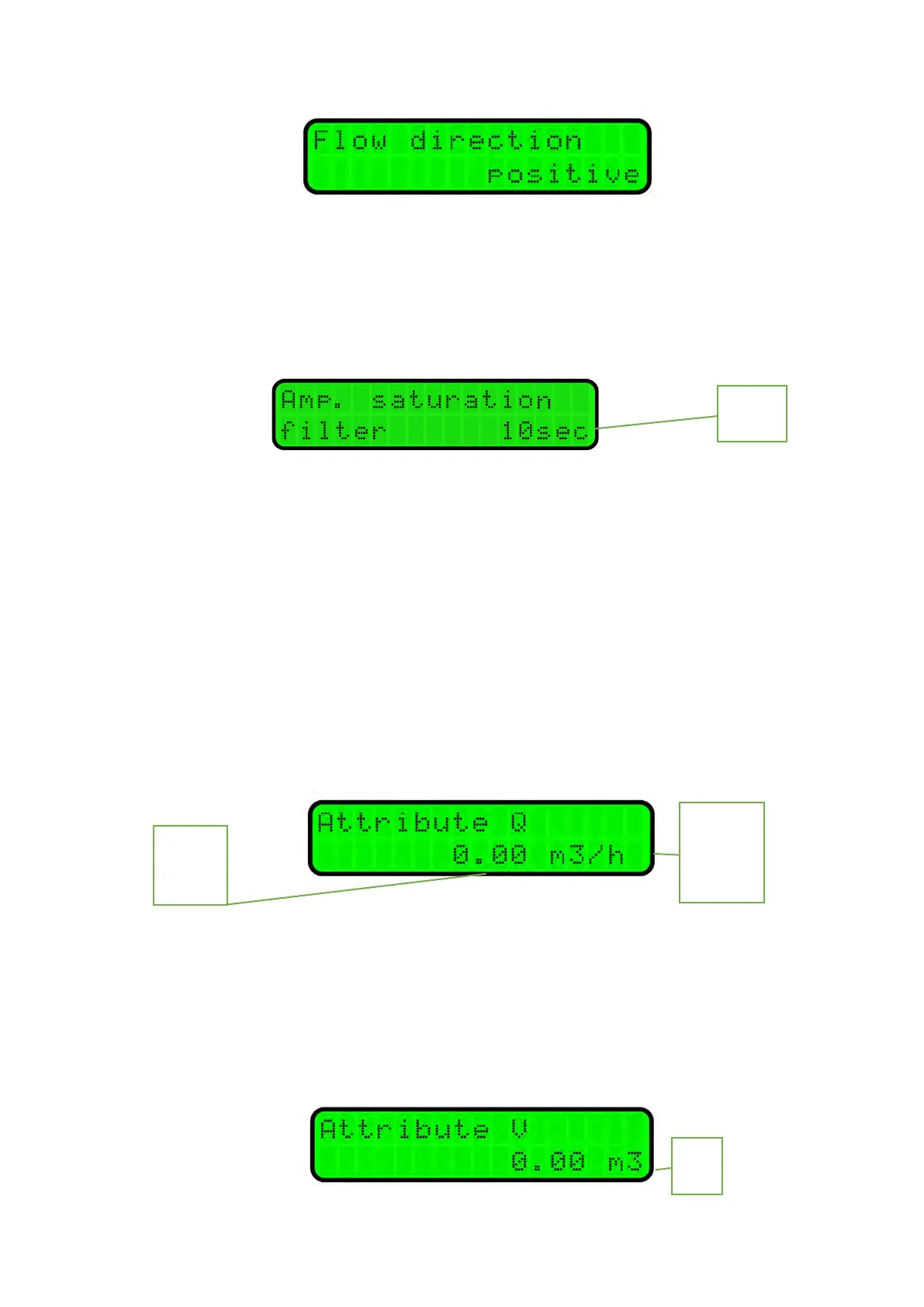
Signal saturation filter
The setting determines the behaviour of the input amplifier during saturation. Saturation can
occur if the properties of the medium change abruptly or if there are impurities in the medium.
OFF – the meter will declare an error as soon as the input amplifier becomes saturated
10sec – the meter will replace the erroneous flow rate value due to saturation by the one right
before saturation; this flow rate value is held for 10sec max. If the amplifier fails to return to normal
state within 10sec, the error – Amp. signal limit is declared.
Instead of the flow index Q indicated on the display, the symbol “H” - hold is indicated.
Flow units displayed [Q]
If you wish to change the way of flow indication, press E.Use the and buttons to set the
required number of decimal places and by confirming with E,go to setting the flow unit
representation.
Volume units displayed [V]
To change the way of volumetric indication (+V, -V and ∑V), press E. The number of decimal
places for the volumetric counters can be selected from 3 to none. Furthermore, the selection of units
is here (L, m
3
). If these parameters are changed, the respective measured value will be changed as well.
In consequence, we recommend resetting of the counters changed in this way after reconfiguration.
L/sec
L/min
0.00


 To Next Page