EN
11
2. Setting the type of remote connection
CAUTION: For downloading in RS485 mode, see diagram
on page 35
1. access programming mode, see page 5
2. select the menu items:
Settings ⇒ Type of download
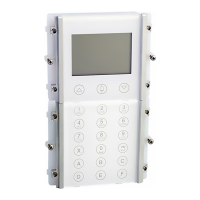
Settings of the directory module (Art. 3360)
1. Modifying the language setting
1. access programming mode, see page 5
2. select the menu items:
Settings ⇒ Select language
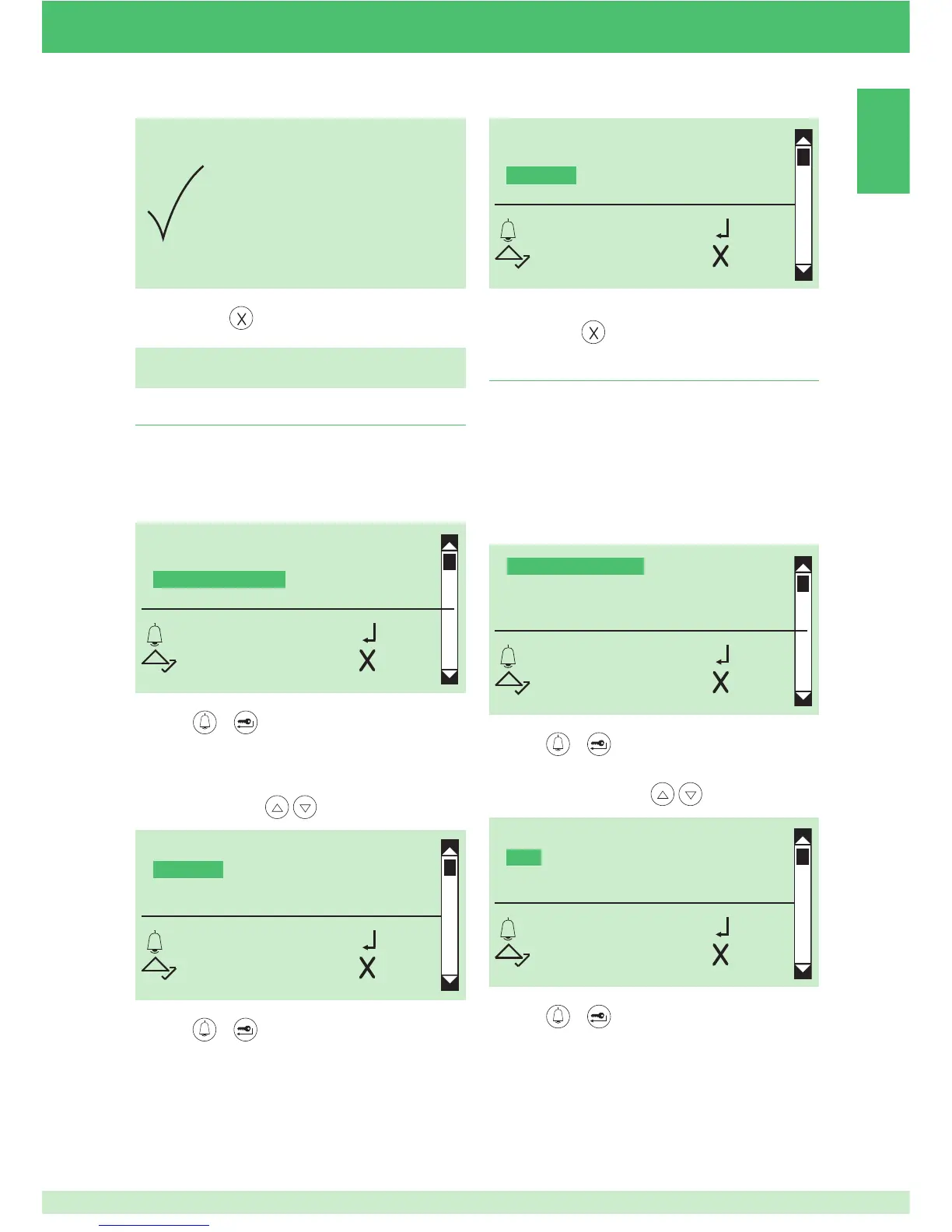
TYPE OF DOWNLOAD
*OFF
USB
RS485
OK OK
SCROLL ESC
DELETION
COMPLETE
SELECT LANGUAGE
*ITALIANO
ENGLISH
FRANCAIS
OK OK
SCROLL ESC
3. press or to confi rm
» DEFAULT= Italiano
4. to display the language that you want to select, scroll
through the list using
5. press or to confi rm
SELECT LANGUAGE
ITALIANO
*ENGLISH
FRANCAIS
OK OK
SCROLL ESC
» * indicates language selected
6. to exit, press
3. press or to confi rm
4. to display the type of download that you want to select,
scroll through the list using
5. to exit, press
5. press
or to confi rm
TYPE OF DOWNLOAD
SYSTEM PARAMETERS
SELECT LANGUAGE
SECOND LANGUAGE
OK OK
SCROLL ESC
TYPE OF DOWNLOAD
SYSTEM PARAMETERS
SELECT LANGUAGE
SECOND LANGUAGE
OK OK
SCROLL ESC


 To Next Page